Key Features of MagicLight AI’s Text‑to‑Video Generator
Each clip begins with a basic description. MagicLight AI’s text‑to‑video generator brings that description to life in an accurate, ready‑to‑publish video.

MagicLight AI’s text‑to‑video tool turns your text, ideas, and scripts into engaging videos. No editing skills are required.
Try Text into Videos for Free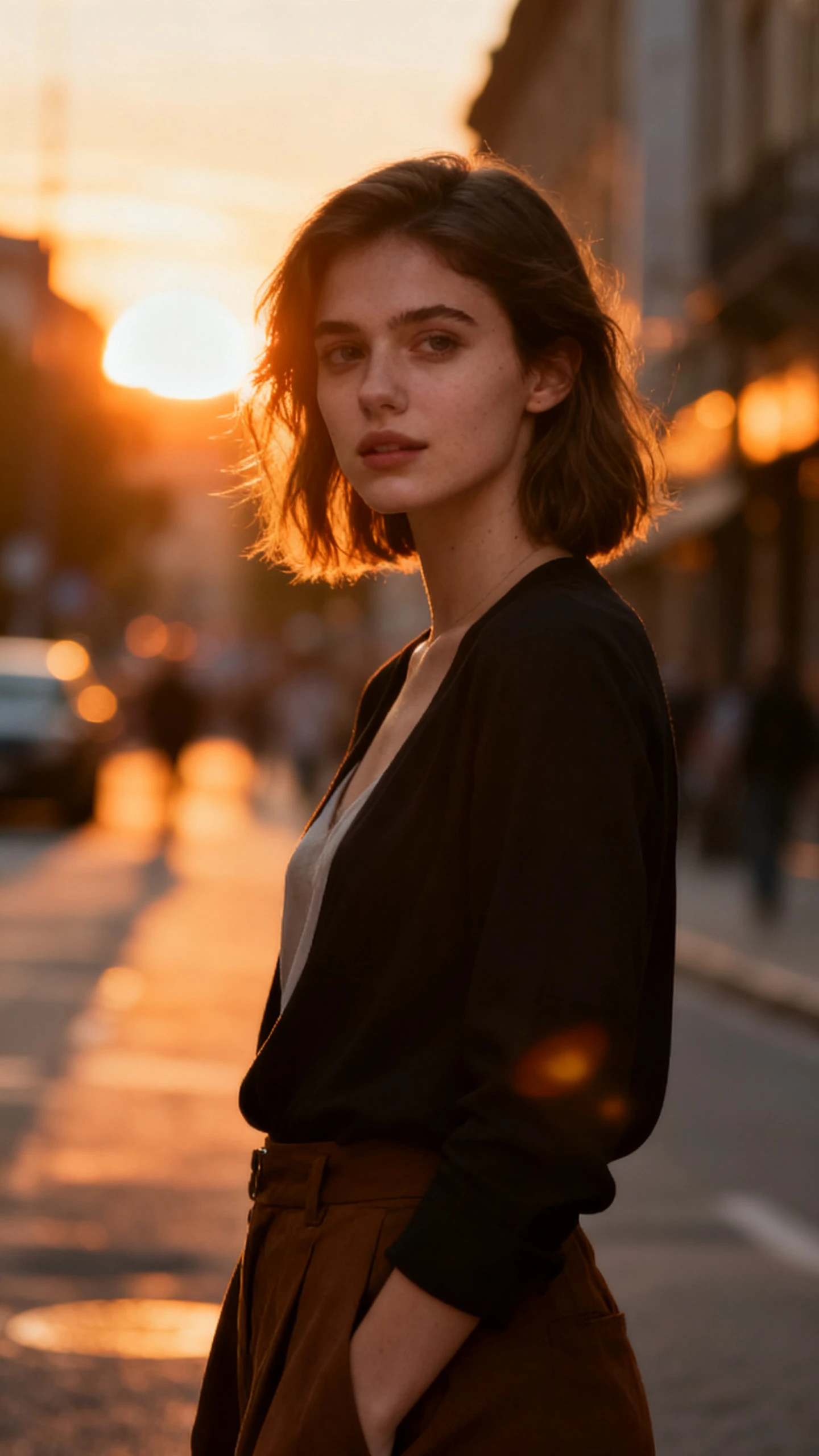

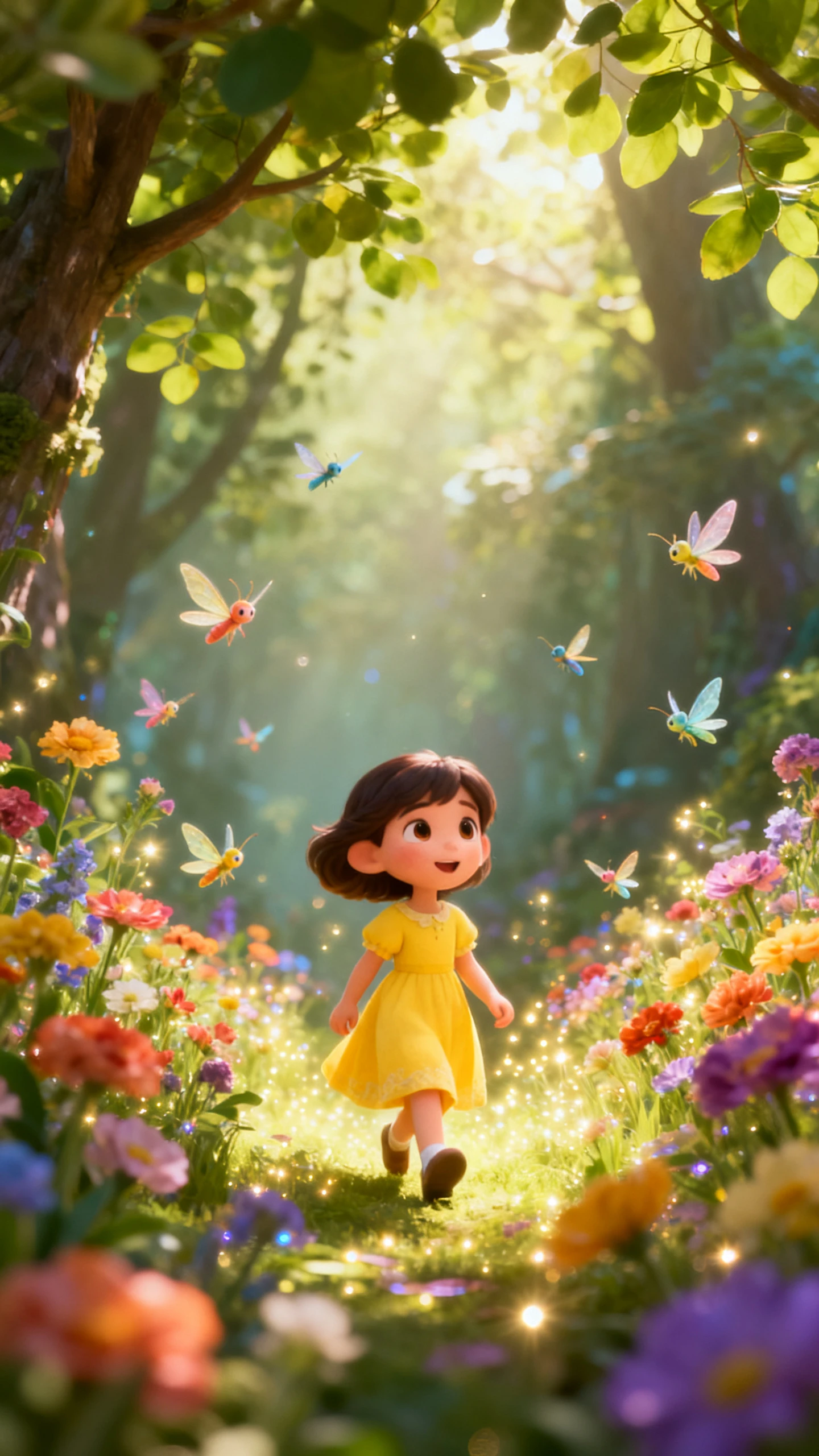
Each clip begins with a basic description. MagicLight AI’s text‑to‑video generator brings that description to life in an accurate, ready‑to‑publish video.

Write up to 12,000 characters of script or story into MagicLight AI. It automatically generates a structured scene with matching scenes.
Start with a single text idea and let MagicLight AI generate a video up to 50 minutes. A longer runtime gives room for full episodes.
Switch between AI models such as Kling 3.0, Veo, and more, depending on the type of video.
Choose from 37 voice options so that your narration feels personalized. This makes a video sound consistent without hiring a new voice actor.


MagicLight AI’s text‑to‑video generator guides you through 4 simple steps, from an idea to a video creation.
Write down what the video should depict, such as the subject, action, mood, and settings you are thinking of generating.
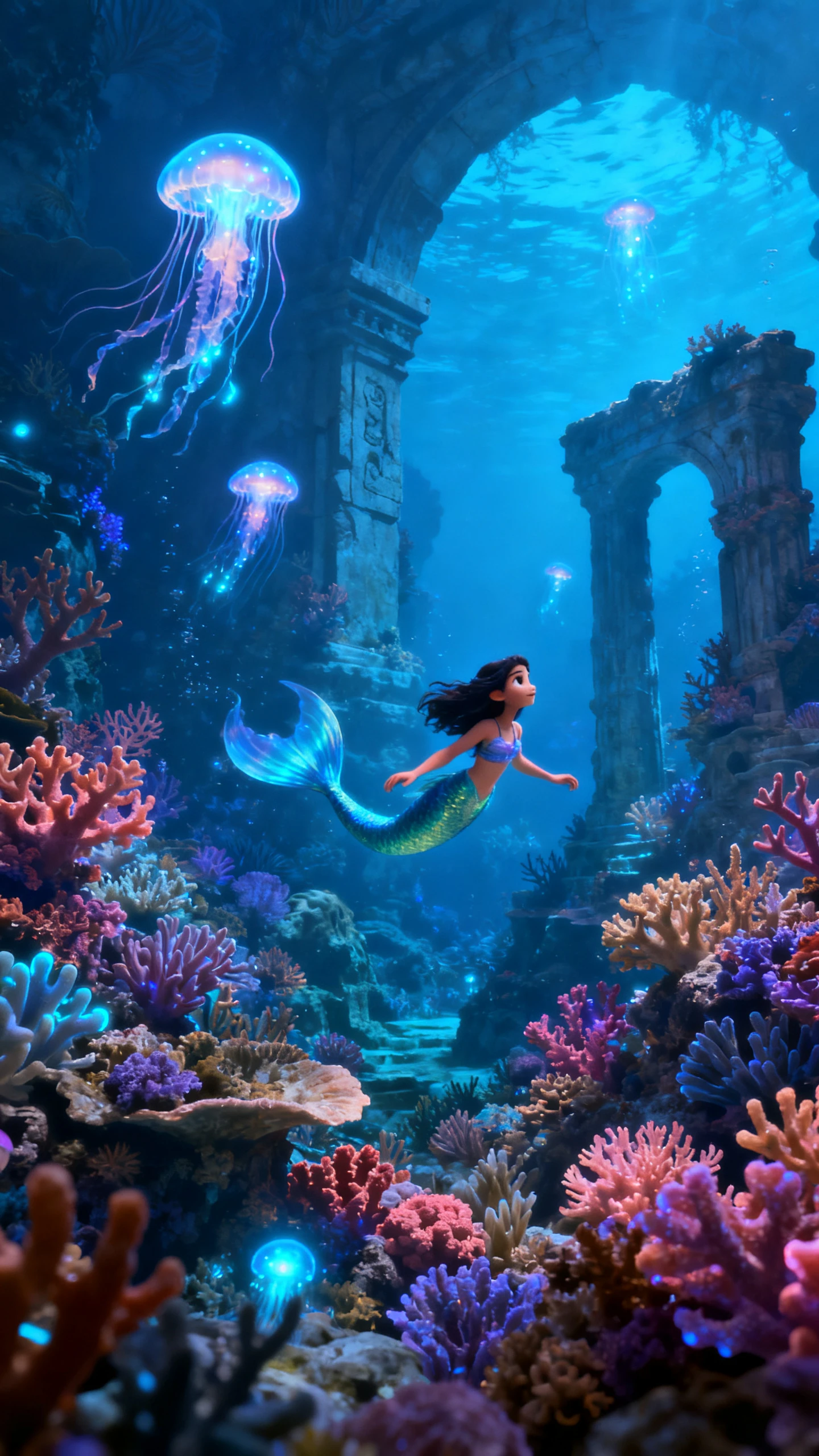
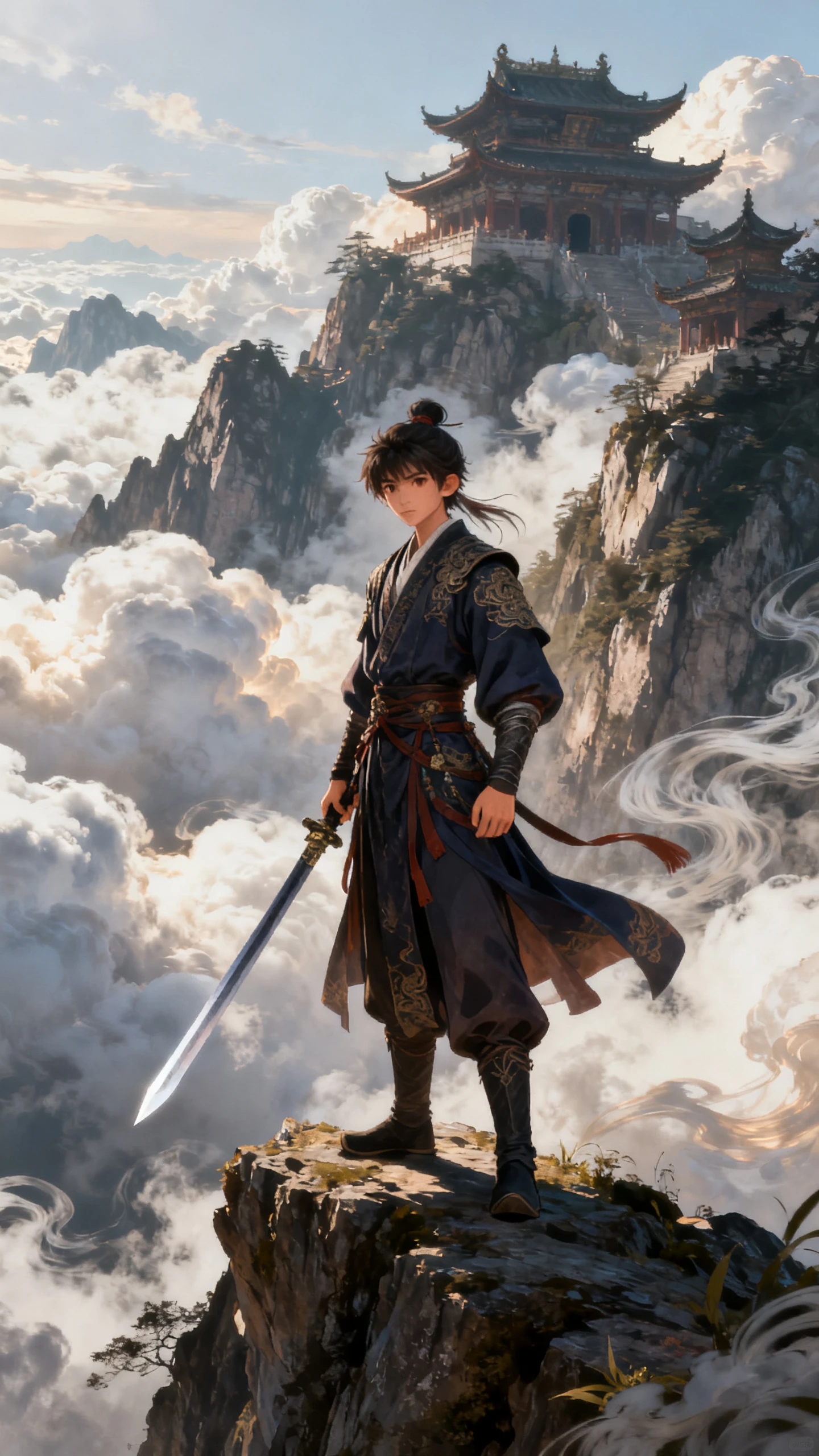
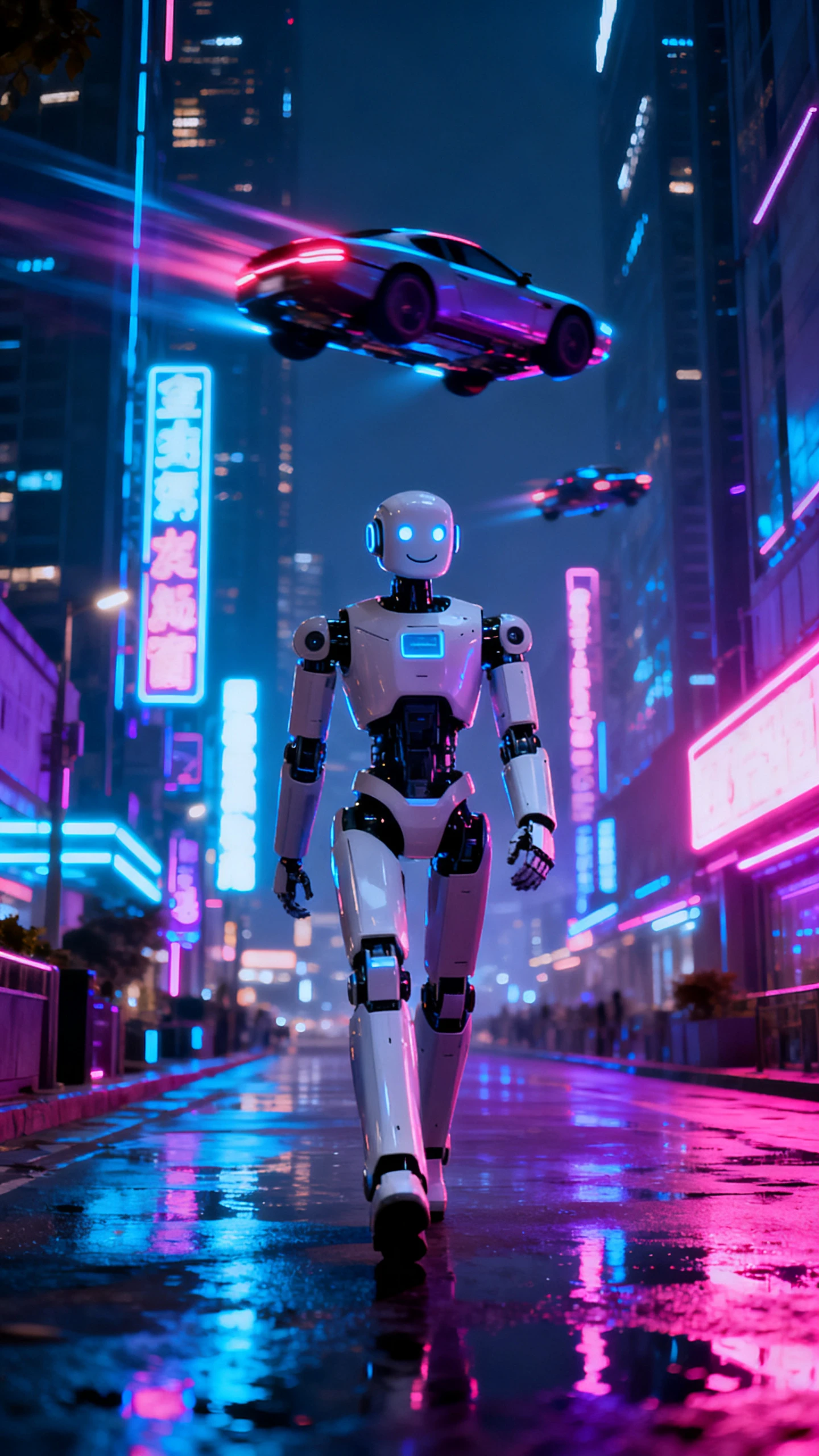
Choose from 20 different visual styles to suit your project, including realistic, cartoon, anime, and cinematic.
Go to the storyboard before generating the clip. Change the character positions, camera angles, and facial expressions.
Watch the generated video, review it, and edit it if something is missing. Once you are satisfied with the generated video, download it.
MagicLight AI’s text‑to‑video converter tool converts text into video. It interprets the subject, action, feelings, and setting to create an appropriate scene.
MagicLight AI created clips in HD, ranging from 720p to 1080p. No conversion is required to create HD clips for direct posting on YouTube, TikTok, or other platforms.
Yes. You can produce as many clips as you want from a single script and append them to create a longer video from MagicLight AI.
Yes. Commercial rights are included in paid plans of the MagicLight AI video generator from text, allowing you to use completed clips for commercial projects, ads, or courses.
MagicLight AI generates up to 50‑minute‑long videos, so you can make a teaser or an entire episode of a show.
Yes. MagicLight AI provides 20+ pre‑made style templates to choose from, and you can add a specific style, 3D cartoon, or realistic style in a single click.



Transforms written concepts and ideas into a full video with MagicLight AI.