About the The Prince and the Pilot
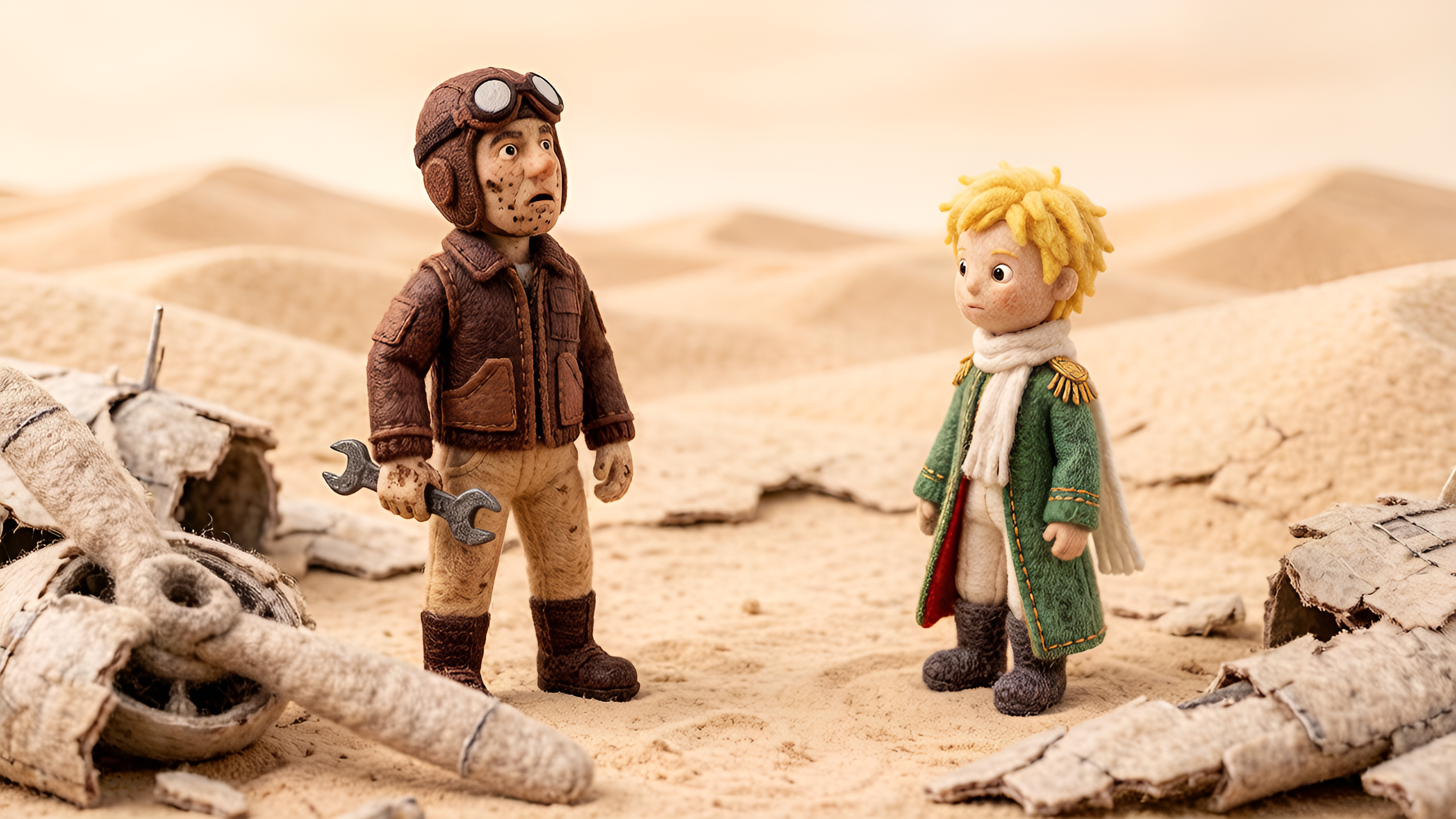
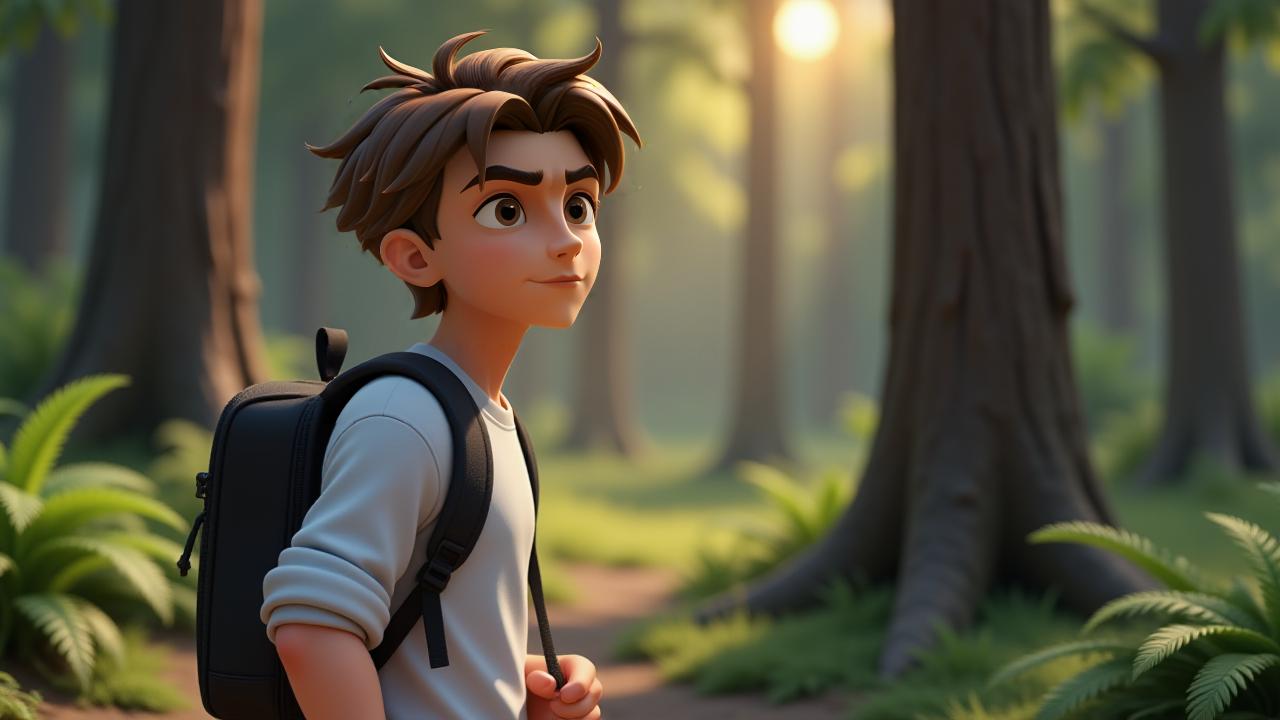
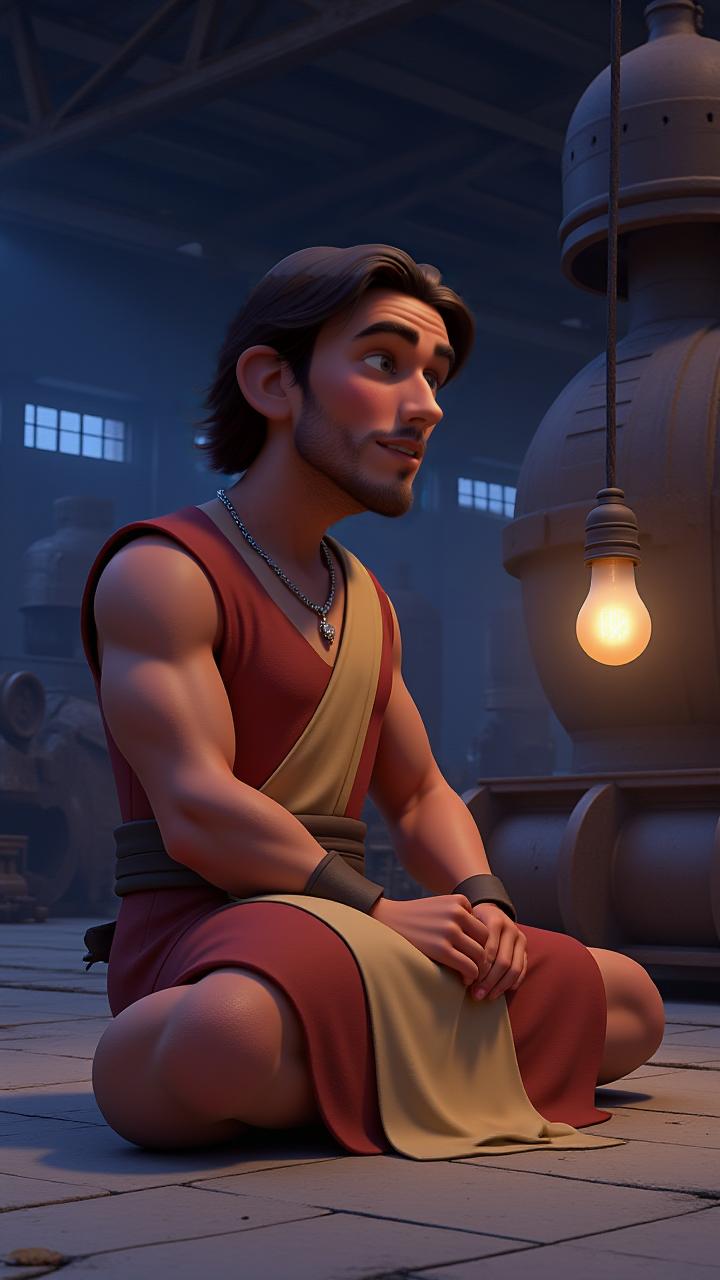
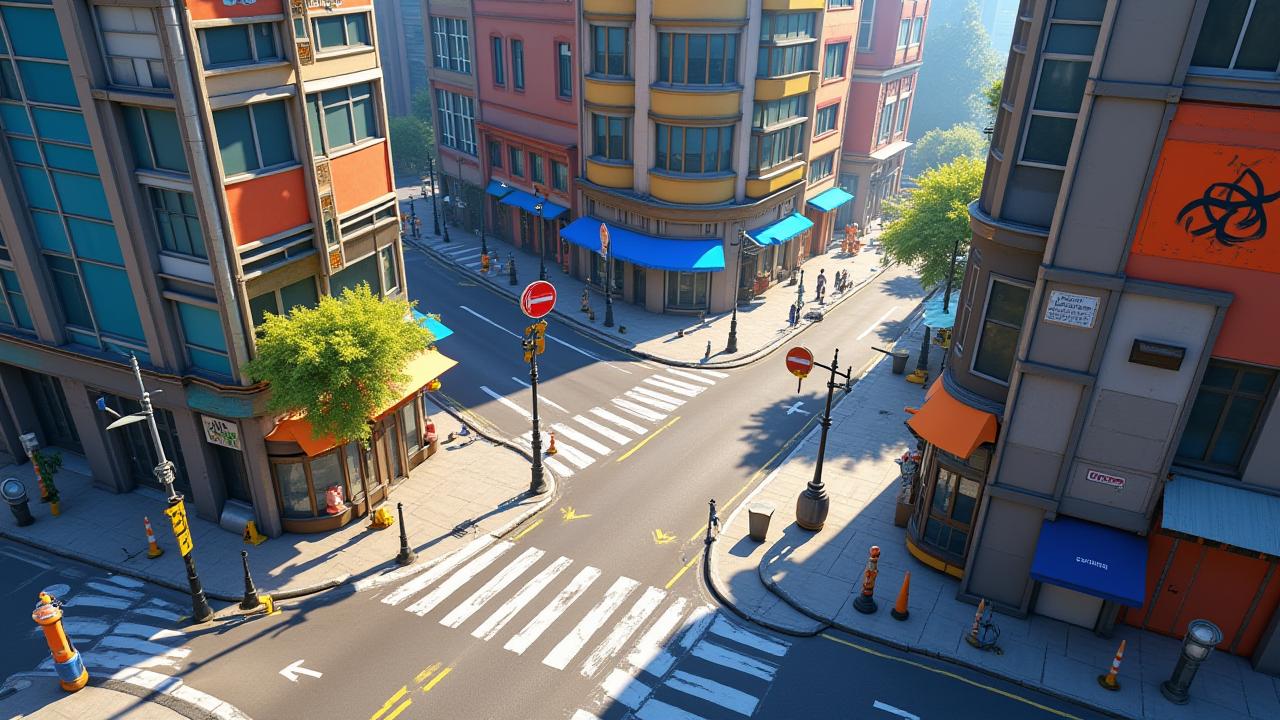
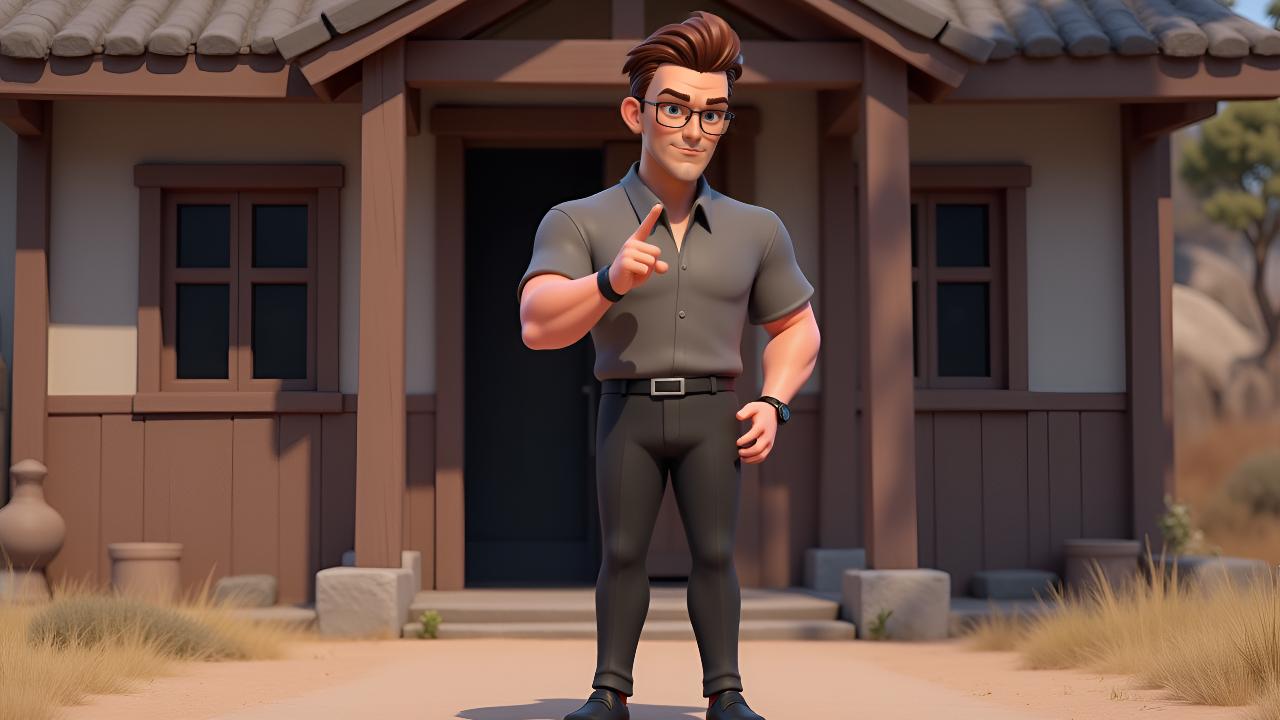
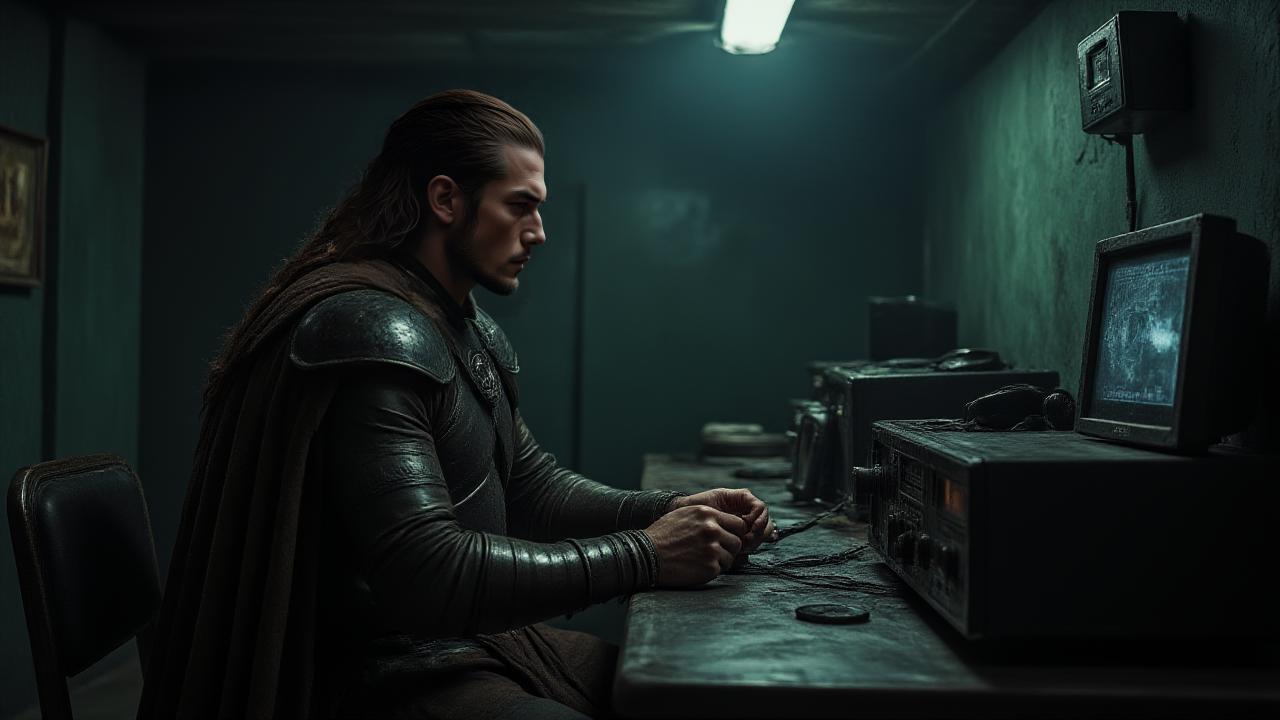
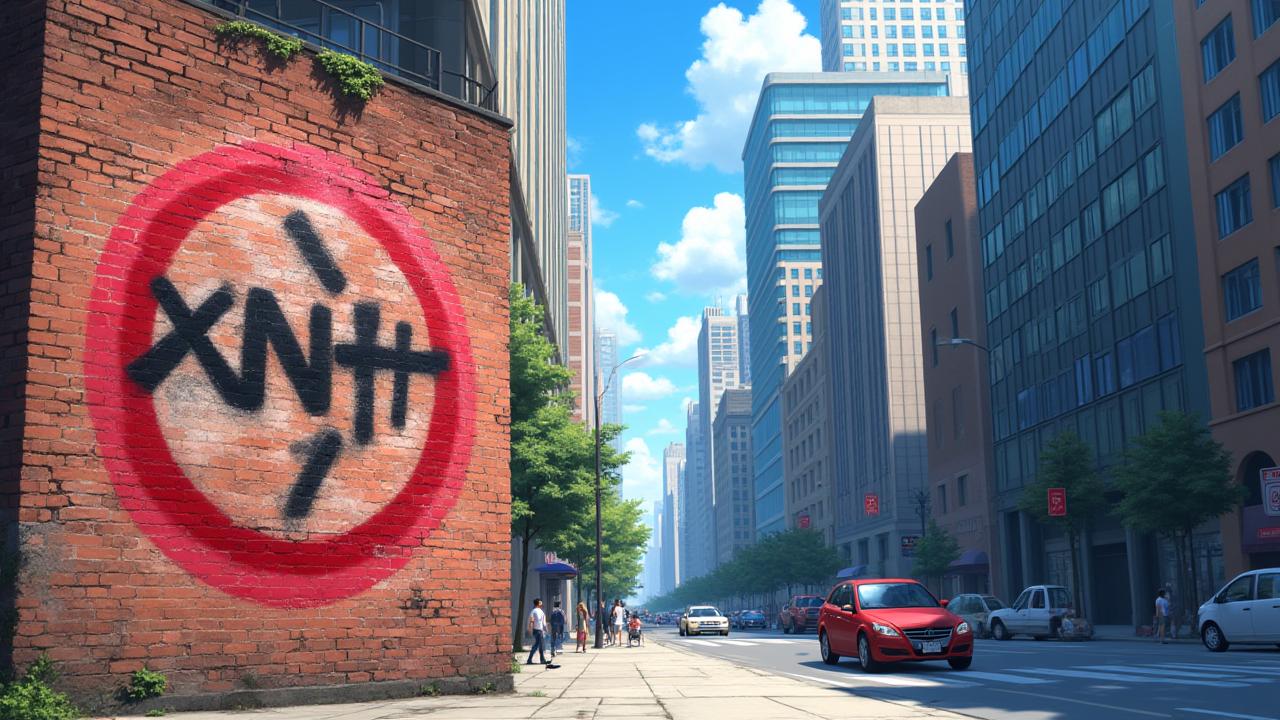
Lost in the vast desert, a pilot encounters a mysterious boy from another planet. As they share tales of distant stars, a beloved rose, and the profound meaning of connection, their bond deepens. But their time together is fleeting, and a poignant farewell looms. What lessons will endure long after their paths diverge?
Video script prompt
The Little Prince traveled from a small planet to Earth. He met a man alone in the desert. The Little Prince showed the man a tiny rose he loved. He told stories of his planet, the volcanoes, and the sunsets. The man listened and pointed to the endless sand around them. They explored a small oasis together. The Little Prince asked questions about the stars, the wind, and the strange creatures he had never seen. The man tried to answer, smiling gently. At night, they sat under the starlit sky. The Little Prince shared lessons he learned about care, love, and friendship. The man shared memories of his past and what truly mattered to him. In the morning, the Little Prince prepared to continue his journey. They waved goodbye, but their bond stayed strong. The desert felt brighter, and both felt a new wonder in their hearts.
How to use this Cartoon video template
Template Name: The Prince and the Pilot
Step 1
Click the "Use Template" button to load the "The Prince and the Pilot" preset.
Step 2
Review the default settings. This template is pre-configured with the Hailuo 02 model and Pixar style. Click "Run Script" to generate your initial draft.
Step 3
Enter your scene description in the text box. The One-Click engine is powered by Hailuo 02 to interpret complex prompts instantly. Toggle the Directing Modes if you need specific camera movements.
Step 4
Browse the Video Style carousel to pick a look. Ensure your Aspect Ratio is set correctly (9:16) for your target platform.
Step 5
Hit the "Create Video" button. The AI will process your script and style simultaneously to deliver a finished video.
The Prince and the Pilot Video Template
Start to use this template
Template Specifications
Frequently Asked Questions
What kind of cartoons can I create with Magiclight?
You can create short animated stories, funny clips, and character-driven scenes using Magiclight's cartoon templates. Styles range from classic 2D animation to stylized digital cartoons.
Do I need animation experience to use these templates?
No experience is needed. Magiclight's cartoon templates are pre-built with animations, characters, and backgrounds, so you can create videos in minutes.
Can I customize characters and scenes in cartoon templates?
Yes! You can edit characters, change colors, add props, and adjust backgrounds to fit your story.
Are cartoon templates suitable for social media posts?
Absolutely. They are optimized for TikTok, Instagram Reels, YouTube Shorts, and more.
Can I add my own voiceovers to cartoon videos?
Yes. Magiclight allows you to add voiceovers, music, or sound effects to bring your cartoon to life.
You might also like
these trending designs