About the The Guava Thief
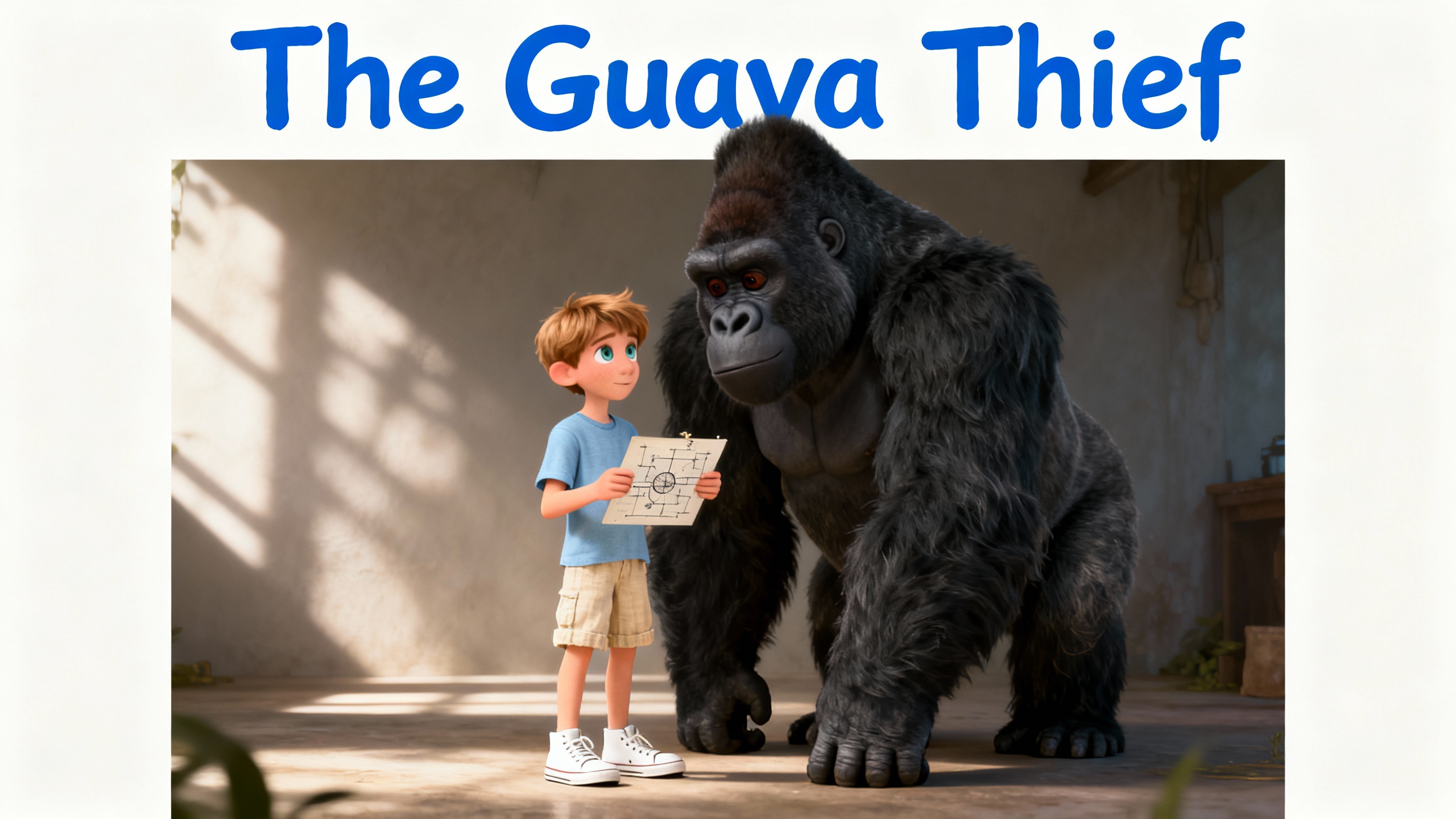
What happens when a child's favorite guava tree is raided? A young explorer discovers a gorilla is behind the missing fruit, but the reason why will melt your heart. When the child follows the gorilla home, they uncover a touching secret. Will this discovery change everything?
Video script prompt
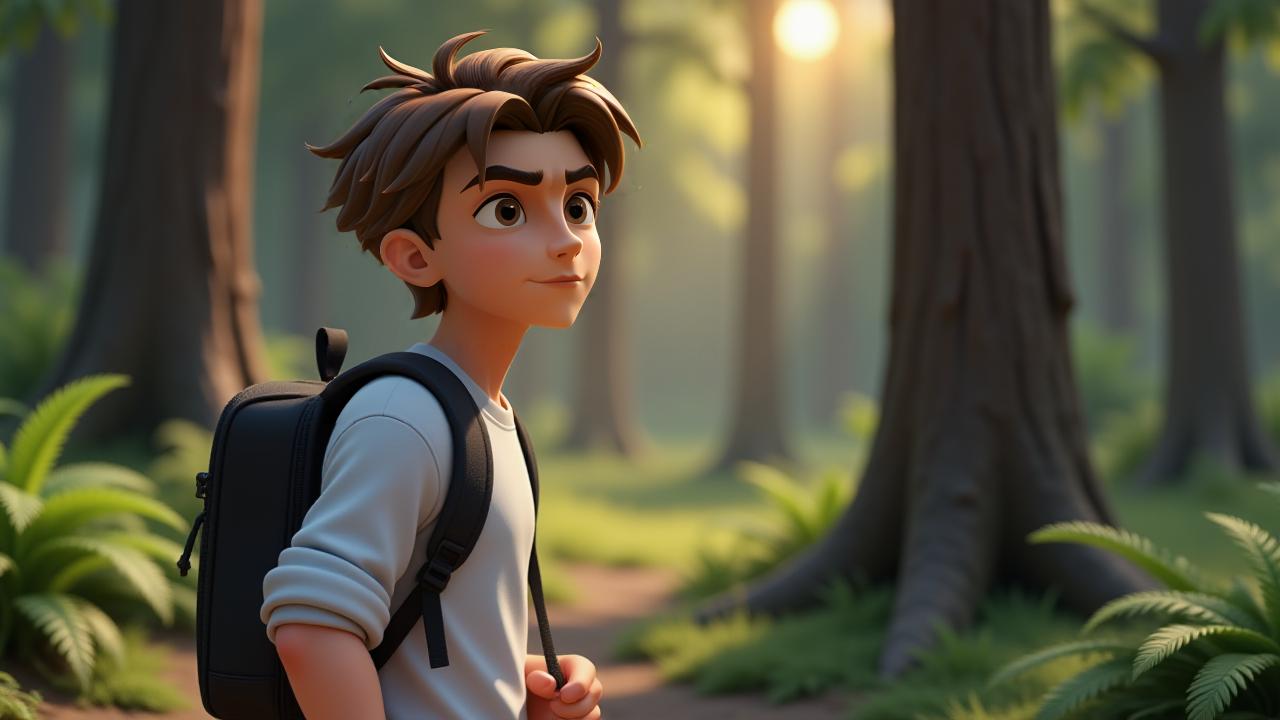
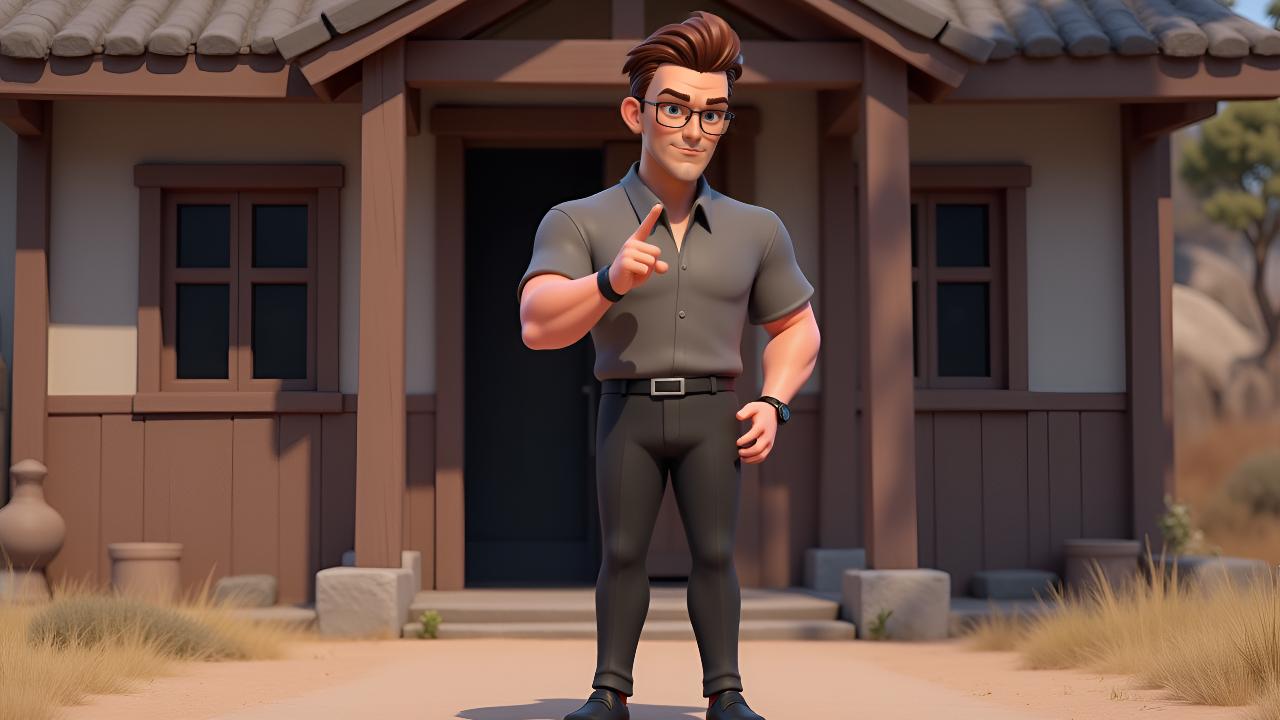
Every day, a joyful child would reach up and pluck a sweet guava from the bountiful tree, then happily savor its juicy flesh. This simple ritual brought immense contentment. However, one morning, a disheartening discovery awaited: the tree was stripped bare, all its delicious fruit gone. A profound sadness settled over the child as they gazed at the empty branches. Determined to uncover the mystery, the child devised a plan, taking cover behind a nearby house to observe. Soon, a colossal gorilla emerged from the dense foliage. It approached the stripped tree, then moved towards another laden with fruit. With powerful hands, the gorilla began to harvest the guavas, gathering an enormous pile in its arms before turning to leave. Without hesitation, the child sprang from their hiding spot and pursued the large creature across the grassy expanse. The chase led them to a small, humble dwelling. The gorilla entered its home, and the child cautiously followed, peeking inside. Within the dim interior, a tender scene unfolded: the immense gorilla sat, gently offering a piece of the stolen guava to a tiny, hungry baby gorilla. Witnessing this act of parental care, a wave of profound emotion washed over the child. Tears welled up, not from anger or loss, but from a sudden, overwhelming understanding.
How to use this Cartoon video template
Template Name: The Guava Thief
Step 1
Click the "Use Template" button to load the "The Guava Thief" preset.
Step 2
Review the default settings. This template is pre-configured with the magiclight_3_lite model and Disney 3.0 style. Click "Run Script" to generate your initial draft.
Step 3
Enter your scene description in the text box. The One-Click engine is powered by magiclight_3_lite to interpret complex prompts instantly. Toggle the Directing Modes if you need specific camera movements.
Step 4
Browse the Video Style carousel to pick a look. Ensure your Aspect Ratio is set correctly (16:9) for your target platform.
Step 5
Hit the "Create Video" button. The AI will process your script and style simultaneously to deliver a finished video.
The Guava Thief Video Template
Start to use this template
Template Specifications
Frequently Asked Questions
What kind of cartoons can I create with Magiclight?
You can create short animated stories, funny clips, and character-driven scenes using Magiclight's cartoon templates. Styles range from classic 2D animation to stylized digital cartoons.
Do I need animation experience to use these templates?
No experience is needed. Magiclight's cartoon templates are pre-built with animations, characters, and backgrounds, so you can create videos in minutes.
Can I customize characters and scenes in cartoon templates?
Yes! You can edit characters, change colors, add props, and adjust backgrounds to fit your story.
Are cartoon templates suitable for social media posts?
Absolutely. They are optimized for TikTok, Instagram Reels, YouTube Shorts, and more.
Can I add my own voiceovers to cartoon videos?
Yes. Magiclight allows you to add voiceovers, music, or sound effects to bring your cartoon to life.
You might also like
these trending designs