About the The Crow's Ingenuity
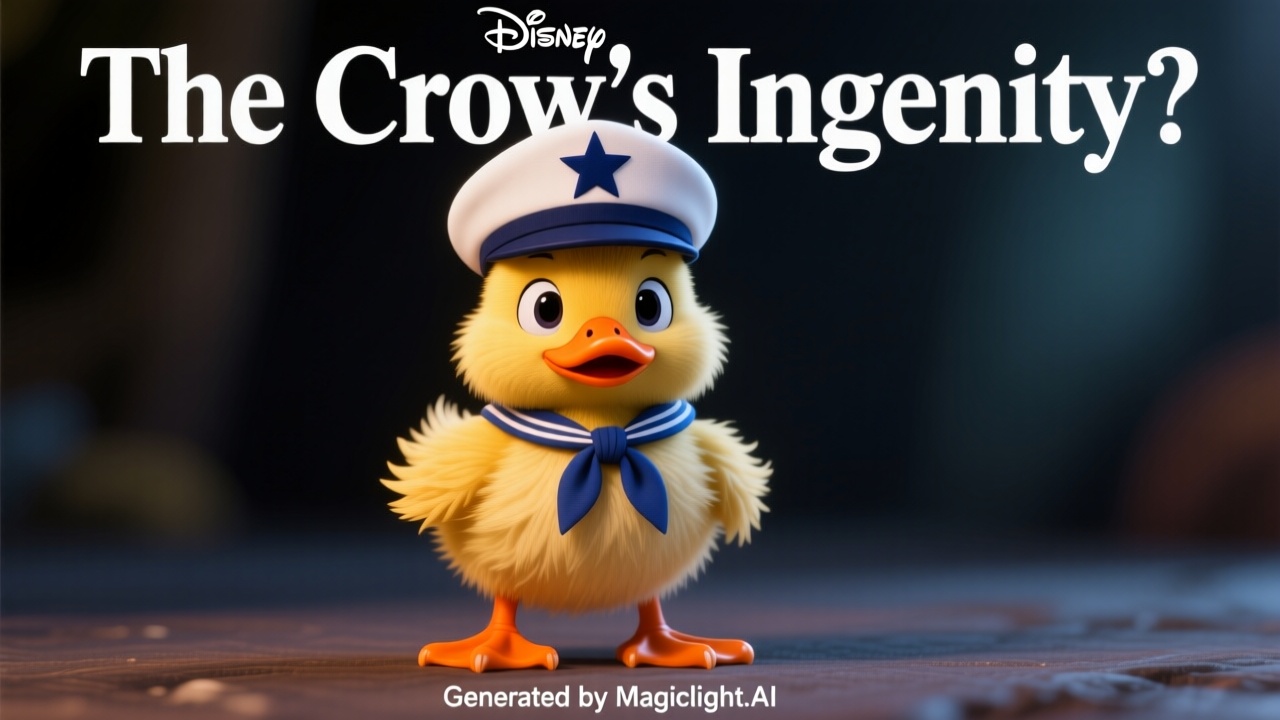
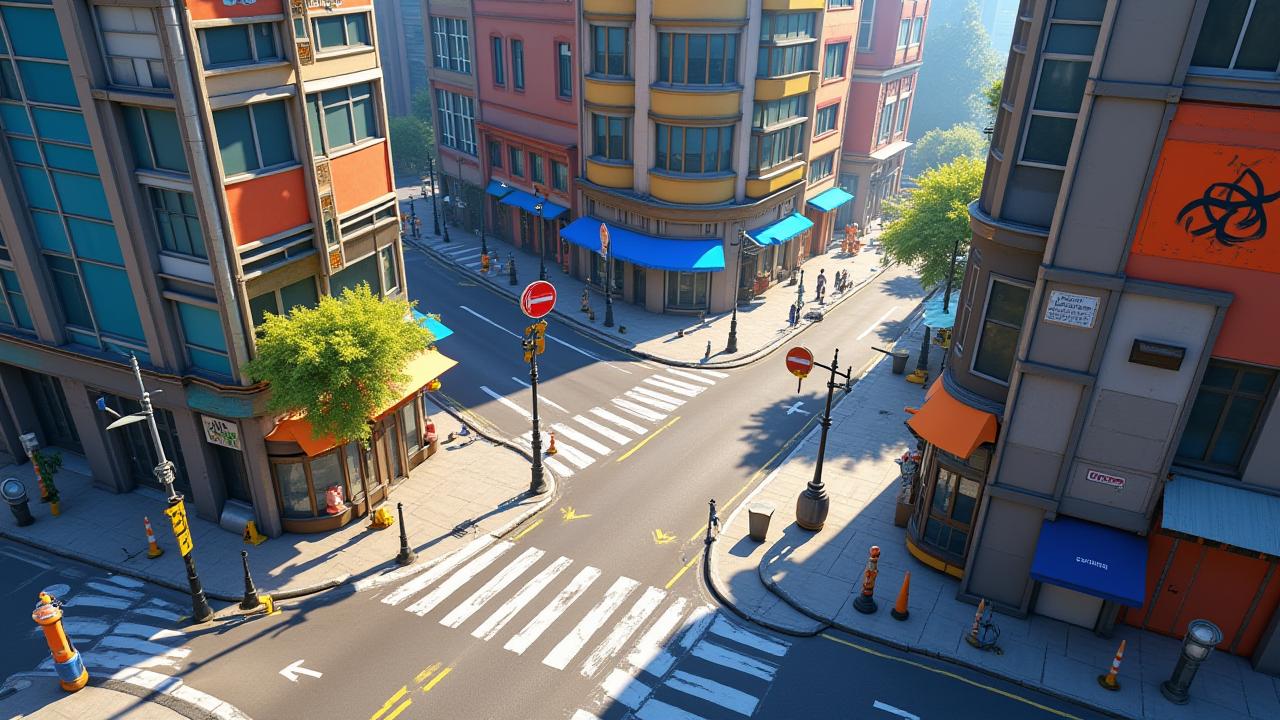
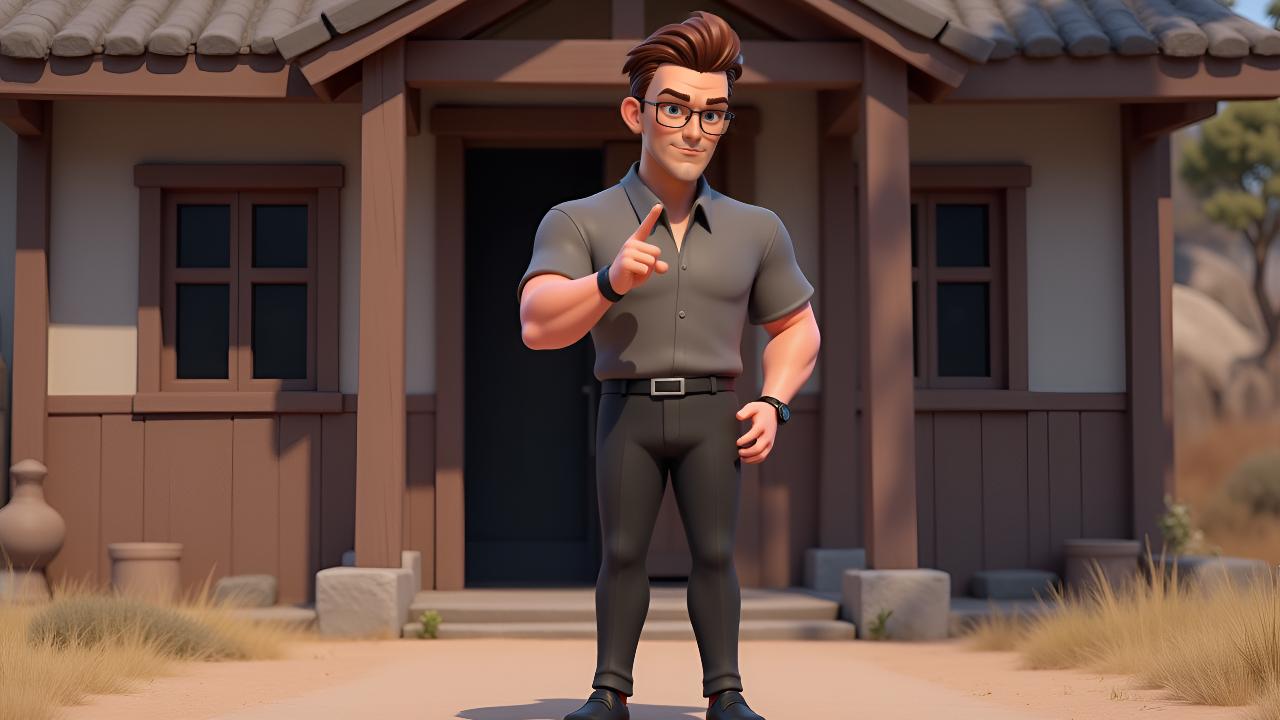
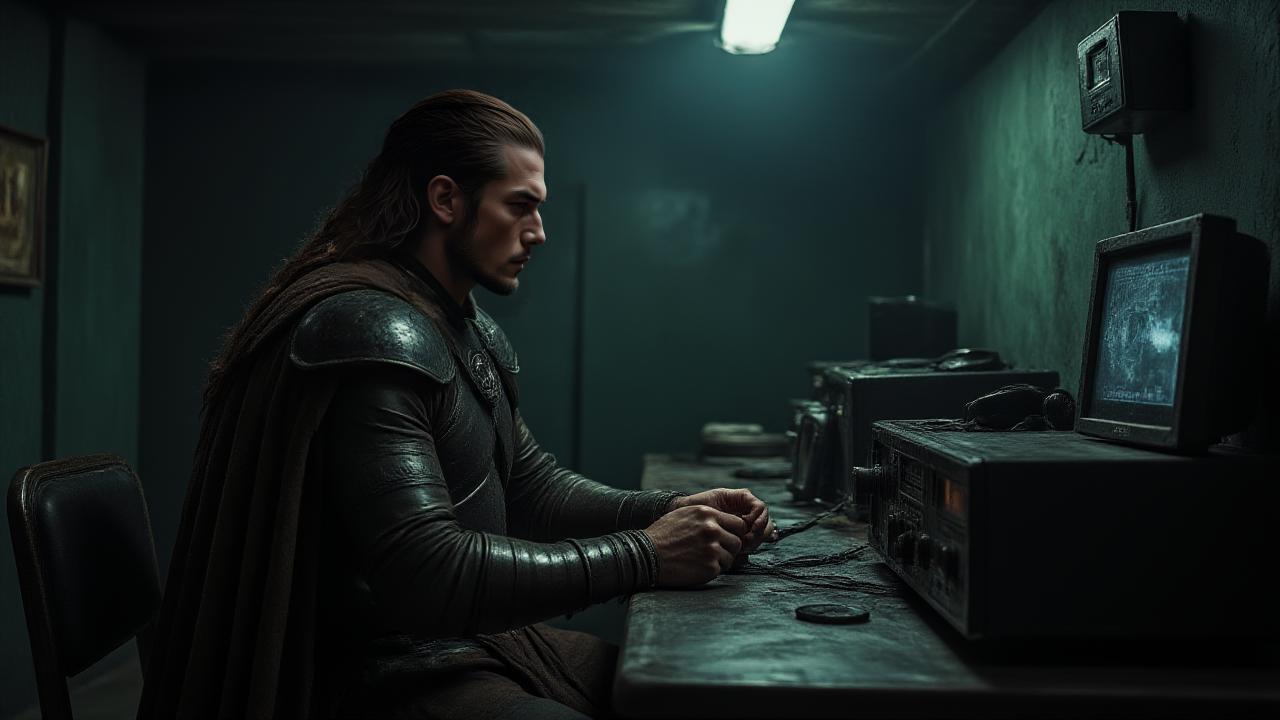
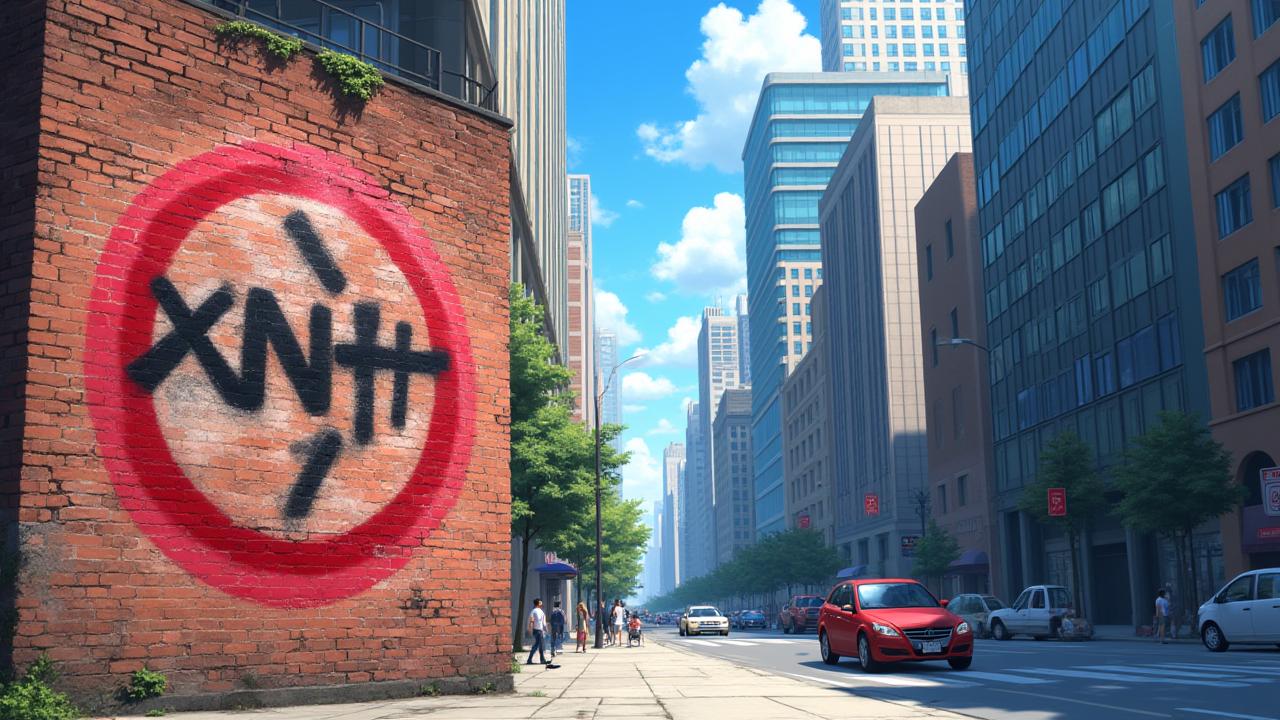
Lost in a barren forest, a thirsty crow's survival hangs by a thread. Spotting a pot, it finds the water level too low to reach. Driven by desperation, the crow devises a clever plan using stones. Will its ingenuity be enough to quench its thirst, or will the parched landscape claim another victim? Discover the crow's fate!
Video script prompt
Under a scorching sun, a parched crow flew tirelessly over a dry, desolate forest, its sharp eyes scanning the cracked earth below. It searched everywhere for a trace of water, but the landscape offered only withered leaves and barren ground. Its throat burned with an unquenchable thirst, and a frustrated squawk escaped its beak. Finally, despair began to set in when, in the distance, a glimmer of hope appeared: a small, humble hut, and beside it, a clay pot. With renewed vigor, the crow flew towards it, landing near the pot. Peering inside, it saw a small pool of water at the very bottom, just out of reach of its beak. A moment of intense thought passed, then a brilliant idea sparked in the crow's mind. It began to peck at the small stones scattered around the pot, carefully picking them up one by one with its beak. With precision, it dropped each stone into the pot, listening as it plinked into the water below. Slowly, painstakingly, the water level began to rise, inch by agonizing inch. Eventually, the water was high enough for the crow to dip its beak in and drink deeply, quenching its long-suffering thirst. Refreshed and triumphant, the clever bird then took flight, soaring away over the forest.
How to use this Cartoon video template
Template Name: The Crow's Ingenuity
Step 1
Click the "Use Template" button to load the "The Crow's Ingenuity" preset.
Step 2
Review the default settings. This template is pre-configured with the magiclight 2.0 model and Disney 2.0 style. Click "Run Script" to generate your initial draft.
Step 3
Enter your scene description in the text box. The One-Click engine is powered by magiclight 2.0 to interpret complex prompts instantly. Toggle the Directing Modes if you need specific camera movements.
Step 4
Browse the Video Style carousel to pick a look. Ensure your Aspect Ratio is set correctly (16:9) for your target platform.
Step 5
Hit the "Create Video" button. The AI will process your script and style simultaneously to deliver a finished video.
The Crow's Ingenuity Video Template
Start to use this template
Template Specifications
Frequently Asked Questions
What kind of cartoons can I create with Magiclight?
You can create short animated stories, funny clips, and character-driven scenes using Magiclight's cartoon templates. Styles range from classic 2D animation to stylized digital cartoons.
Do I need animation experience to use these templates?
No experience is needed. Magiclight's cartoon templates are pre-built with animations, characters, and backgrounds, so you can create videos in minutes.
Can I customize characters and scenes in cartoon templates?
Yes! You can edit characters, change colors, add props, and adjust backgrounds to fit your story.
Are cartoon templates suitable for social media posts?
Absolutely. They are optimized for TikTok, Instagram Reels, YouTube Shorts, and more.
Can I add my own voiceovers to cartoon videos?
Yes. Magiclight allows you to add voiceovers, music, or sound effects to bring your cartoon to life.
You might also like
these trending designs