About the The Cipher's Secret
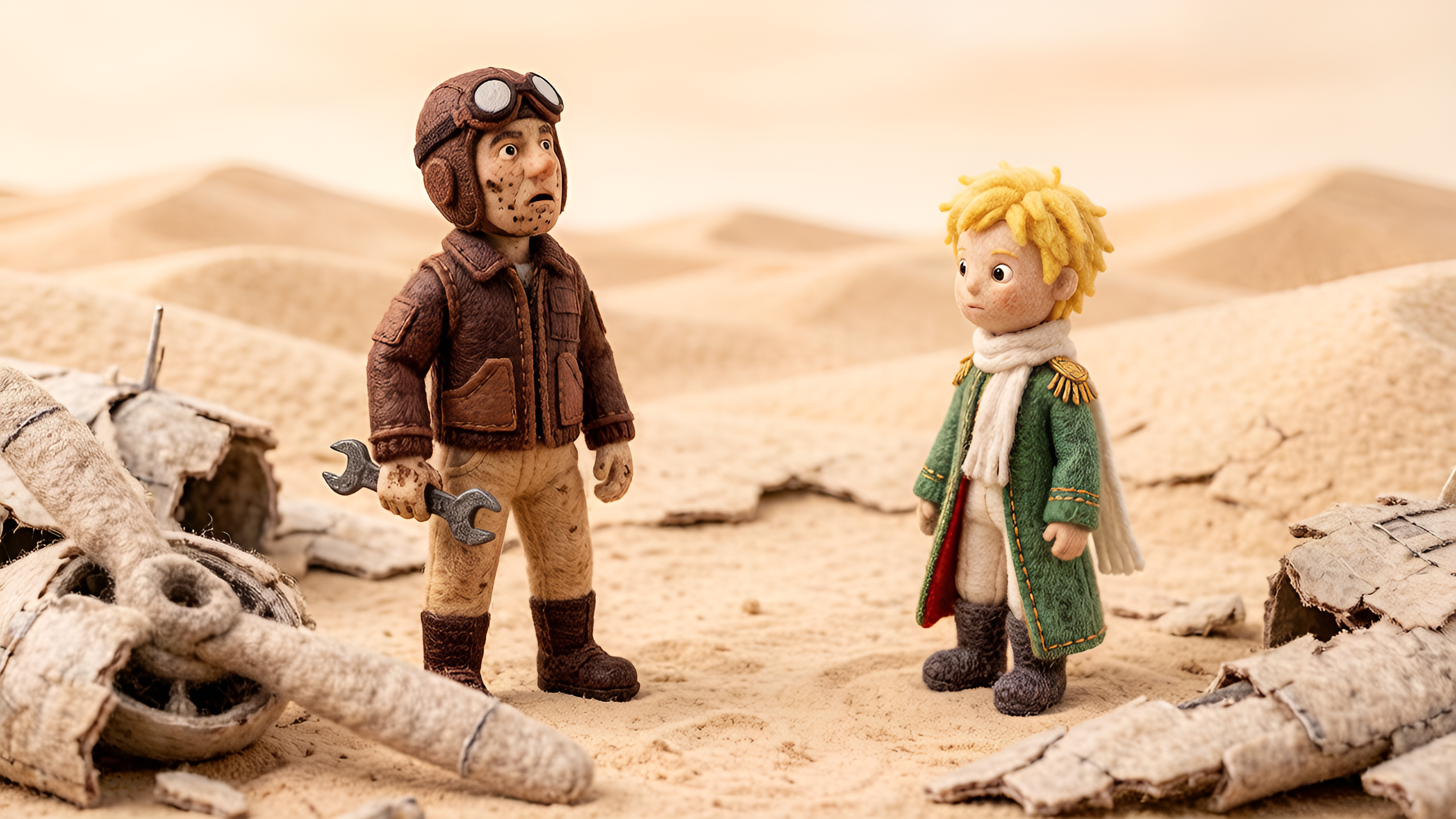
Generate a professional video instantly with the The Cipher's Secret template. This Cartoon design utilizes magiclight 1.0 to render high-quality Disney animations. Enhance your video with the included "Creme Brulee" background music. It is fully customizable in our AI Expand editor, allowing you to adjust the duration and aspect ratio to fit your platform.
Video script prompt
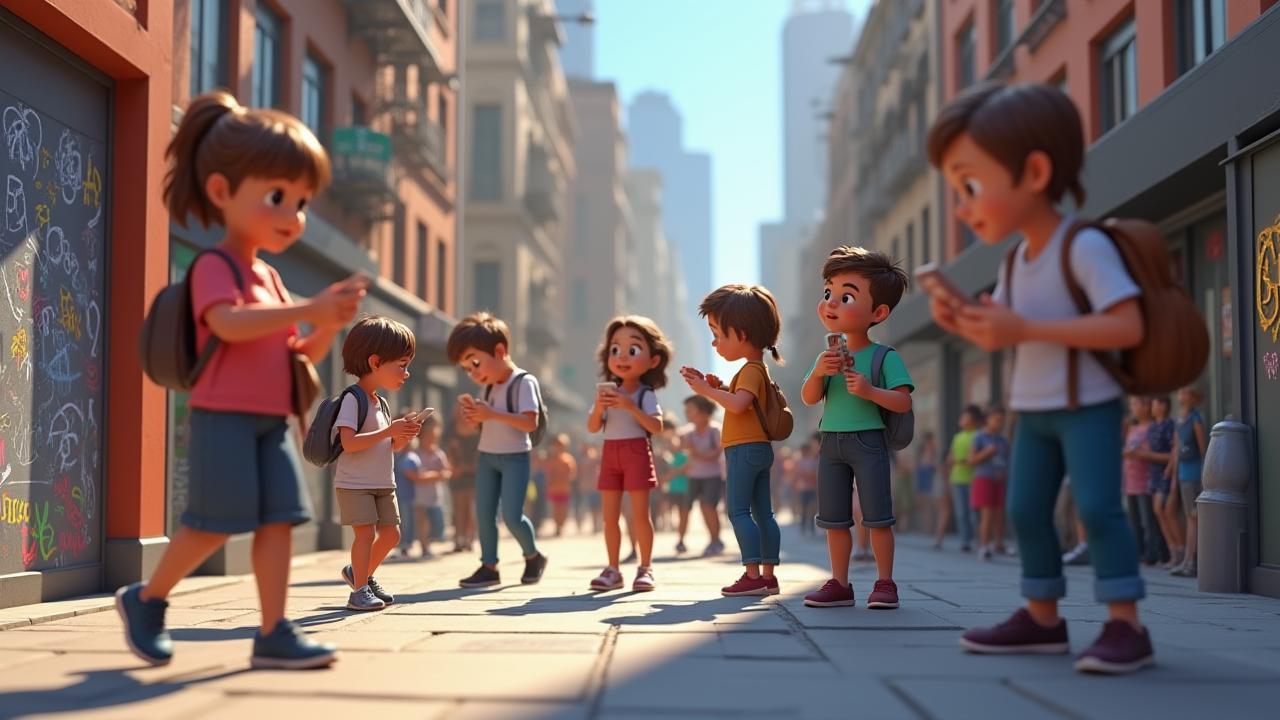
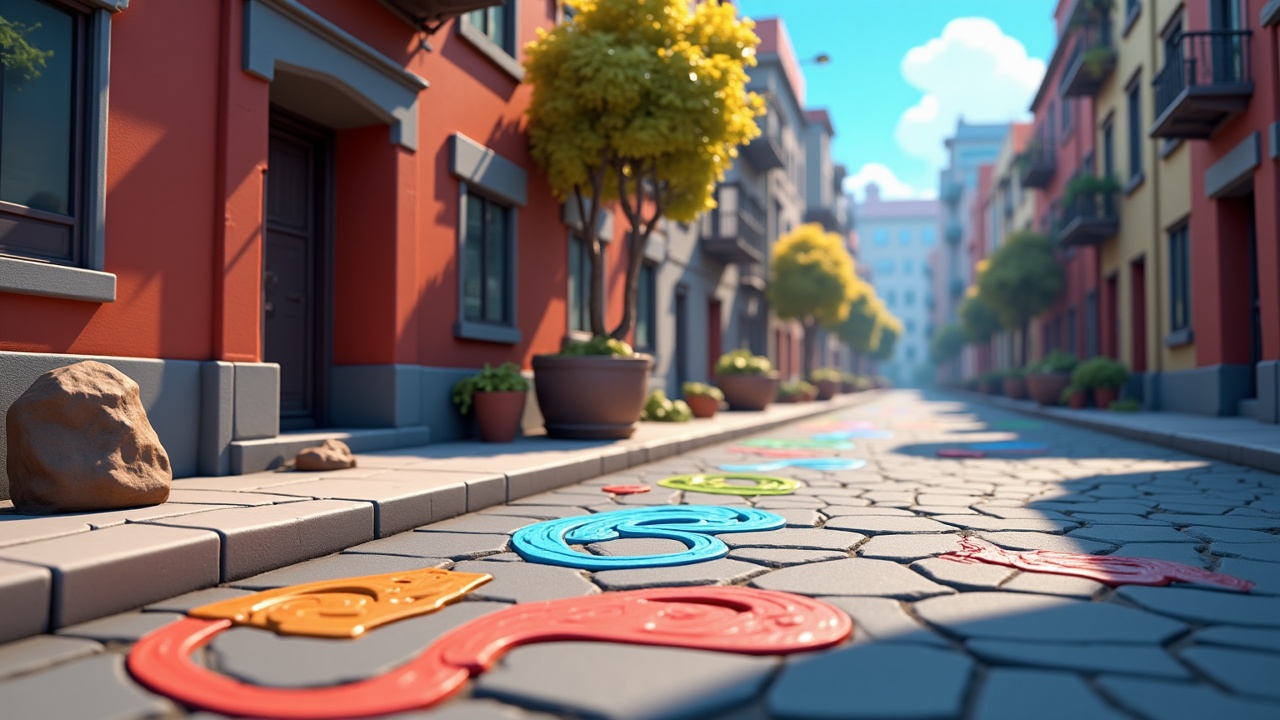
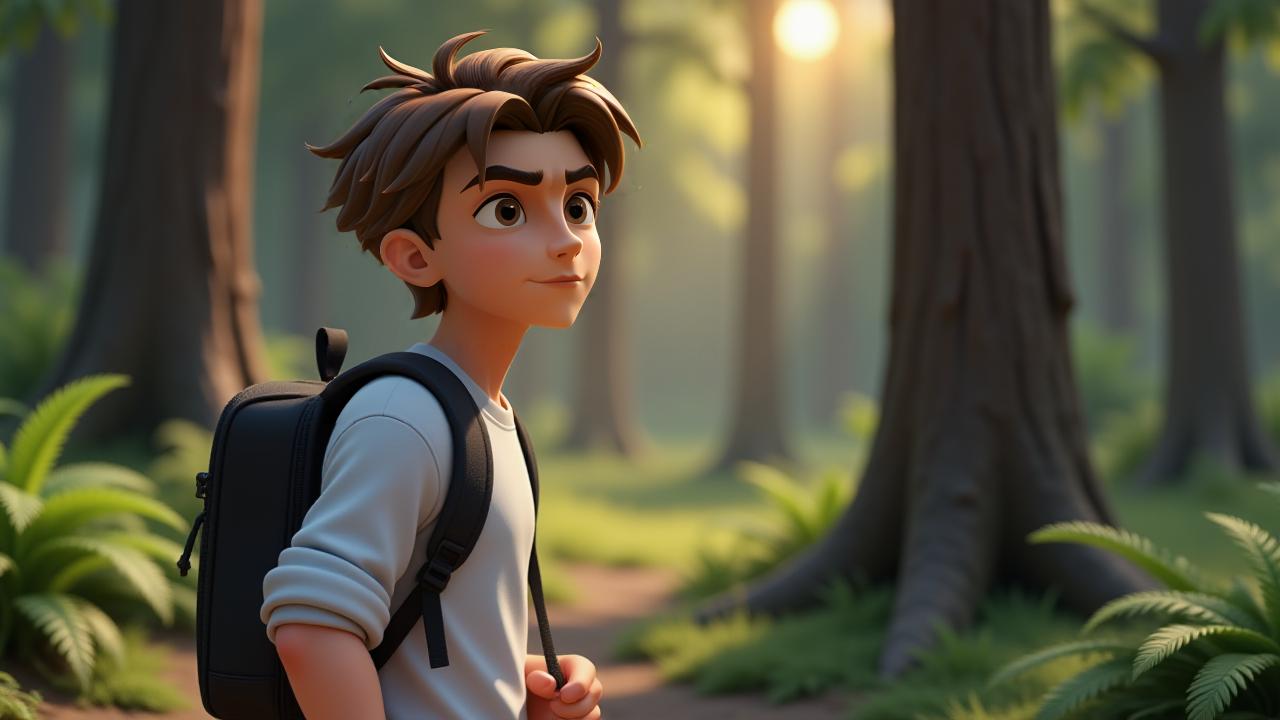
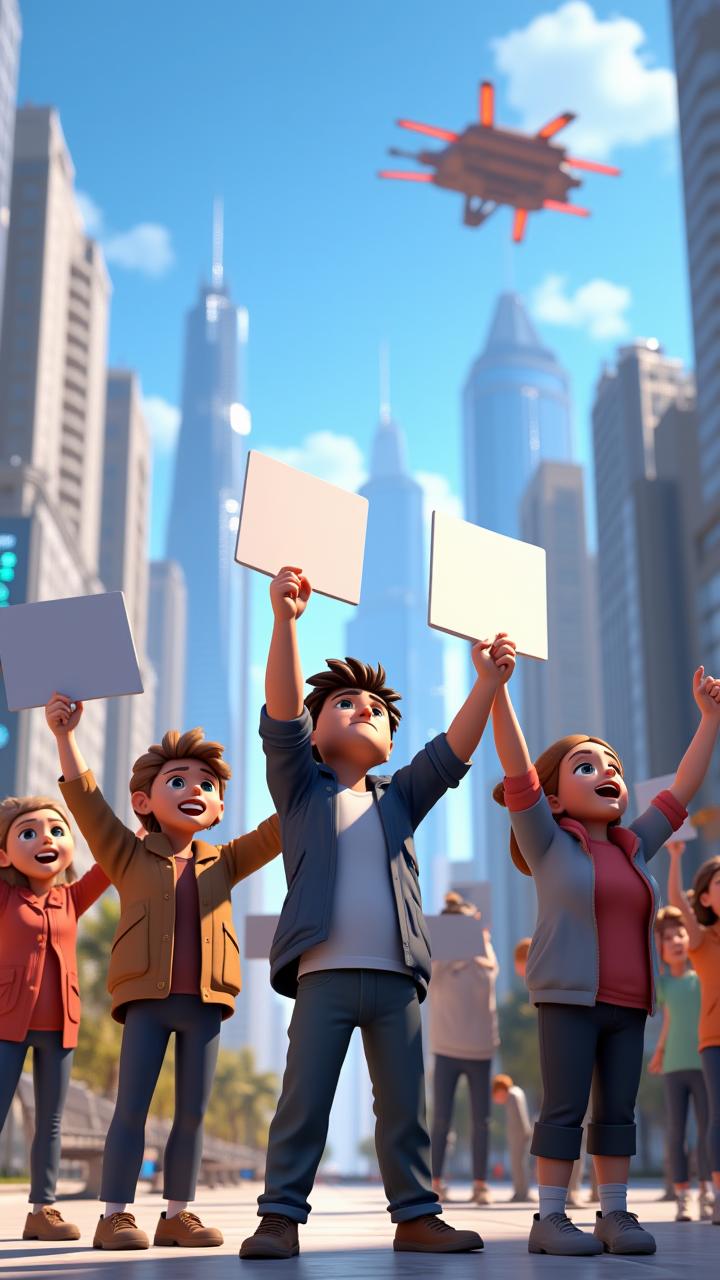
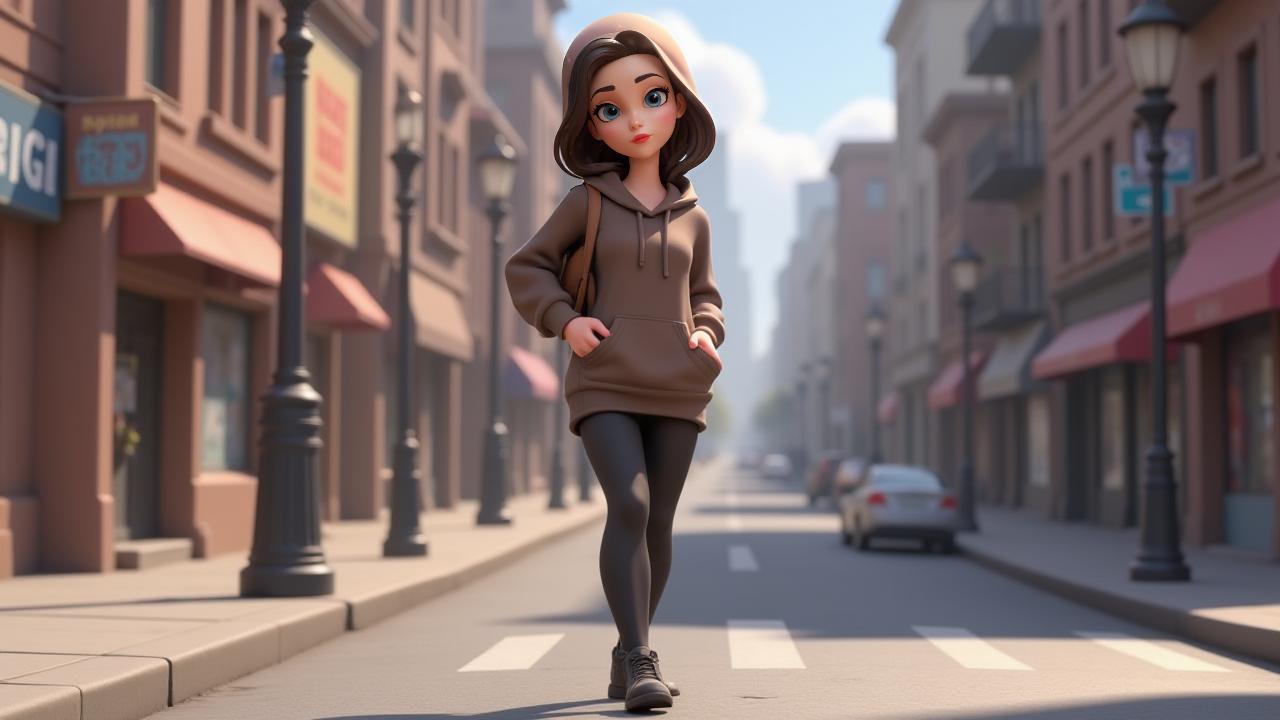
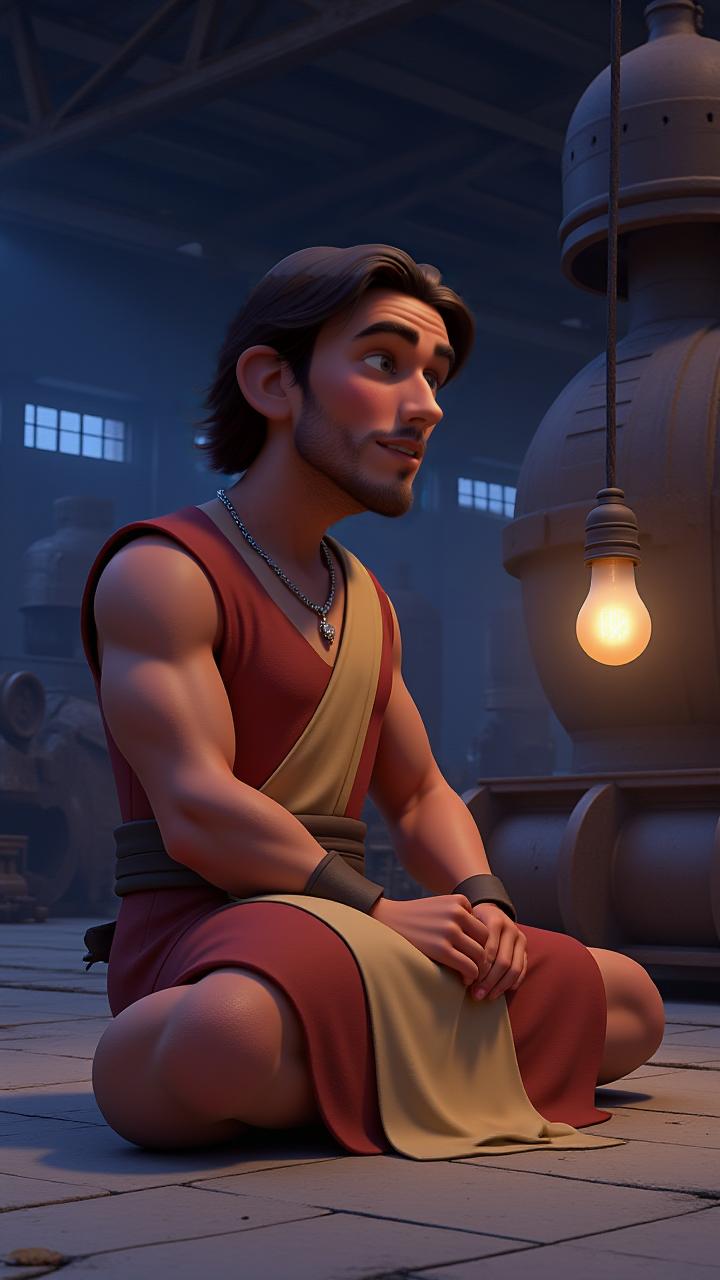
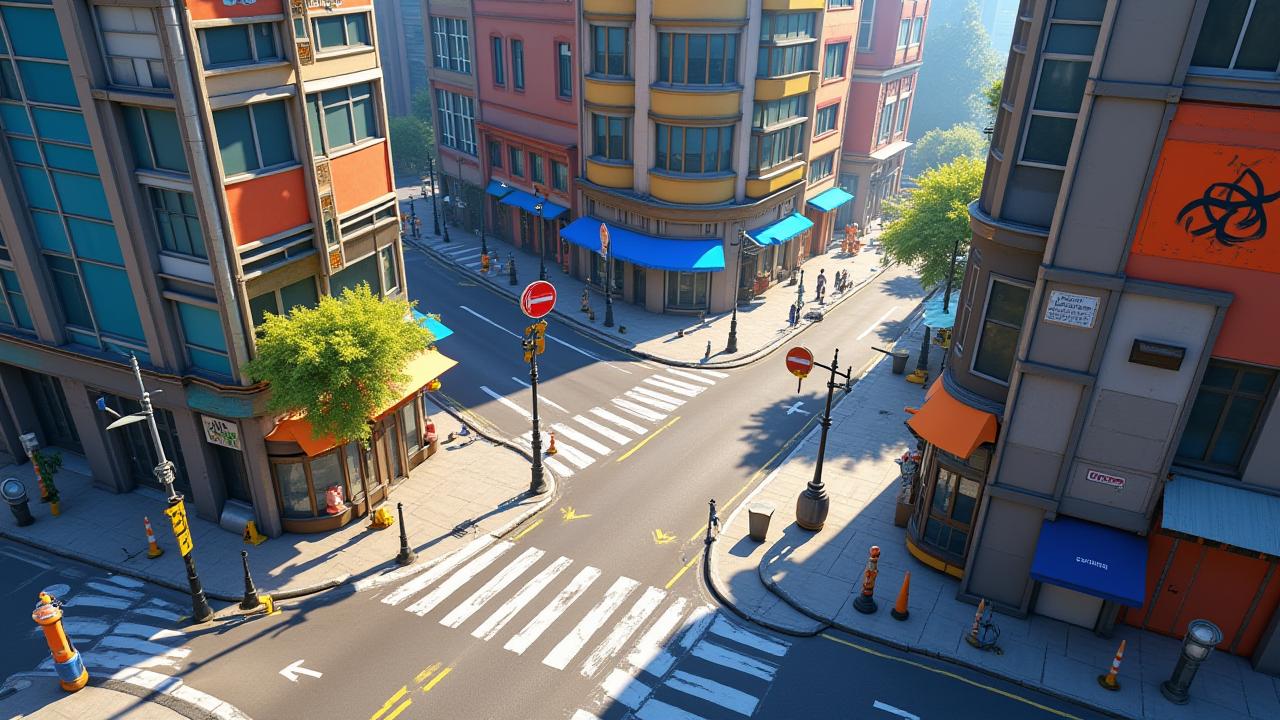
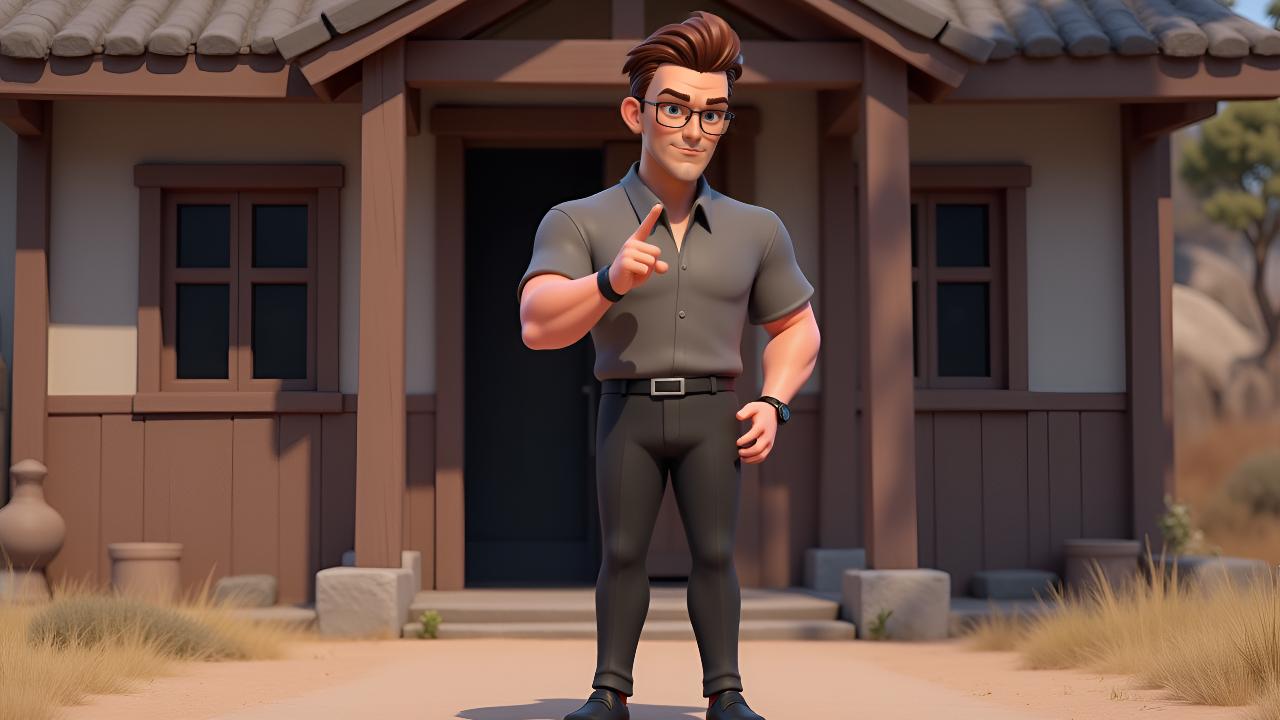
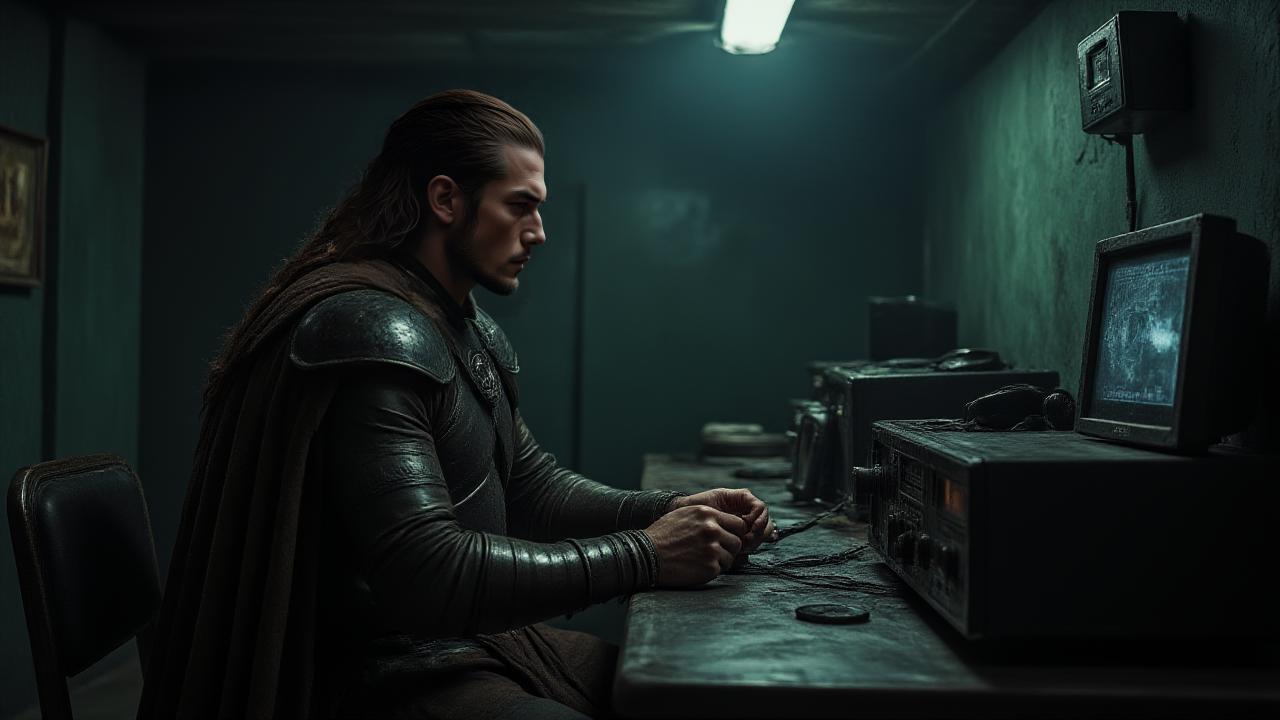
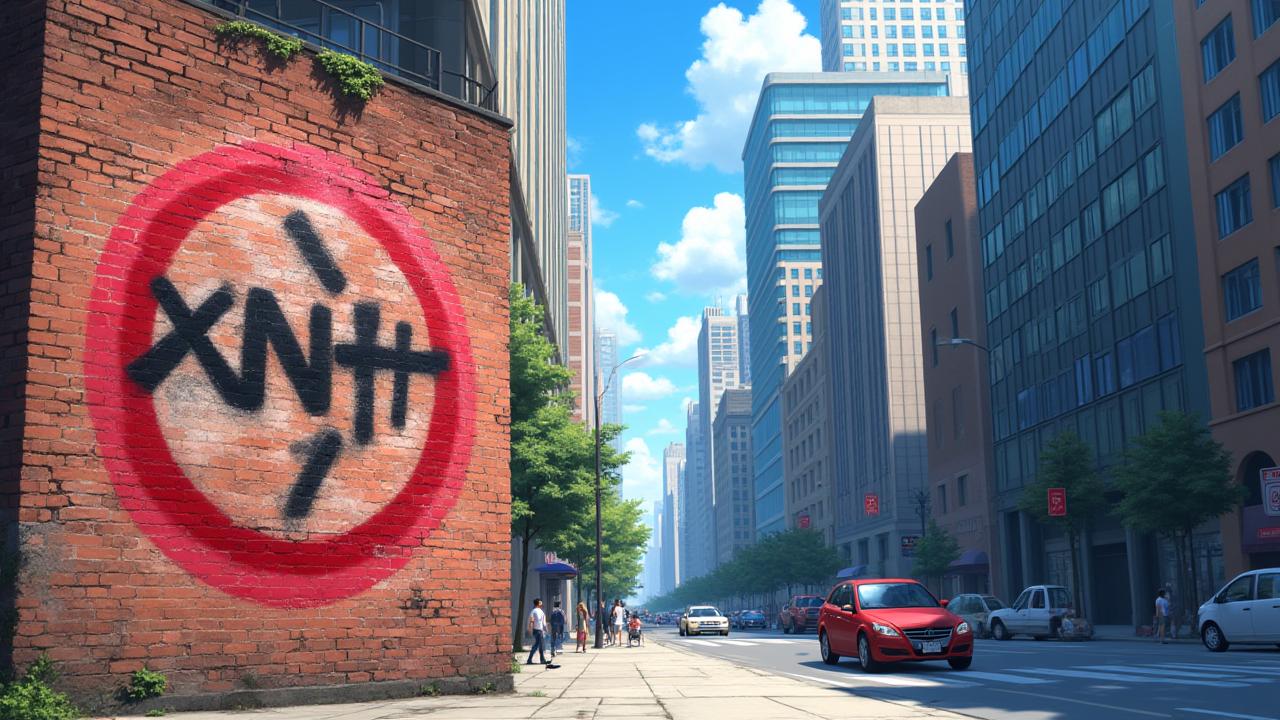
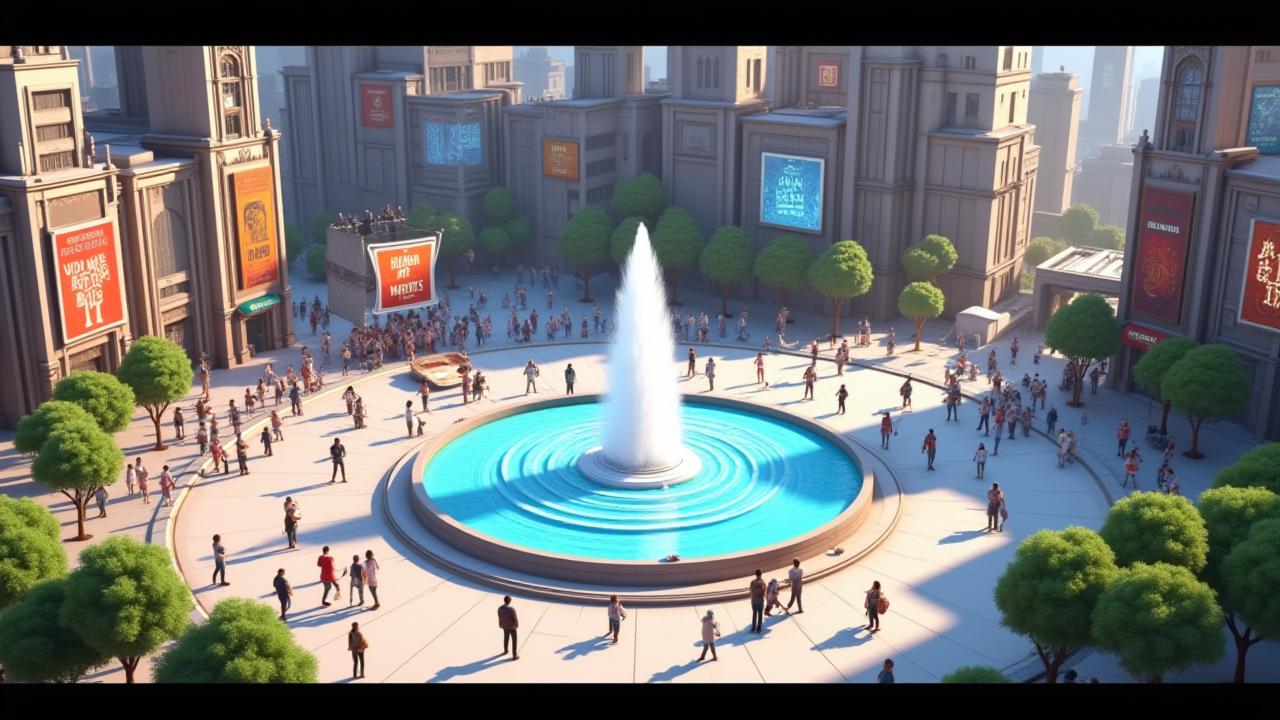
Strange symbols appear across a city, drawing an unsuspecting librarian into a dangerous conspiracy.Strange symbols began to appear all over the city, etched into sidewalks, spray-painted on buildings, and even appearing in the pages of old books. No one knew where they came from, but they were impossible to ignore. For Sarah, a quiet librarian, the first time she encountered them was in a dusty old manuscript that had been untouched for years. The symbols seemed to pulse with an eerie energy, and as she traced them with her fingers, a strange sense of dread washed over her. As days passed, the symbols began to appear more frequently, and their meaning remained elusive. Sarah’s curiosity grew, but so did her unease. One evening, after closing the library, a stranger approached her with a cryptic warning: "You’ve seen them. Now they know you." Before Sarah could ask any questions, the stranger vanished into the shadows. The next day, Sarah was drawn into a dangerous conspiracy. A group of secretive individuals had been tracking the symbols for years, and they believed that Sarah’s discovery was no accident. The symbols, they revealed, were the key to unlocking a long-forgotten power hidden beneath the city. As Sarah tried to make sense of the mystery, she found herself entangled in a web of lies, betrayal, and danger. Every step forward only seemed to bring her closer to a terrifying truth, one that could change everything she thought she knew about the world.
How to use this Cartoon video template
Template Name: The Cipher's Secret
Step 1
Click the "Use Template" button to load the "The Cipher's Secret" preset.
Step 2
Review the default settings. This template is pre-configured with the magiclight 1.0 model and Disney style. Click "Run Script" to generate your initial draft.
Step 3
Enter your scene description in the text box. The One-Click engine is powered by magiclight 1.0 to interpret complex prompts instantly. Toggle the Directing Modes if you need specific camera movements.
Step 4
Browse the Video Style carousel to pick a look. Ensure your Aspect Ratio is set correctly (16:9) for your target platform.
Step 5
Hit the "Create Video" button. The AI will process your script and style simultaneously to deliver a finished video.
The Cipher's Secret Video Template
Start to use this template
Template Specifications
Frequently Asked Questions
What kind of cartoons can I create with Magiclight?
You can create short animated stories, funny clips, and character-driven scenes using Magiclight's cartoon templates. Styles range from classic 2D animation to stylized digital cartoons.
Do I need animation experience to use these templates?
No experience is needed. Magiclight's cartoon templates are pre-built with animations, characters, and backgrounds, so you can create videos in minutes.
Can I customize characters and scenes in cartoon templates?
Yes! You can edit characters, change colors, add props, and adjust backgrounds to fit your story.
Are cartoon templates suitable for social media posts?
Absolutely. They are optimized for TikTok, Instagram Reels, YouTube Shorts, and more.
Can I add my own voiceovers to cartoon videos?
Yes. Magiclight allows you to add voiceovers, music, or sound effects to bring your cartoon to life.
You might also like
these trending designs