About the The Blackwood Vault
Generate a professional video instantly with the The Blackwood Vault template. This Cartoon design utilizes magiclight 1.0 to render high-quality Realistic animations. Enhance your video with the included "Deck The Halls" background music. It is fully customizable in our Video editor, allowing you to adjust the duration and aspect ratio to fit your platform.
Video script prompt
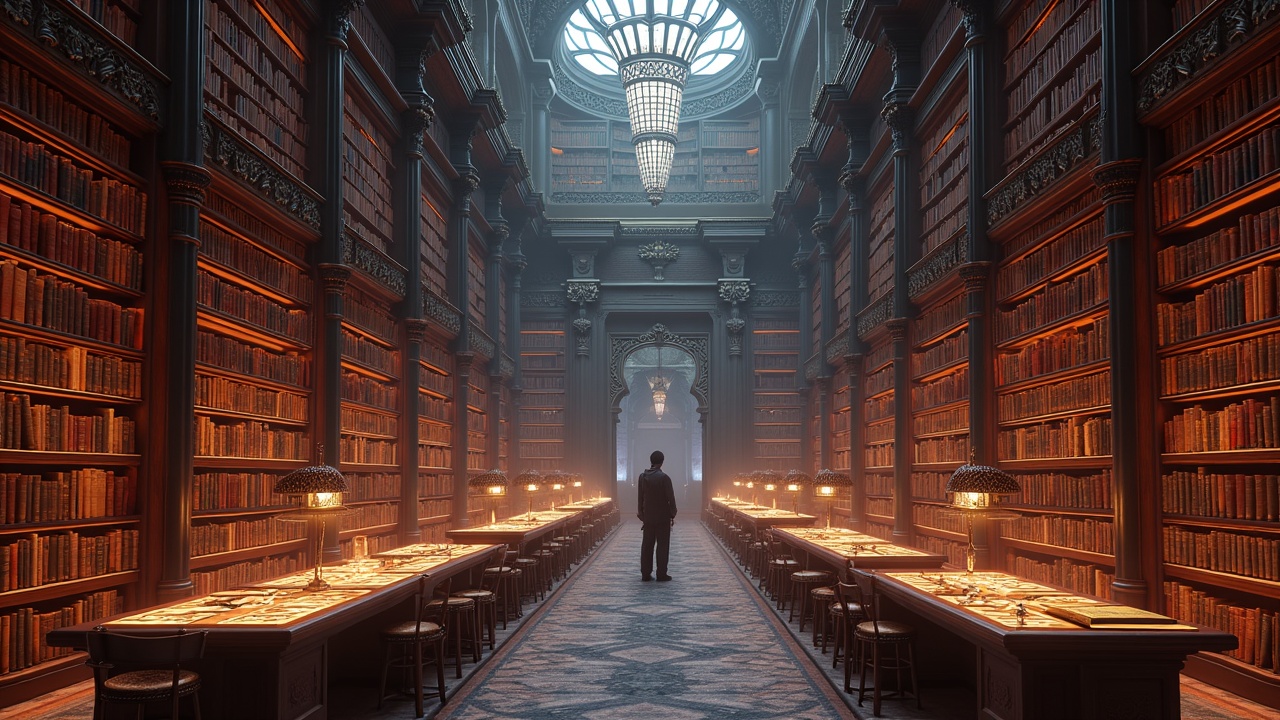
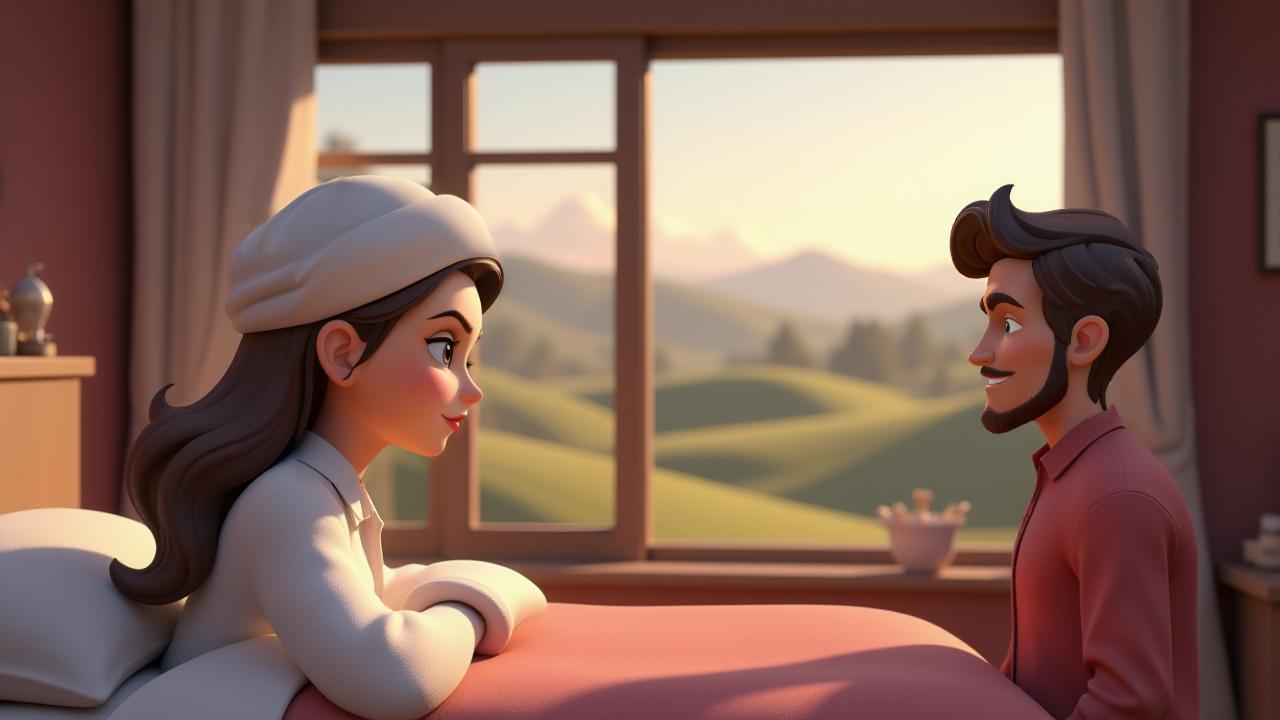
The old library at Blackwood Academy was rumored to be haunted, a place where whispers of forgotten lore echoed through the dusty shelves. Elara, a history enthusiast with a penchant for the obscure, and Finn, a skeptical tech whiz, were spending a Saturday afternoon investigating the library's most mysterious section – a collection of ancient, leather-bound texts locked away in a vault. They'd heard whispers of a hidden mechanism, a way to unlock the vault, passed down through generations of students. Following a cryptic riddle etched onto a weathered map they'd found, they located a small, ornate keyhole hidden behind a loose brick. Finn, using a modified lock pick set, carefully manipulated the mechanism. With a faint click, the heavy vault door swung inward, revealing shelves packed with scrolls and books bound in languages unknown to them. The air grew heavy, charged with an unseen energy. Elara, drawn by an irresistible curiosity, reached out and touched a particularly ancient-looking scroll. As her fingers brushed the parchment, a wave of energy surged through the room. The air crackled with power, the library’s lights flickered and died, plunging them into darkness. A low hum filled the silence, growing in intensity until it felt like the very building was vibrating. Suddenly, symbols on the scroll began to glow with an ethereal light, projecting themselves onto the vault's walls. The symbols, strange and powerful, seemed to writhe and shift, forming images of swirling galaxies and ancient beings. Fear mingled with awe in Elara's heart. Finn, initially skeptical, felt a prickle of fear as the temperature dropped and a palpable sense of dread filled the air. The symbols pulsed, then coalesced into a single, blazing image: a powerful, winged creature of immense size, its eyes burning with celestial fire. A voice, ancient and resonant, echoed in their minds, speaking in a language they somehow understood. It spoke of a forgotten power, a magic bound to the scrolls, a power that had been dormant for centuries. The creature seemed to be testing them, assessing their worthiness. Finn, regaining his composure, used his phone's flashlight to examine the scroll. He noticed intricate carvings on the scroll's edges that weren't visible in the dark. They were instructions, he realized, detailing how to control the power. He and Elara, working together, began to understand the implications of what they had unleashed. The ancient power was immense, capable of incredible good, but also of unimaginable destruction. The voice in their minds faded, leaving them with a sobering realization: they held the fate of the world in their hands. They would need to use their combined knowledge – Elara's historical insight and Finn's technological expertise – to understand and control this ancient power. The adventure had just begun, and the weight of responsibility felt heavier than any ancient tome.
How to use this Cartoon video template
Template Name: The Blackwood Vault
Step 1
Click the "Use Template" button to load the "The Blackwood Vault" preset.
Step 2
Review the default settings. This template is pre-configured with the magiclight 1.0 model and Realistic style. Click "Run Script" to generate your initial draft.
Step 3
Enter your scene description in the text box. The One-Click engine is powered by magiclight 1.0 to interpret complex prompts instantly. Toggle the Directing Modes if you need specific camera movements.
Step 4
Browse the Video Style carousel to pick a look. Ensure your Aspect Ratio is set correctly (16:9) for your target platform.
Step 5
Hit the "Create Video" button. The AI will process your script and style simultaneously to deliver a finished video.
The Blackwood Vault Video Template
Start to use this template
Template Specifications
Frequently Asked Questions
What kind of cartoons can I create with Magiclight?
You can create short animated stories, funny clips, and character-driven scenes using Magiclight's cartoon templates. Styles range from classic 2D animation to stylized digital cartoons.
Do I need animation experience to use these templates?
No experience is needed. Magiclight's cartoon templates are pre-built with animations, characters, and backgrounds, so you can create videos in minutes.
Can I customize characters and scenes in cartoon templates?
Yes! You can edit characters, change colors, add props, and adjust backgrounds to fit your story.
Are cartoon templates suitable for social media posts?
Absolutely. They are optimized for TikTok, Instagram Reels, YouTube Shorts, and more.
Can I add my own voiceovers to cartoon videos?
Yes. Magiclight allows you to add voiceovers, music, or sound effects to bring your cartoon to life.
You might also like
these trending designs