About the Lila and the Fleeting Rainbow
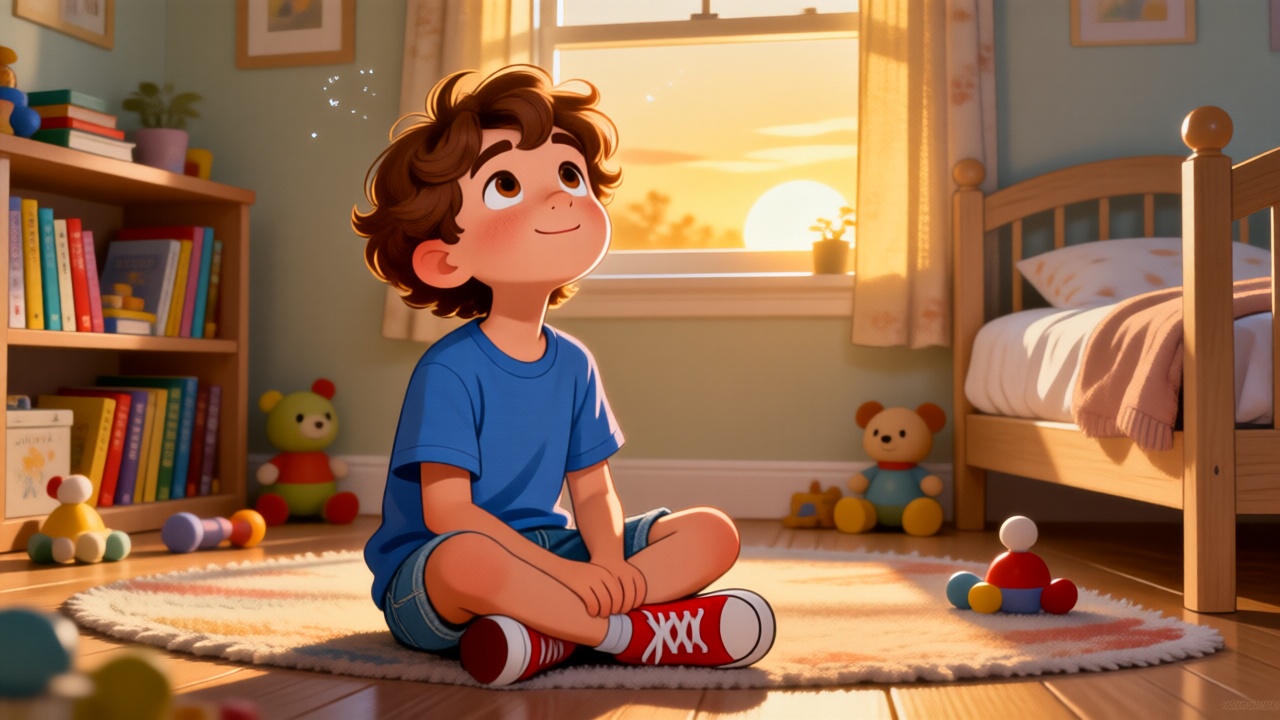
After a storm, Lila chases the most vibrant rainbow she's ever seen. She runs across the meadow, determined to find its beginning, but the colorful arch always seems just out of reach. As she pauses, a profound realization dawns on her. What hidden truth does Lila discover about the elusive beauty of a rainbow?
Video script prompt
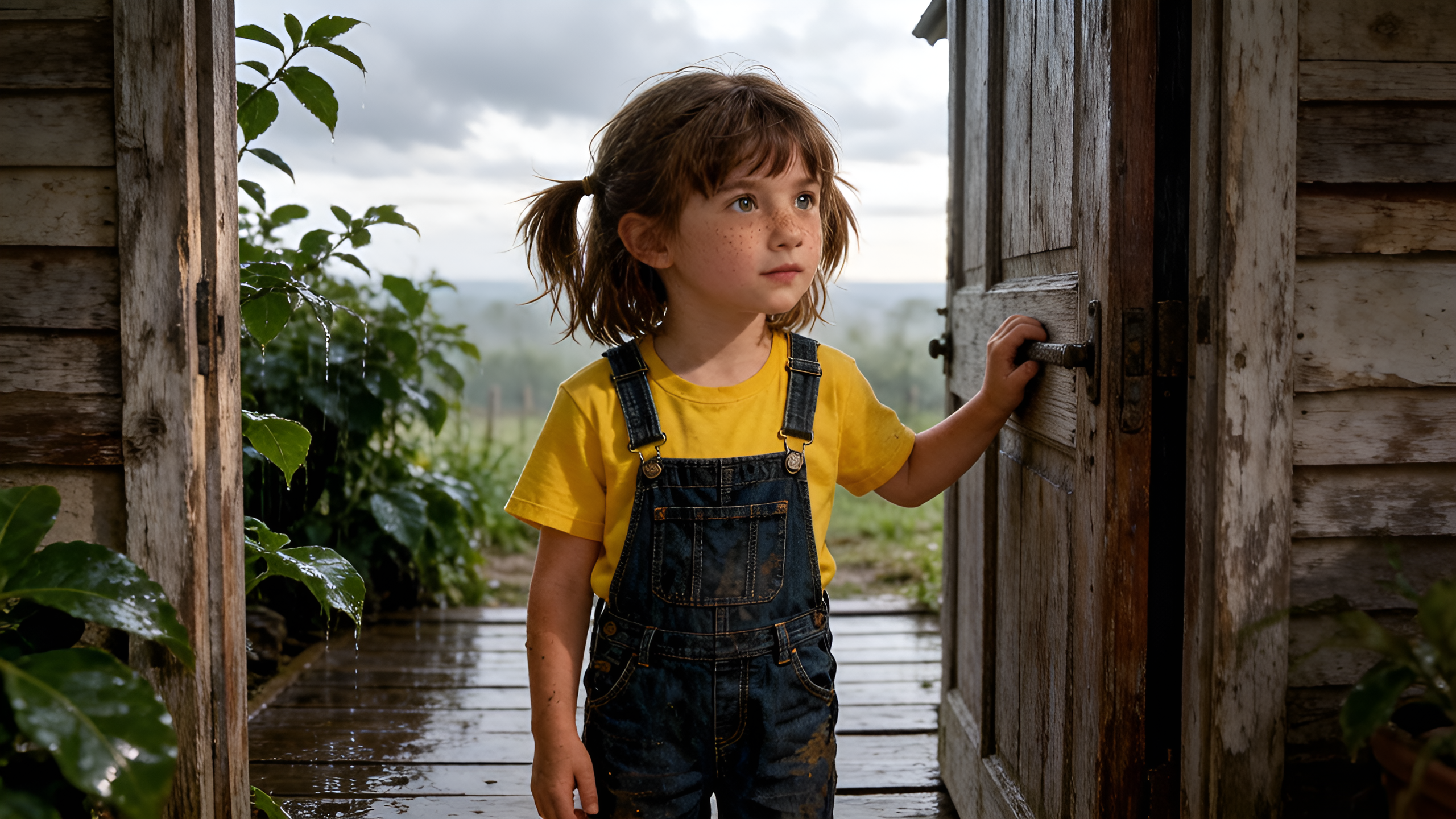
Lila loved the sky after rain. The air smelled fresh, drops sparkled on the grass, and sometimes—if she was lucky—a rainbow appeared. One day, after the storm, she saw the brightest rainbow she had ever seen. Its colors stretched high above the meadow. “I want to find where it begins,” she whispered, eyes wide with wonder. She ran across the field, shoes splashing in little puddles. But the rainbow seemed to move with her, always a little farther away. Her legs grew tired, and she finally stopped, breathing hard. As she gazed at the glowing arch, she realized something: the rainbow was never meant to be caught. It was a gift to everyone, shining from afar. Smiling, Lila lifted her face to the colors and promised to keep that joy in her heart, like a rainbow inside her soul.
How to use this Cartoon video template
Template Name: Lila and the Fleeting Rainbow
Step 1
Click the "Use Template" button to load the "Lila and the Fleeting Rainbow" preset.
Step 2
Review the default settings. This template is pre-configured with the Hailuo 02 model and Realistic 3.0 style. Click "Run Script" to generate your initial draft.
Step 3
In the editor, locate the Story Topic box. You can rewrite it completely to tell your own story. You can also add specific tags like "#cartoon #kids #fairy-tale" to guide the AI.
Step 4
Choose your visual aesthetic from the Style carousel. Then, fine-tune your technical settings: Aspect Ratio (16:9) and Video Model (Hailuo 02).
Step 5
Give your characters a voice. Select a narrator (current default: Default Voice) and choose a Background Music track like "Rosita".
Lila and the Fleeting Rainbow Video Template
Start to use this template
Template Specifications
Frequently Asked Questions
What kind of cartoons can I create with Magiclight?
You can create short animated stories, funny clips, and character-driven scenes using Magiclight's cartoon templates. Styles range from classic 2D animation to stylized digital cartoons.
Do I need animation experience to use these templates?
No experience is needed. Magiclight's cartoon templates are pre-built with animations, characters, and backgrounds, so you can create videos in minutes.
Can I customize characters and scenes in cartoon templates?
Yes! You can edit characters, change colors, add props, and adjust backgrounds to fit your story.
Are cartoon templates suitable for social media posts?
Absolutely. They are optimized for TikTok, Instagram Reels, YouTube Shorts, and more.
Can I add my own voiceovers to cartoon videos?
Yes. Magiclight allows you to add voiceovers, music, or sound effects to bring your cartoon to life.
You might also like
these trending designs