About the Little Red Riding Hood
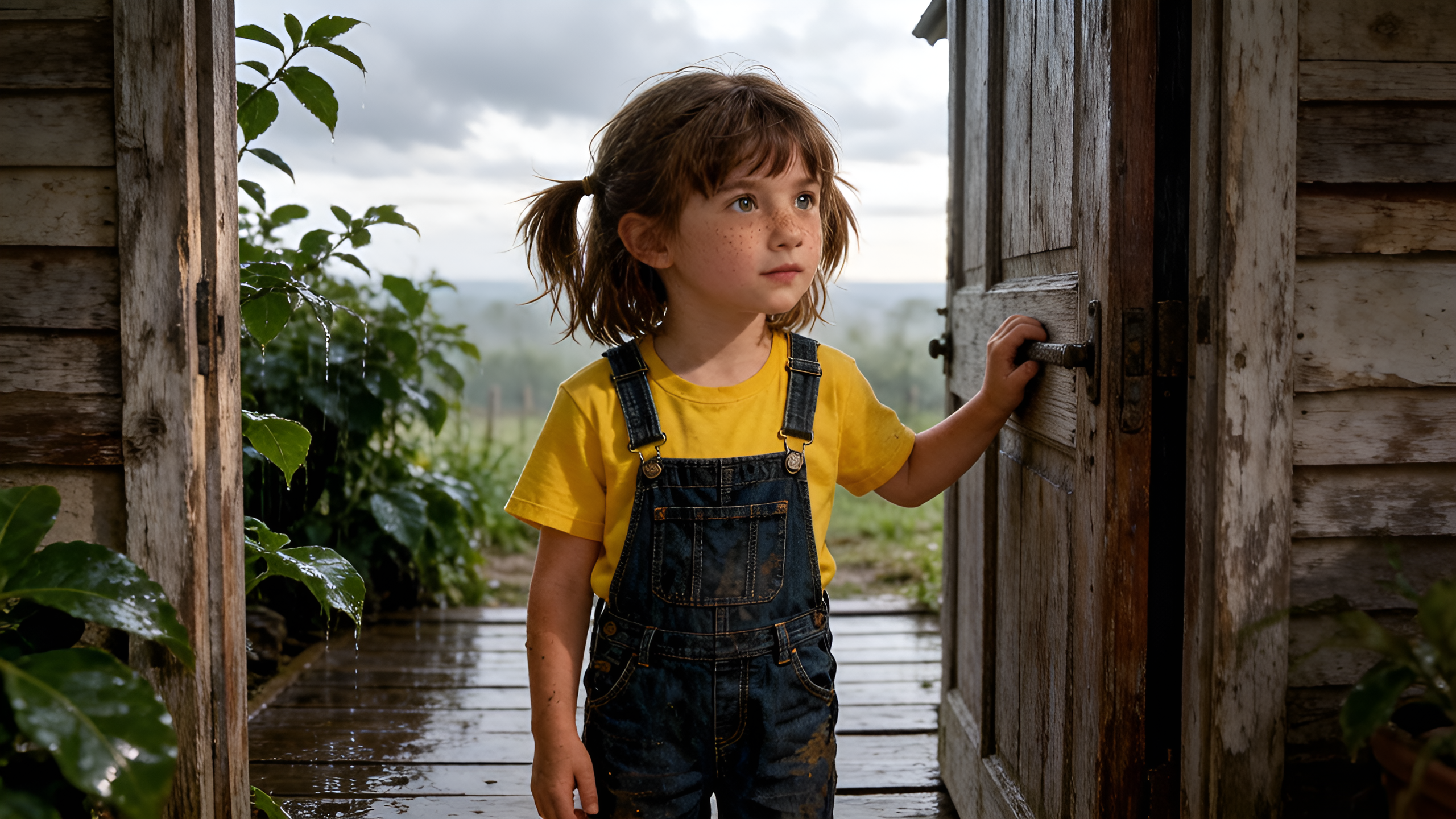
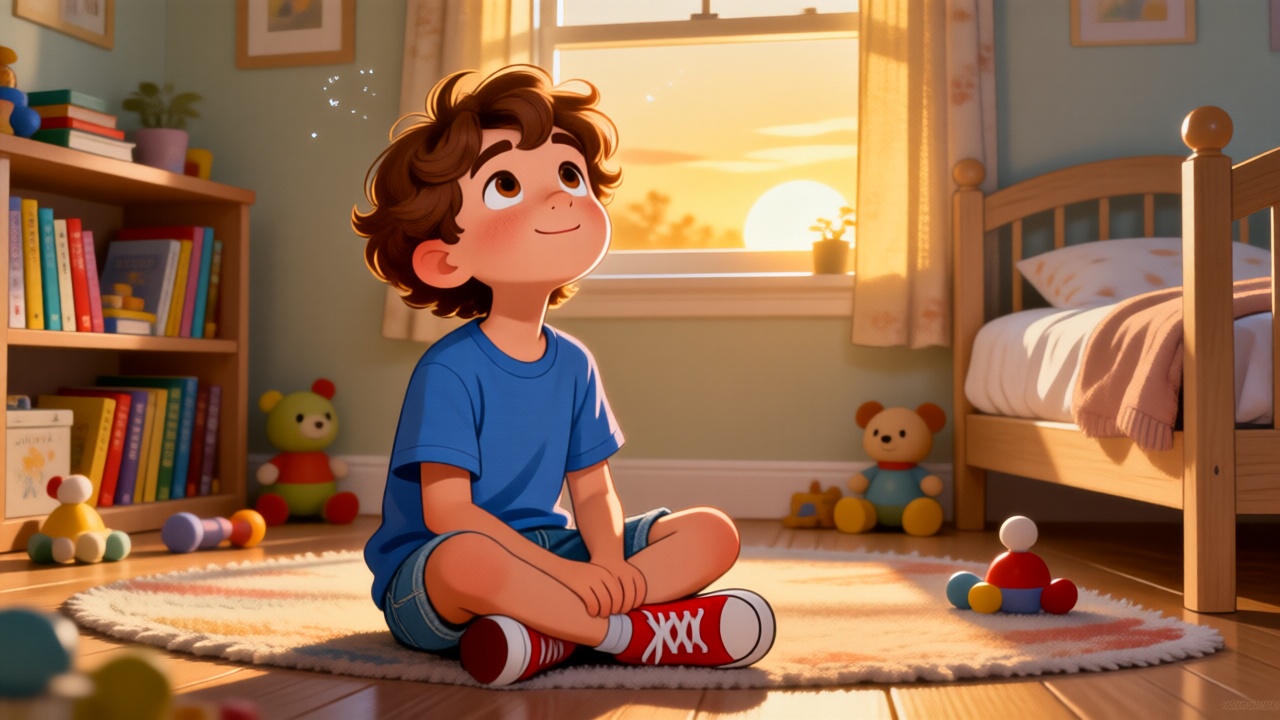
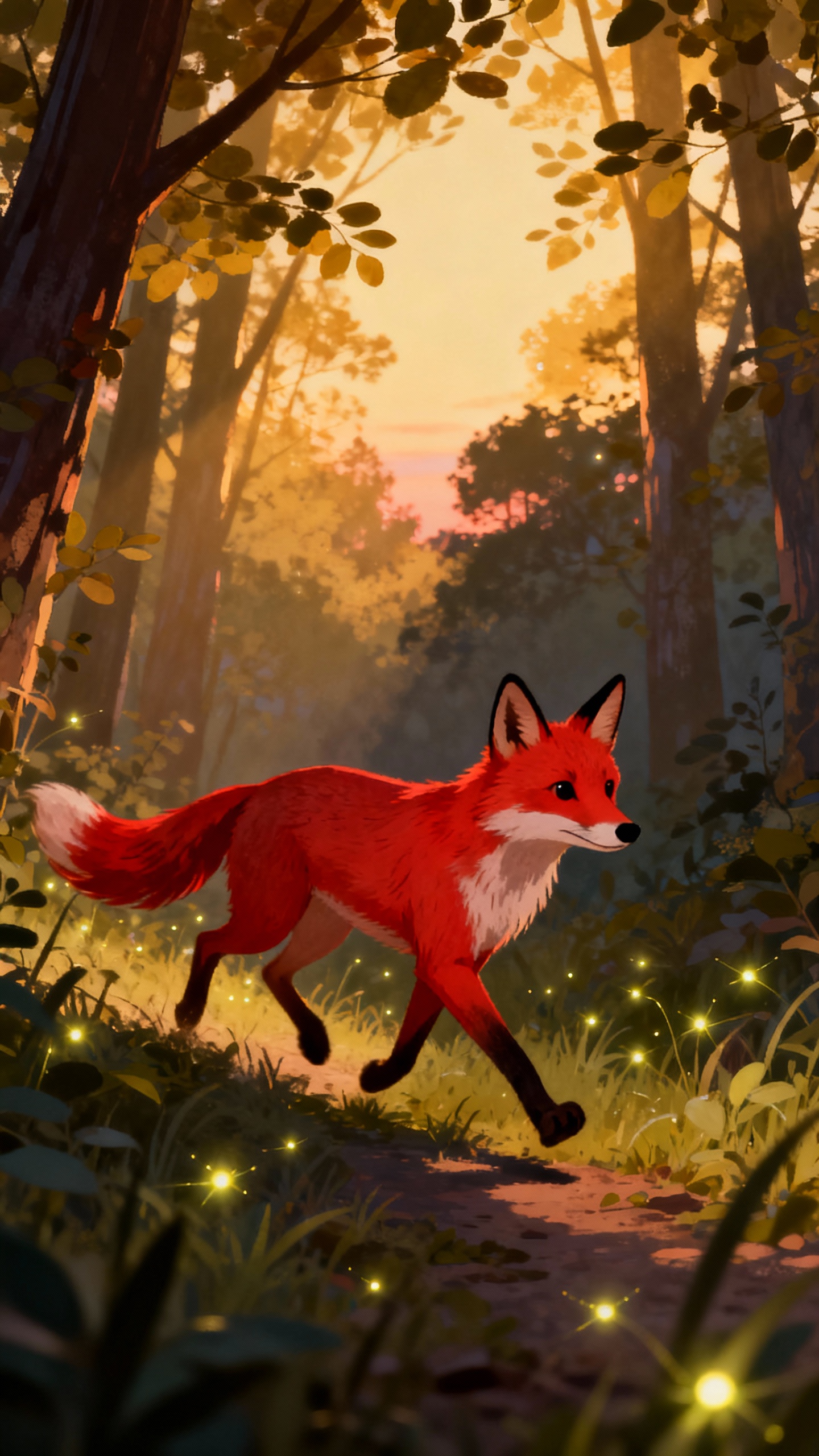
On her way to Grandma's, Lily meets a wolf with a wicked plan. He tricks her, races to Grandma's, and disguises himself! When Lily arrives, she notices something is very wrong with Grandma. But before the wolf can eat her, a huntsman arrives! Will he save Lily and Grandma? What happens next?
Video script prompt
One sunny morning, Little Red Riding Hood’s mother asked her to take some food to her sick grandmother, who lived in a cottage deep in the forest. “Stay on the path and don’t talk to strangers,” her mother warned. On her way, Lily met The Big Bad Wolf, who asked, “Where are you going, little girl?” “I’m going to my grandmother’s house,” she replied. The wolf, with an evil plan in mind, suggested, “Why don’t you pick some flowers for your grandmother? I’m sure she would love them.” Lily, distracted by the beautiful flowers, left the path, while the wolf raced ahead to the cottage. At the cottage, the wolf knocked on the door and, disguising his voice, said, “Grandmother, it’s me, Little Red Riding Hood.” “Come in, my dear,” Grandmother called, but before she could react, the wolf swallowed her whole. He quickly put on her clothes and lay in bed, pretending to be her. When Lily arrived at the cottage, she felt something was wrong. She stepped inside and asked, “Grandmother, why are your eyes so big?” “The better to see you with, my dear,” the wolf replied, grinning. “And your mouth?” Lily asked, feeling uneasy. “The better to eat you with!” the wolf growled, leaping out of bed. Just then, the Huntsman, who had been passing by, heard the commotion. He rushed inside, saw the wolf about to attack Lily, and quickly killed the wolf. He cut open the wolf’s belly and freed Grandmother, who was unharmed. Lily and her grandmother hugged tightly, relieved to be safe. The Huntsman smiled and left, and from that day on, Little Red Riding Hood always stayed on the path and never spoke to strangers again.
How to use this Cartoon video template
Template Name: Little Red Riding Hood
Step 1
Click the "Use Template" button to load the "Little Red Riding Hood" preset.
Step 2
Review the default settings. This template is pre-configured with the Hailuo 02 model and 3D Cartoon style. Click "Run Script" to generate your initial draft.
Step 3
In the editor, locate the Story Topic box. You can rewrite it completely to tell your own story. You can also add specific tags like "#cartoon #kids #fairy-tale" to guide the AI.
Step 4
Choose your visual aesthetic from the Style carousel. Then, fine-tune your technical settings: Aspect Ratio (16:9) and Video Model (Hailuo 02).
Step 5
Give your characters a voice. Select a narrator (current default: Default Voice) and choose a Background Music track like "None".
Little Red Riding Hood Video Template
Start to use this template
Template Specifications
Frequently Asked Questions
What kind of cartoons can I create with Magiclight?
You can create short animated stories, funny clips, and character-driven scenes using Magiclight's cartoon templates. Styles range from classic 2D animation to stylized digital cartoons.
Do I need animation experience to use these templates?
No experience is needed. Magiclight's cartoon templates are pre-built with animations, characters, and backgrounds, so you can create videos in minutes.
Can I customize characters and scenes in cartoon templates?
Yes! You can edit characters, change colors, add props, and adjust backgrounds to fit your story.
Are cartoon templates suitable for social media posts?
Absolutely. They are optimized for TikTok, Instagram Reels, YouTube Shorts, and more.
Can I add my own voiceovers to cartoon videos?
Yes. Magiclight allows you to add voiceovers, music, or sound effects to bring your cartoon to life.
You might also like
these trending designs