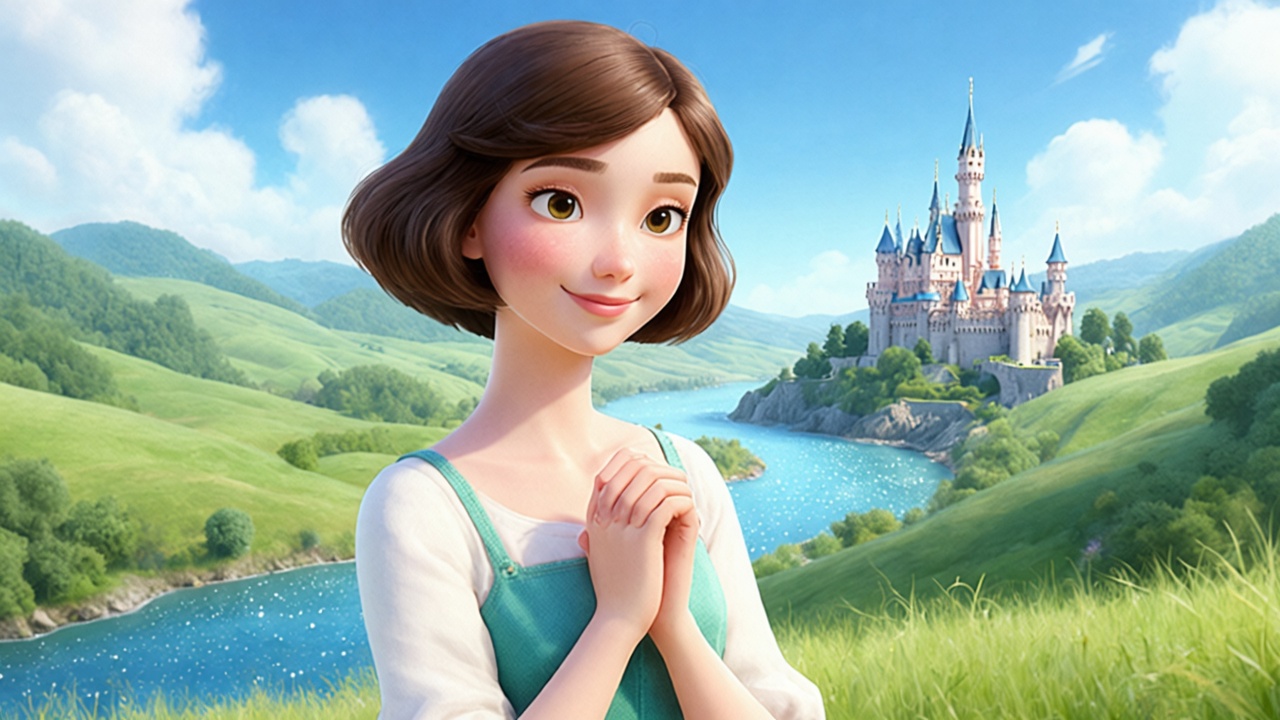
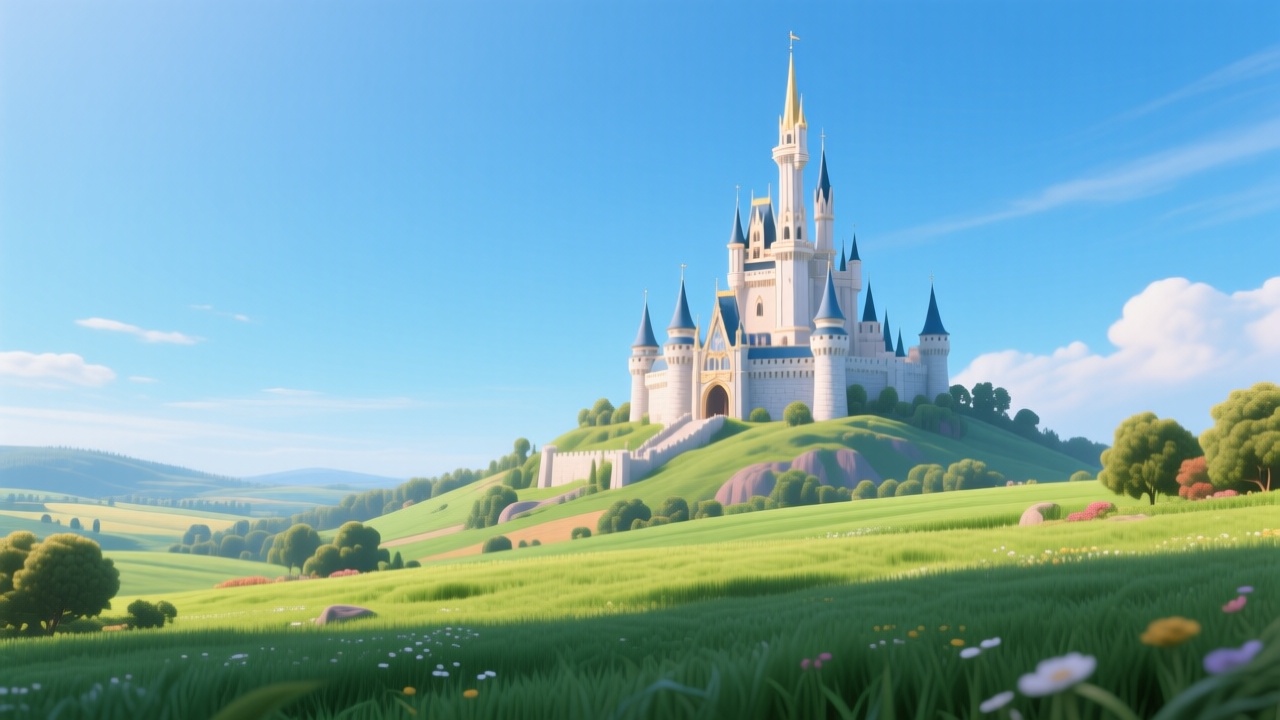
About the Snow White and the Seven Dwarfs
In a land far away, a princess finds refuge with seven dwarfs after fleeing her jealous stepmother. But the Queen's envy knows no bounds, leading to a poisoned apple and a deep slumber. Will a prince's kiss break the spell, or is this the end of Snow White's tale? What sacrifices would you make for true beauty?
Video script prompt
[{"content":"很久以前,在一个遥远的国度,住着一位美丽的公主,名叫白雪公主。","idx":1},{"content":"她的皮肤像新下的雪一样白,嘴唇像盛开的玫瑰一样红,头发像最黑的夜晚一样黑。","idx":2},{"content":"每个人都喜欢她,但她的继母,邪恶的王后,非常嫉妒。","idx":3},{"content":"王后拥有一面魔镜,每天她都会问:“魔镜,魔镜,谁是世界上最美丽的?”","idx":4},{"content":"多年来,镜子总是回答:“我的王后,您是最美丽的。”","idx":5},{"content":"但随着白雪公主长大,她的美丽更加绽放。","idx":6},{"content":"有一天,镜子的答案改变了:“王后,您很美丽,但白雪公主比您更美丽。”","idx":7},{"content":"嫉妒的王后勃然大怒,命令猎人将白雪公主带到森林深处并杀死她。","idx":8},{"content":"然而,善良的猎人无法忍心伤害公主。","idx":9},{"content":"他恳求她逃走,永远不要回来,白雪公主吓坏了,逃进了茂密的森林。","idx":10},{"content":"迷路而孤单,白雪公主漫游,直到她发现了一个小巧迷人的小屋。","idx":11},{"content":"里面,一切都很小而整洁,那是七个友善的小矮人的家!","idx":12},{"content":"他们张开双臂欢迎她,白雪公主高兴地和他们住在一起,做饭和打扫卫生。","idx":13},{"content":"但王后很快从她的魔镜中得知白雪公主还活着。","idx":14},{"content":"为了成为最美丽的,她把自己伪装成一个老妇人,前往小矮人的小屋。","idx":15},{"content":"她给了白雪公主一个闪亮的红苹果,白雪公主不知道,苹果是有毒的。","idx":16},{"content":"她咬了一口,就陷入了沉睡,像死了一样。","idx":17},{"content":"小矮人们伤心欲绝,把她放在一个玻璃棺材里,哀悼他们亲爱的朋友。","idx":18},{"content":"有一天,一位英俊的王子路过,被白雪公主的美丽迷住了。","idx":19},{"content":"他俯下身,轻轻地吻了她,瞬间,咒语解除了!","idx":20},{"content":"白雪公主醒了,她的眼睛睁开了,王子欣喜若狂,带她回到他的王国,在那里他们结婚了,从此过上了幸福的生活。","idx":21}]
How to use this Cartoon video template
Template Name: Snow White and the Seven Dwarfs
Step 1
Click the "Use Template" button to load the "Snow White and the Seven Dwarfs" preset.
Step 2
Review the default settings. This template is pre-configured with the magiclight 1.0 model and Pixar style. Click "Run Script" to generate your initial draft.
Step 3
Enter your scene description in the text box. The One-Click engine is powered by magiclight 1.0 to interpret complex prompts instantly. Toggle the Directing Modes if you need specific camera movements.
Step 4
Browse the Video Style carousel to pick a look. Ensure your Aspect Ratio is set correctly (16:9) for your target platform.
Step 5
Hit the "Create Video" button. The AI will process your script and style simultaneously to deliver a finished video.
Snow White and the Seven Dwarfs Video Template
Start to use this template
Template Specifications
Frequently Asked Questions
What kind of cartoons can I create with Magiclight?
You can create short animated stories, funny clips, and character-driven scenes using Magiclight's cartoon templates. Styles range from classic 2D animation to stylized digital cartoons.
Do I need animation experience to use these templates?
No experience is needed. Magiclight's cartoon templates are pre-built with animations, characters, and backgrounds, so you can create videos in minutes.
Can I customize characters and scenes in cartoon templates?
Yes! You can edit characters, change colors, add props, and adjust backgrounds to fit your story.
Are cartoon templates suitable for social media posts?
Absolutely. They are optimized for TikTok, Instagram Reels, YouTube Shorts, and more.
Can I add my own voiceovers to cartoon videos?
Yes. Magiclight allows you to add voiceovers, music, or sound effects to bring your cartoon to life.
You might also like
these trending designs