About the Midnight Rescue
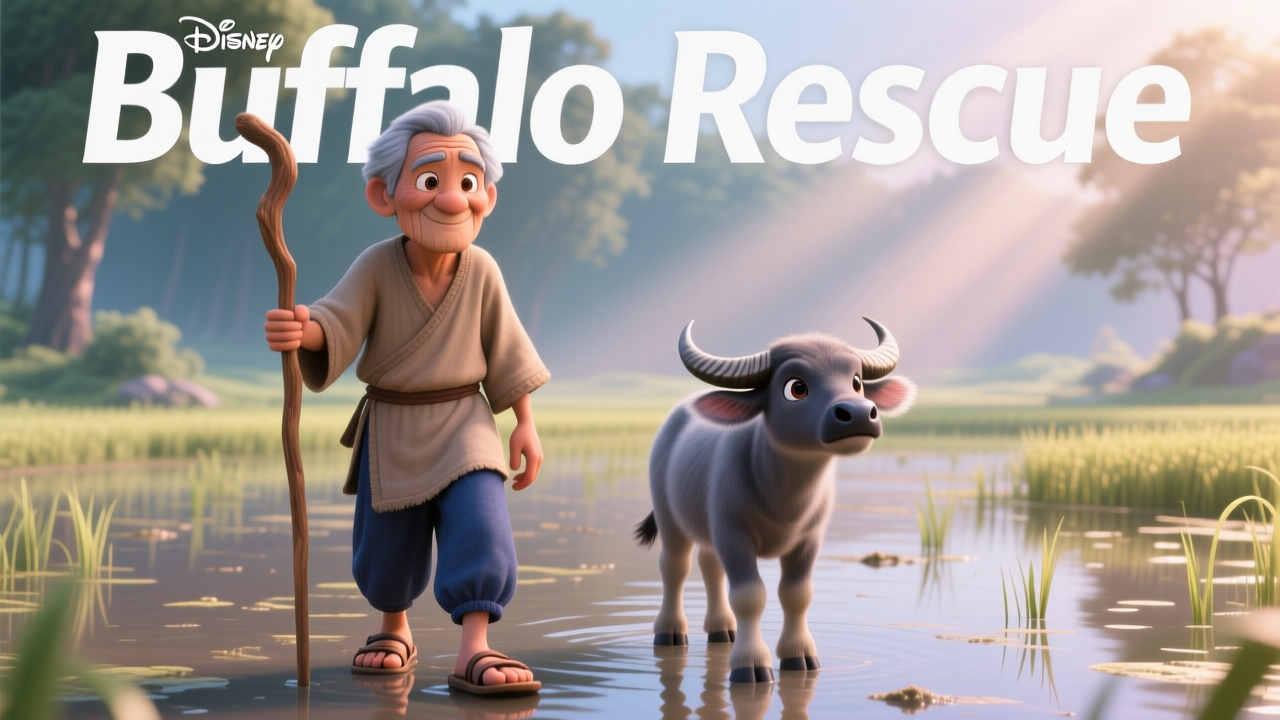
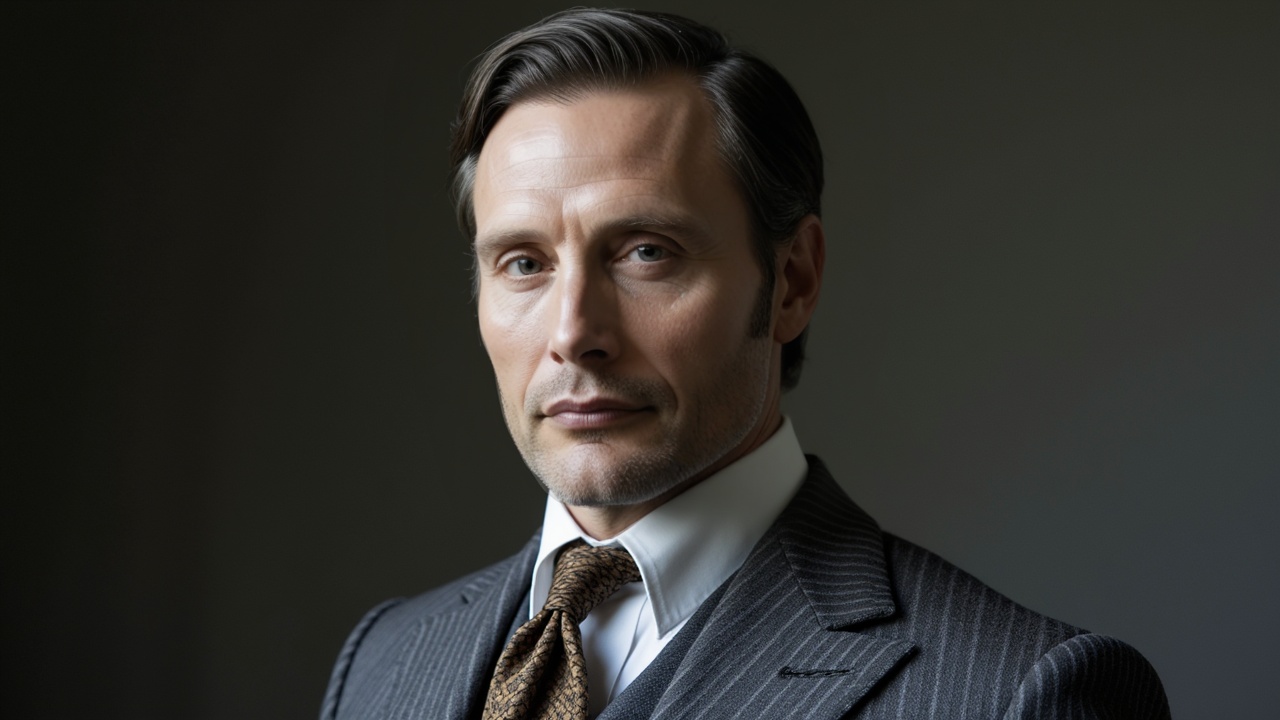
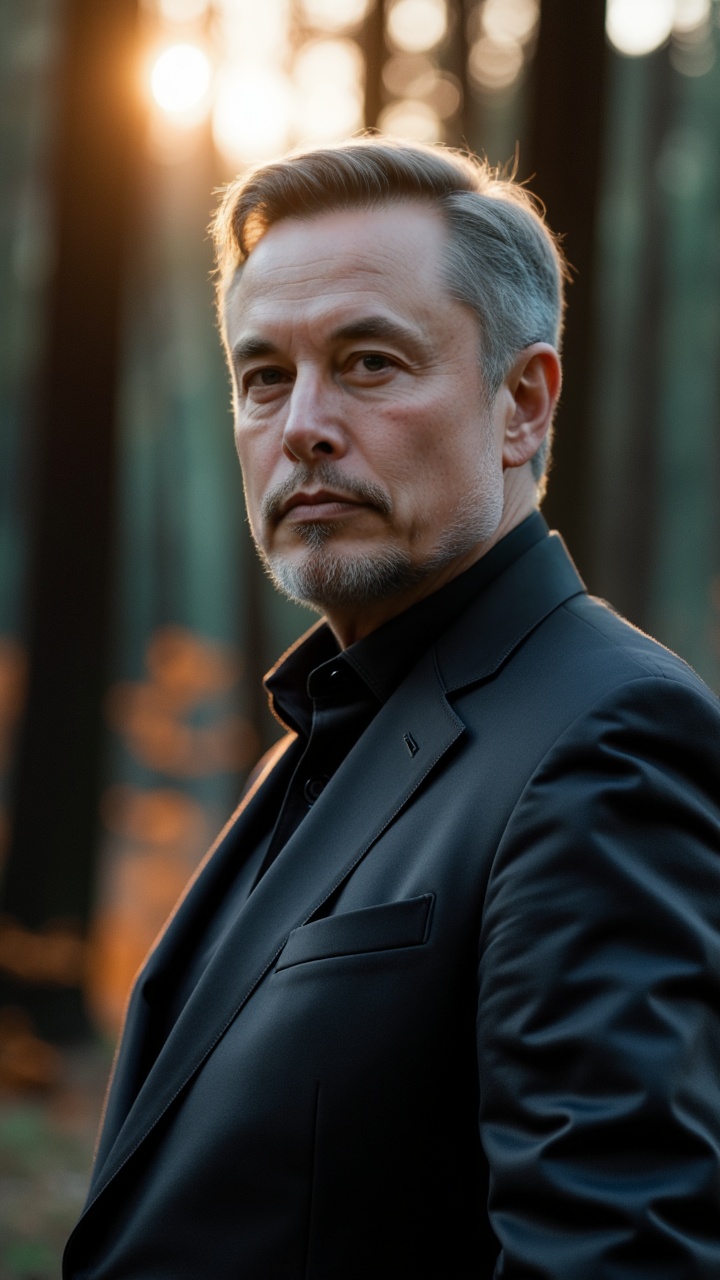
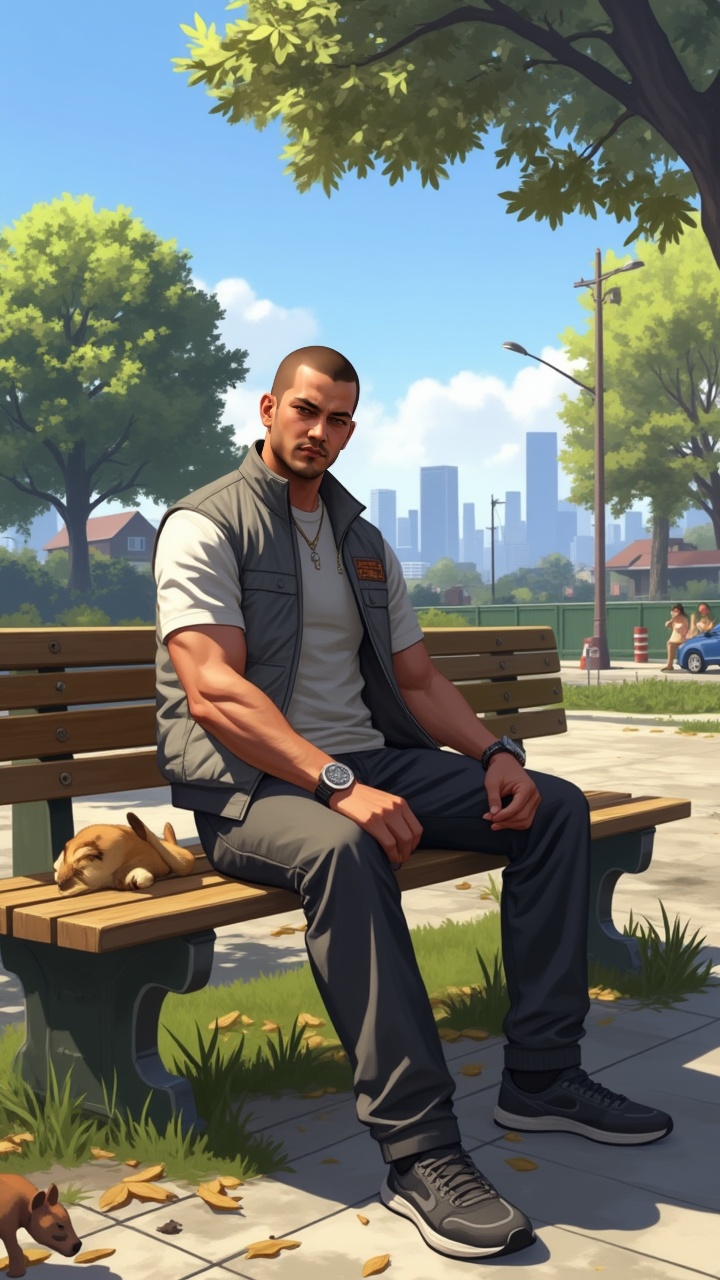
Generate a professional video instantly with the Midnight Rescue template. This Cartoon design utilizes magiclight 1.0 to render high-quality Realistic animations. It is fully customizable in our Video editor, allowing you to adjust the duration and aspect ratio to fit your platform.
Video script prompt
The last rays of sunlight bled through the dense canopy as Elias stumbled, his ankle twisting on the uneven ground. Lost. Utterly, hopelessly lost. His phone, predictably, had no signal. Panic, cold and sharp, began to gnaw at the edges of his resolve. He checked his watch: 5:47 PM. He had, at best, an hour of daylight left. He pressed on, each step a battle against the encroaching darkness and the gnawing fear. The forest, once a place of serene beauty, now felt menacing, alive with unseen eyes. He quickened his pace, his breath coming in ragged gasps. 5:58 PM. He tripped again, sprawling onto the damp earth. As he pushed himself up, he heard it – a twig snapping nearby. He froze, every muscle tense. "Hello?" he called out, his voice trembling slightly. Only the rustling of leaves answered. He told himself it was just an animal, a deer perhaps. But the feeling of being watched persisted, growing stronger with each passing second. 6:12 PM. The forest was now cloaked in twilight. The air grew colder, and the shadows danced like phantoms. He saw a flicker of movement at the edge of his vision. He spun around, heart pounding, but saw nothing. "Who's there?" he demanded, his voice louder this time, laced with desperation. A low growl echoed through the trees, closer now. It wasn’t an animal. It was something else, something…predatory. 6:25 PM. Elias scrambled to his feet, adrenaline coursing through his veins. He could hear it now, the rustling of leaves, the snapping of twigs, the heavy breathing – it was circling him. He fumbled in his backpack for his flashlight, his hands shaking so violently he could barely grip it. He clicked it on, the beam cutting through the darkness. Two glowing eyes stared back at him from the shadows, followed by another pair, and another. They weren't human. 6:38 PM. A pack of wolves, their eyes burning with hunger, emerged from the darkness. Elias stood frozen, the flashlight beam trembling in his hand. He knew he was trapped. He closed his eyes, bracing for the inevitable. 6:45 PM. A deafening roar shattered the silence. The wolves scattered, their eyes wide with terror. Elias opened his eyes to see a massive bear, its fur matted and scarred, standing between him and the wolves. It roared again, a primal sound that shook the very ground beneath his feet. The wolves, tails between their legs, disappeared into the darkness. The bear turned its gaze to Elias, its eyes surprisingly gentle. It nudged him with its massive head, then turned and lumbered away, melting back into the shadows. 6:52 PM. Elias stood there, stunned, his heart still pounding in his chest. He had been saved, not by a human, but by a creature of the wild. As the first stars began to appear in the night sky, he knew he would never look at the forest the same way again. He found his way back to the trail, guided by the faint moonlight and the memory of the bear's gentle eyes. The clock had stopped counting down; he was safe, for now.
How to use this Cartoon video template
Template Name: Midnight Rescue
Step 1
Click the "Use Template" button to load the "Midnight Rescue" preset.
Step 2
Review the default settings. This template is pre-configured with the magiclight 1.0 model and Realistic style. Click "Run Script" to generate your initial draft.
Step 3
Enter your scene description in the text box. The One-Click engine is powered by magiclight 1.0 to interpret complex prompts instantly. Toggle the Directing Modes if you need specific camera movements.
Step 4
Browse the Video Style carousel to pick a look. Ensure your Aspect Ratio is set correctly (9:16) for your target platform.
Step 5
Hit the "Create Video" button. The AI will process your script and style simultaneously to deliver a finished video.
Midnight Rescue Video Template
Start to use this template
Template Specifications
Frequently Asked Questions
What kind of cartoons can I create with Magiclight?
You can create short animated stories, funny clips, and character-driven scenes using Magiclight's cartoon templates. Styles range from classic 2D animation to stylized digital cartoons.
Do I need animation experience to use these templates?
No experience is needed. Magiclight's cartoon templates are pre-built with animations, characters, and backgrounds, so you can create videos in minutes.
Can I customize characters and scenes in cartoon templates?
Yes! You can edit characters, change colors, add props, and adjust backgrounds to fit your story.
Are cartoon templates suitable for social media posts?
Absolutely. They are optimized for TikTok, Instagram Reels, YouTube Shorts, and more.
Can I add my own voiceovers to cartoon videos?
Yes. Magiclight allows you to add voiceovers, music, or sound effects to bring your cartoon to life.
You might also like
these trending designs