About the Draft project
当普通人面对大自然的严峻挑战时,他们会如何应对?本片记录了一群平凡个体在极限环境下展现出的非凡勇气、紧密协作与生存智慧。从最初的迷茫到最终的突破,他们能否克服重重困难,成功征服自然?
Video script prompt
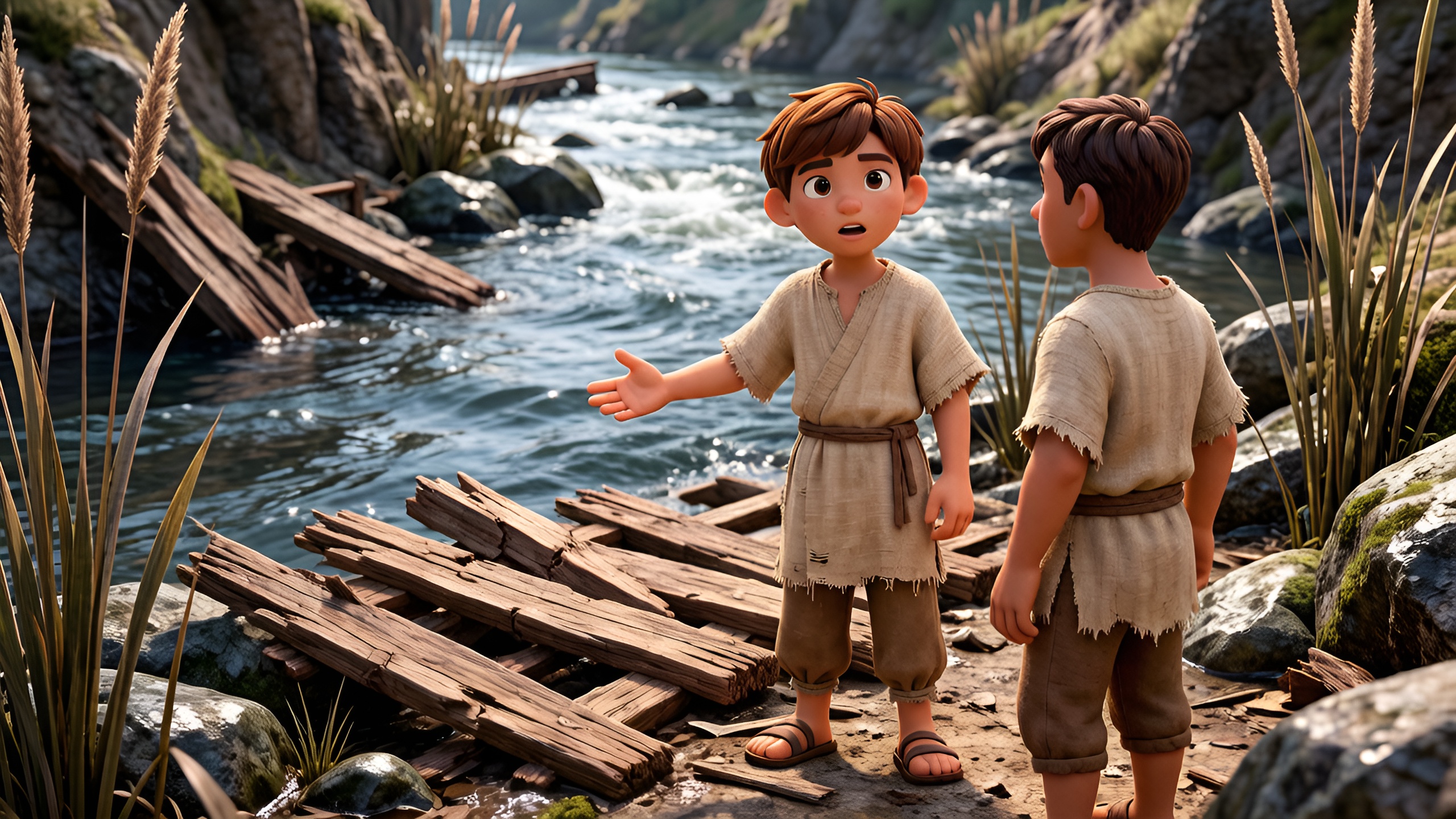
Two villagers reached a wide, flowing river. The water was deep and fast. One said, "We must cross, but the bridge is broken." The other nodded, looking for a safe path. They explored the riverbank and noticed slippery rocks and sharp reeds. They discussed carefully, planning their crossing. They found a fallen tree trunk and tested it, checking its stability. Step by step, they balanced and walked across. Halfway, the trunk wobbled and a loose branch cracked. They held hands tightly and breathed slowly to stay steady. Suddenly, a strong gust of wind nearly threw them off. The villagers crouched low and leaned into each other, slowly regaining balance. They reached the other side safely and helped each other down the steep bank. They laughed in relief and continued their journey. The river had taught them courage, teamwork, careful planning, and how to stay calm under pressure.
How to use this Cartoon video template
Template Name: Draft project
Step 1
Click the "Use Template" button to load the "Draft project" preset.
Step 2
Review the default settings. This template is pre-configured with the Seedance lite model and 3D Cartoon 3.0 style. Click "Run Script" to generate your initial draft.
Step 3
Enter your scene description in the text box. The One-Click engine is powered by Seedance lite to interpret complex prompts instantly. Toggle the Directing Modes if you need specific camera movements.
Step 4
Browse the Video Style carousel to pick a look. Ensure your Aspect Ratio is set correctly (16:9) for your target platform.
Step 5
Hit the "Create Video" button. The AI will process your script and style simultaneously to deliver a finished video.
Draft project Video Template
Start to use this template
Template Specifications
Frequently Asked Questions
What kind of cartoons can I create with Magiclight?
You can create short animated stories, funny clips, and character-driven scenes using Magiclight's cartoon templates. Styles range from classic 2D animation to stylized digital cartoons.
Do I need animation experience to use these templates?
No experience is needed. Magiclight's cartoon templates are pre-built with animations, characters, and backgrounds, so you can create videos in minutes.
Can I customize characters and scenes in cartoon templates?
Yes! You can edit characters, change colors, add props, and adjust backgrounds to fit your story.
Are cartoon templates suitable for social media posts?
Absolutely. They are optimized for TikTok, Instagram Reels, YouTube Shorts, and more.
Can I add my own voiceovers to cartoon videos?
Yes. Magiclight allows you to add voiceovers, music, or sound effects to bring your cartoon to life.
You might also like
these trending designs