About the -
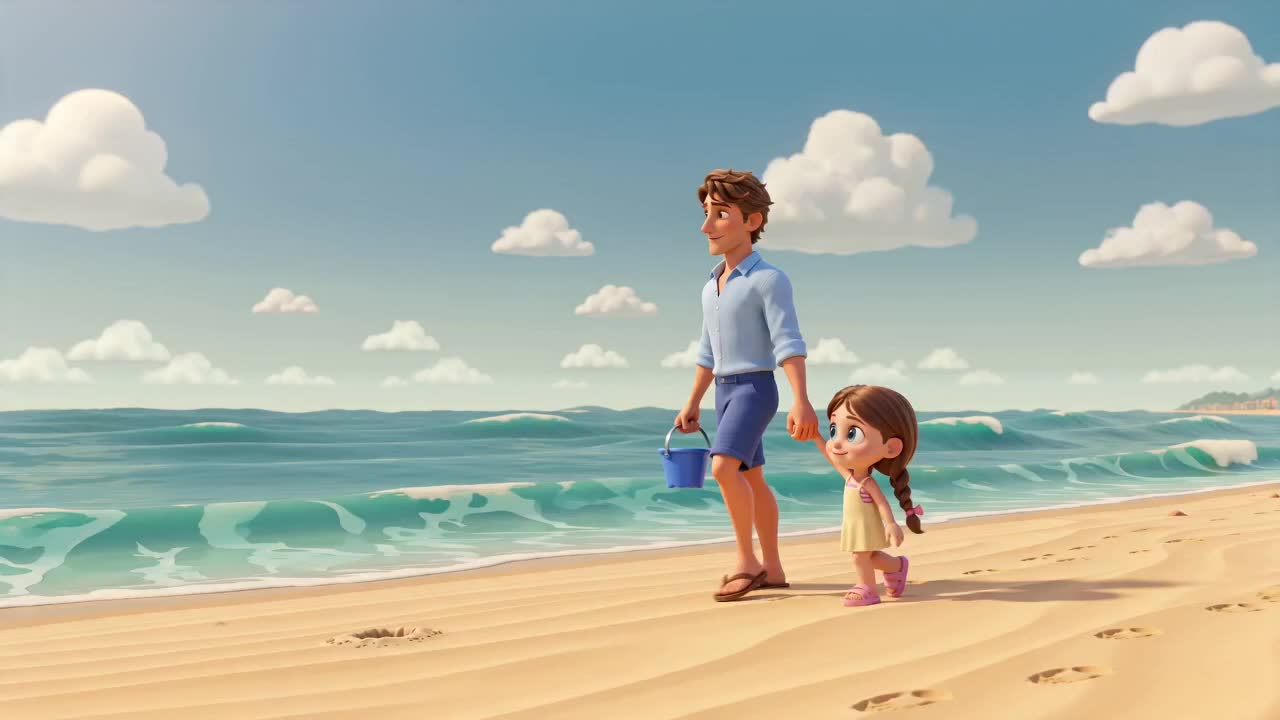
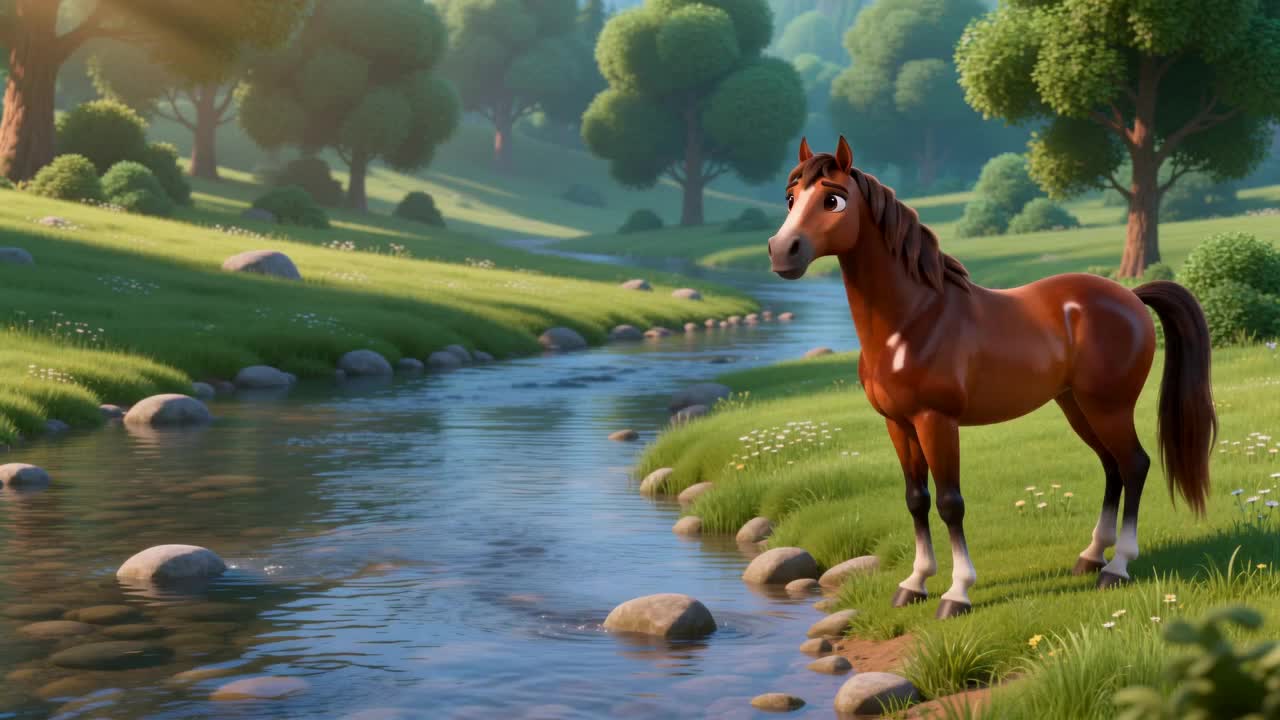
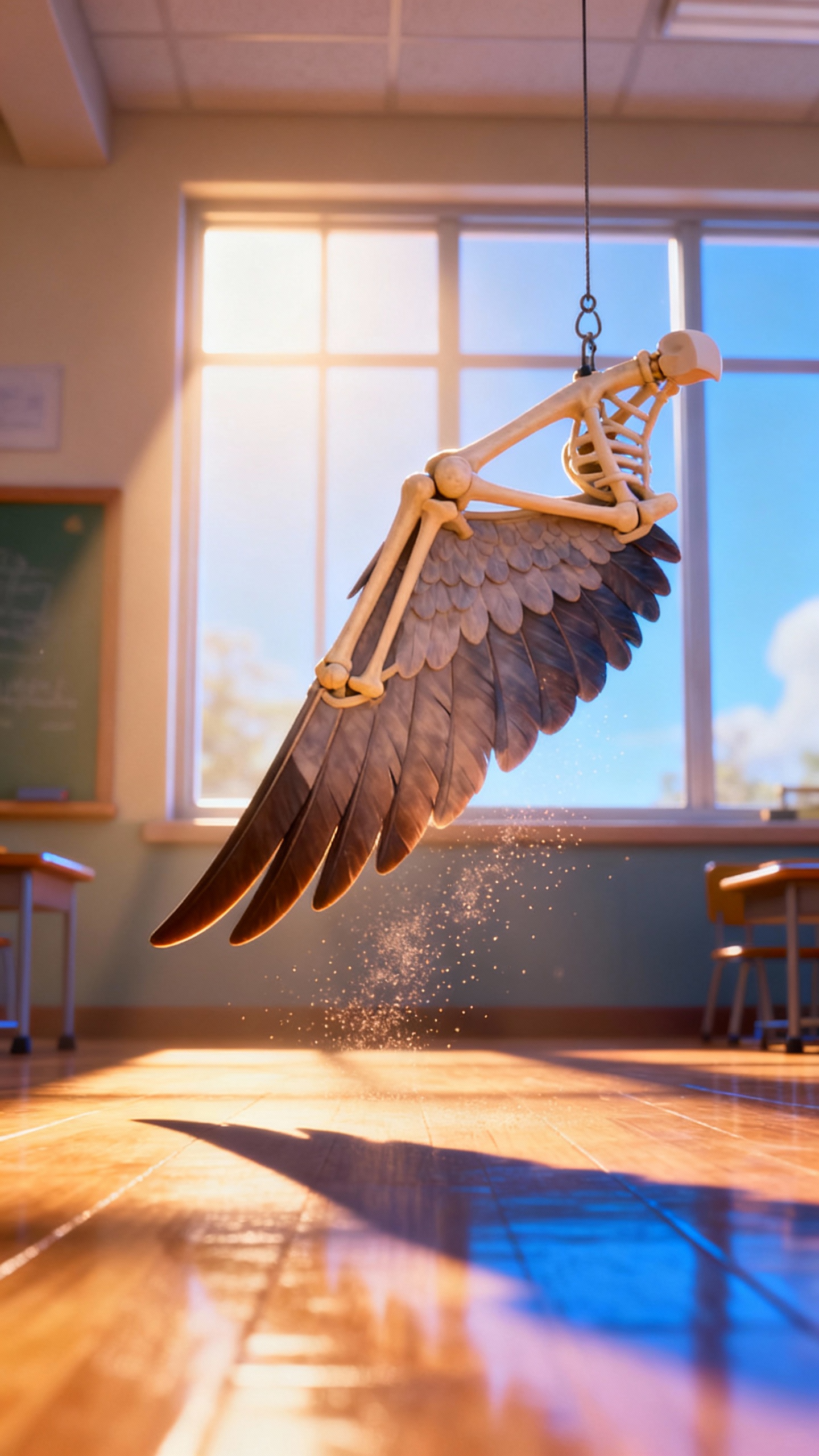
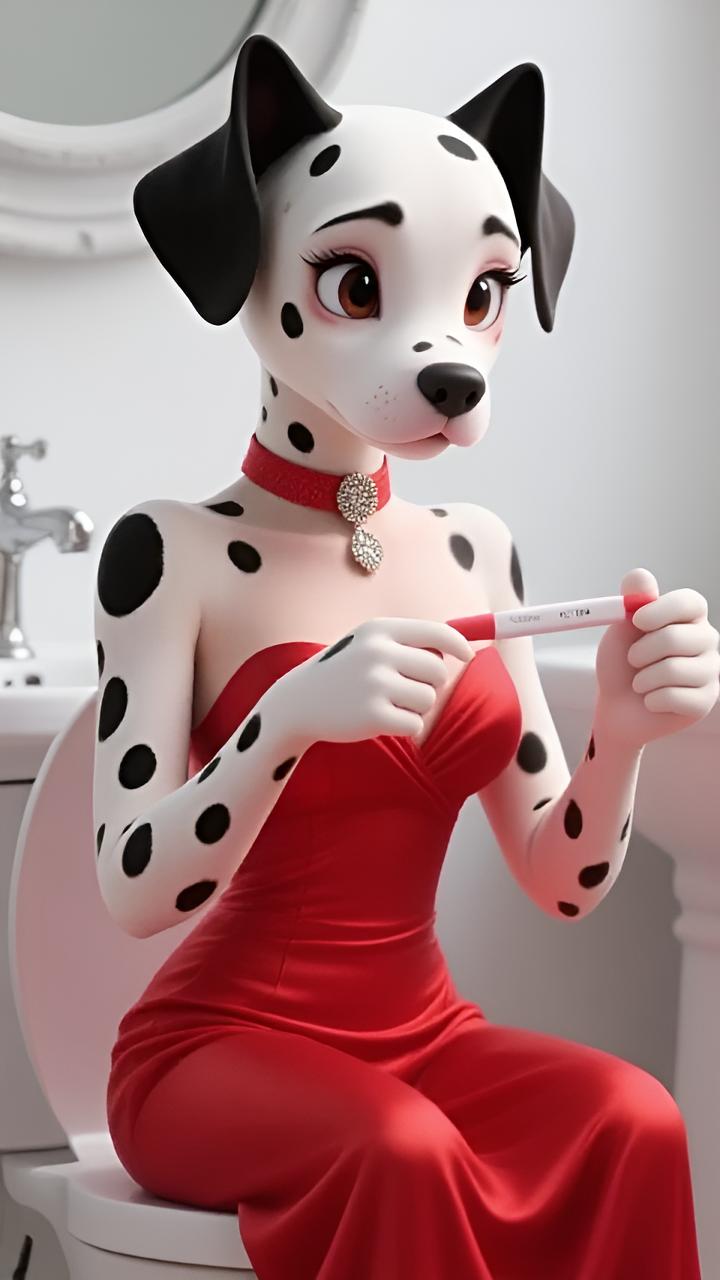
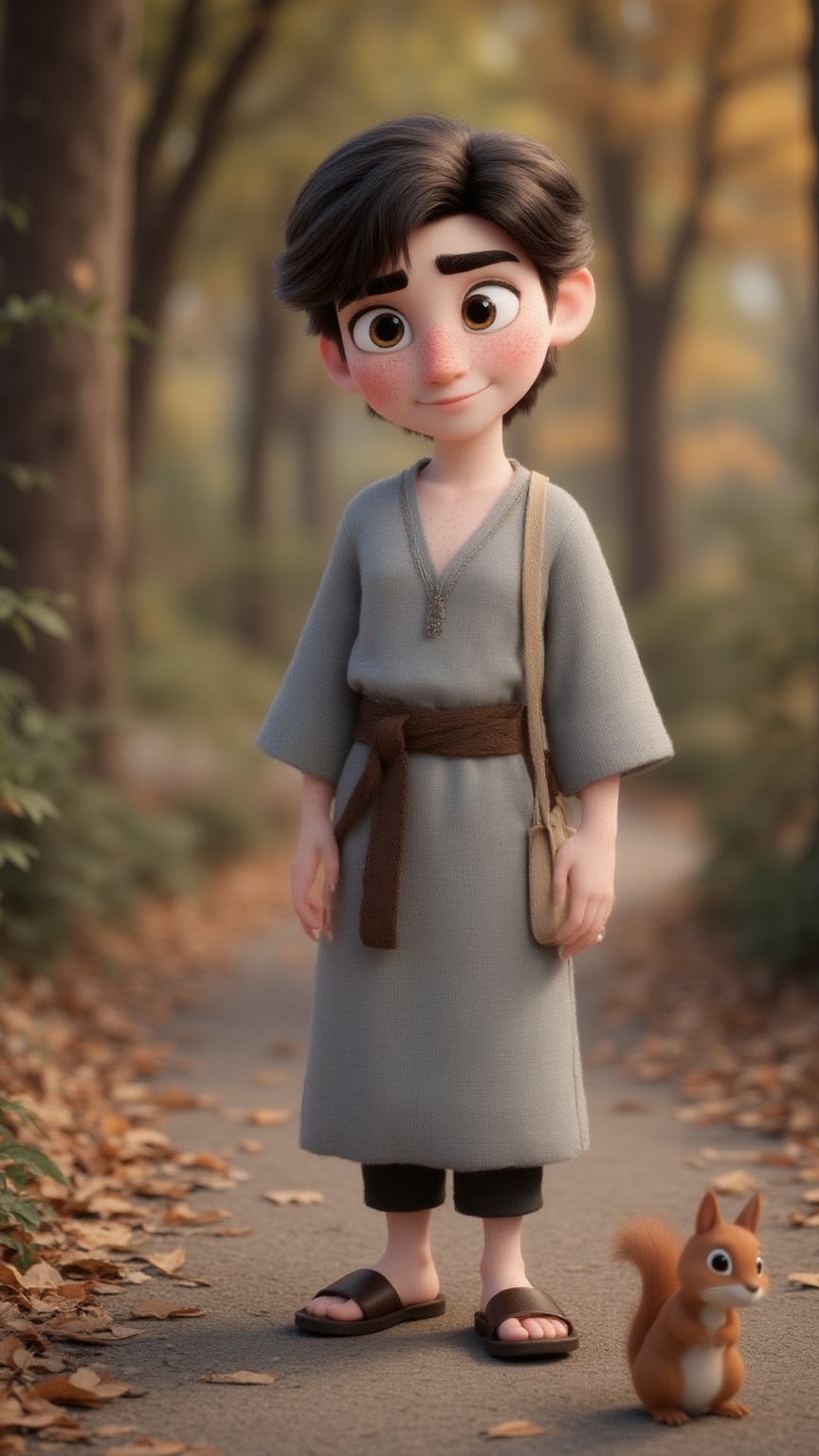
Generate a professional video instantly with the - template. This Cartoon design utilizes default to render high-quality custom animations. It is fully customizable in our One-Click Video editor, allowing you to adjust the duration and aspect ratio to fit your platform.
Video script prompt
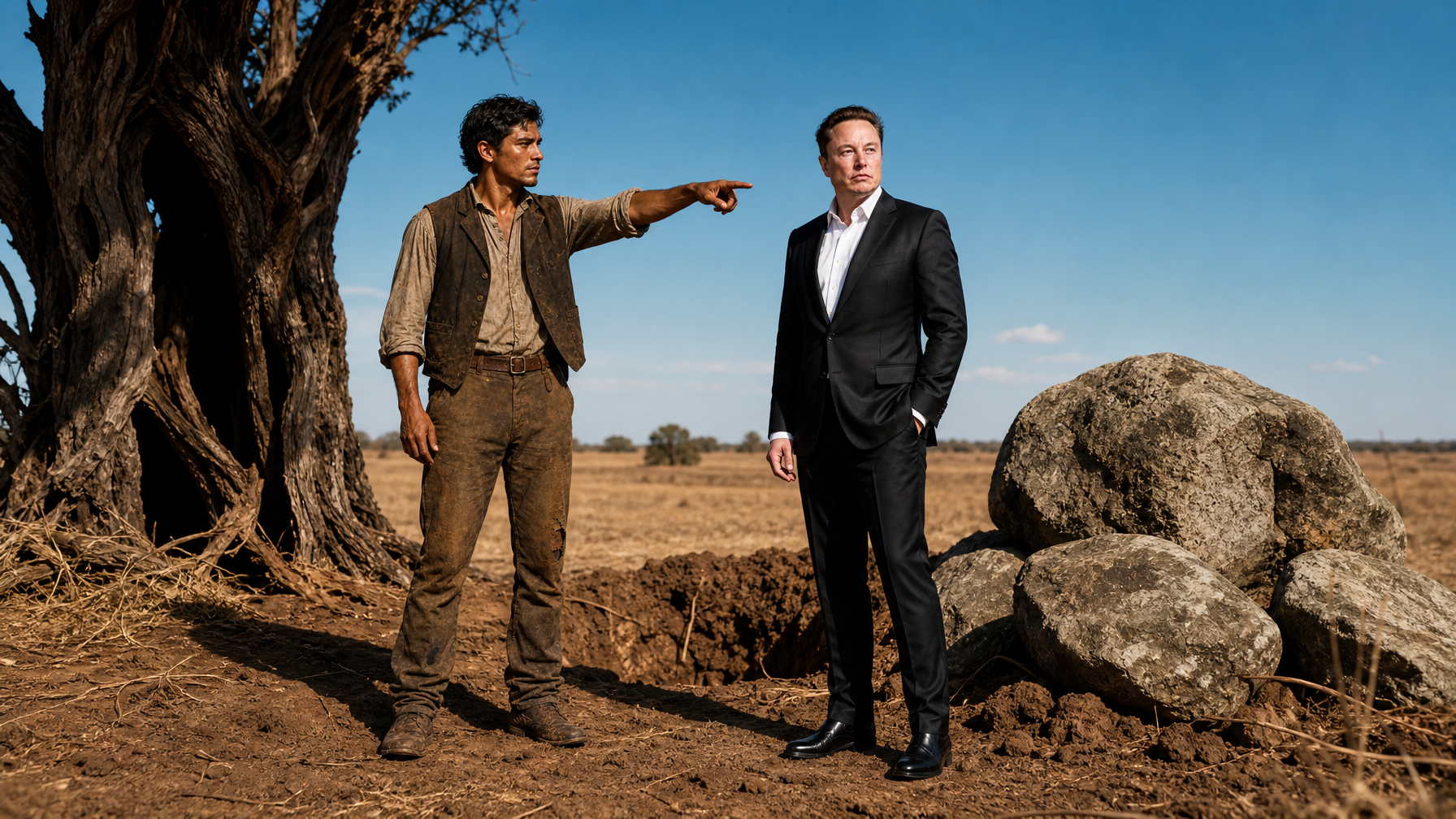
暴雨砸在学校门口的铁栏杆上,林玄浑身湿透地冲进人群,一眼就看见女儿缩在墙角,校服上全是泥水。 一个穿着名牌外套的女人正冷笑着训斥:“小小年纪就学会撒谎?你爸一个送外卖的,赔得起我儿子的鞋吗?” 女儿红着眼低声抽泣:“我不是故意的……” 林玄缓缓蹲下,替女儿擦掉脸上的雨水:“谁打你了?” 小女孩咬着嘴唇,不敢说话。 旁边几个富家孩子却嬉笑起来:“她爸就是个废物,天天送外卖,还敢来学校?” 空气忽然安静下来。 林玄慢慢站起身,湿透的外卖服紧贴在身上,那双原本疲惫的眼睛,此刻却冷得吓人。 女人皱眉:“你那是什么眼神?” 林玄没有回答,只是一步步朝那个男孩父亲走去。 男人不屑冷笑:“怎么?你还想动手?” 下一秒。 砰! 男人整个人被一脚踹进积水里,惨叫声瞬间撕裂雨夜。 周围家长全都吓傻了。 林玄低头整理了一下袖口,声音平静得可怕: “我女儿,你们也配碰?”
How to use this Cartoon video template
Template Name: -
Step 1
Click the "Use Template" button to load the "-" preset.
Step 2
Review the default settings. This template is pre-configured with the default model and default style. Click "Run Script" to generate your initial draft.
Step 3
Enter your scene description in the text box. The One-Click engine is powered by default to interpret complex prompts instantly. Toggle the Directing Modes if you need specific camera movements.
Step 4
Browse the Video Style carousel to pick a look. Ensure your Aspect Ratio is set correctly (9:16) for your target platform.
Step 5
Hit the "Create Video" button. The AI will process your script and style simultaneously to deliver a finished video.
- Video Template
Start to use this template
Template Specifications
Frequently Asked Questions
What kind of cartoons can I create with Magiclight?
You can create short animated stories, funny clips, and character-driven scenes using Magiclight's cartoon templates. Styles range from classic 2D animation to stylized digital cartoons.
Do I need animation experience to use these templates?
No experience is needed. Magiclight's cartoon templates are pre-built with animations, characters, and backgrounds, so you can create videos in minutes.
Can I customize characters and scenes in cartoon templates?
Yes! You can edit characters, change colors, add props, and adjust backgrounds to fit your story.
Are cartoon templates suitable for social media posts?
Absolutely. They are optimized for TikTok, Instagram Reels, YouTube Shorts, and more.
Can I add my own voiceovers to cartoon videos?
Yes. Magiclight allows you to add voiceovers, music, or sound effects to bring your cartoon to life.
You might also like
these trending designs