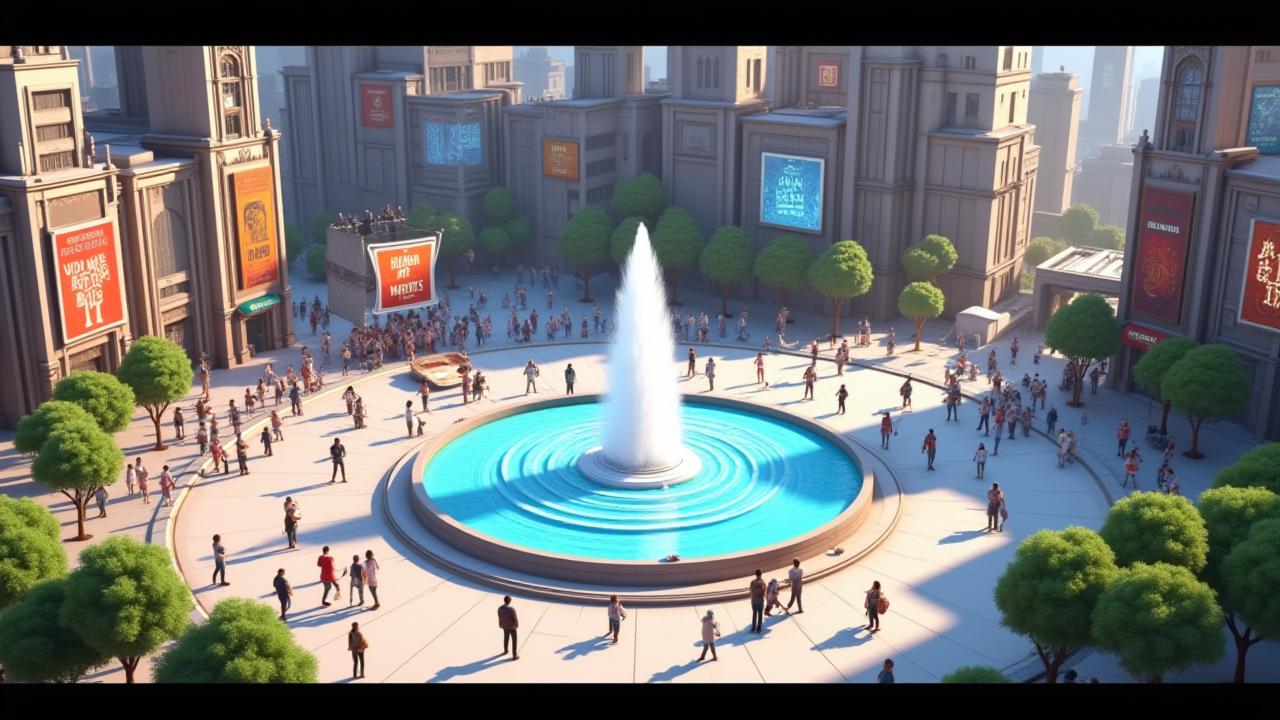
About the A Alma da Máquina
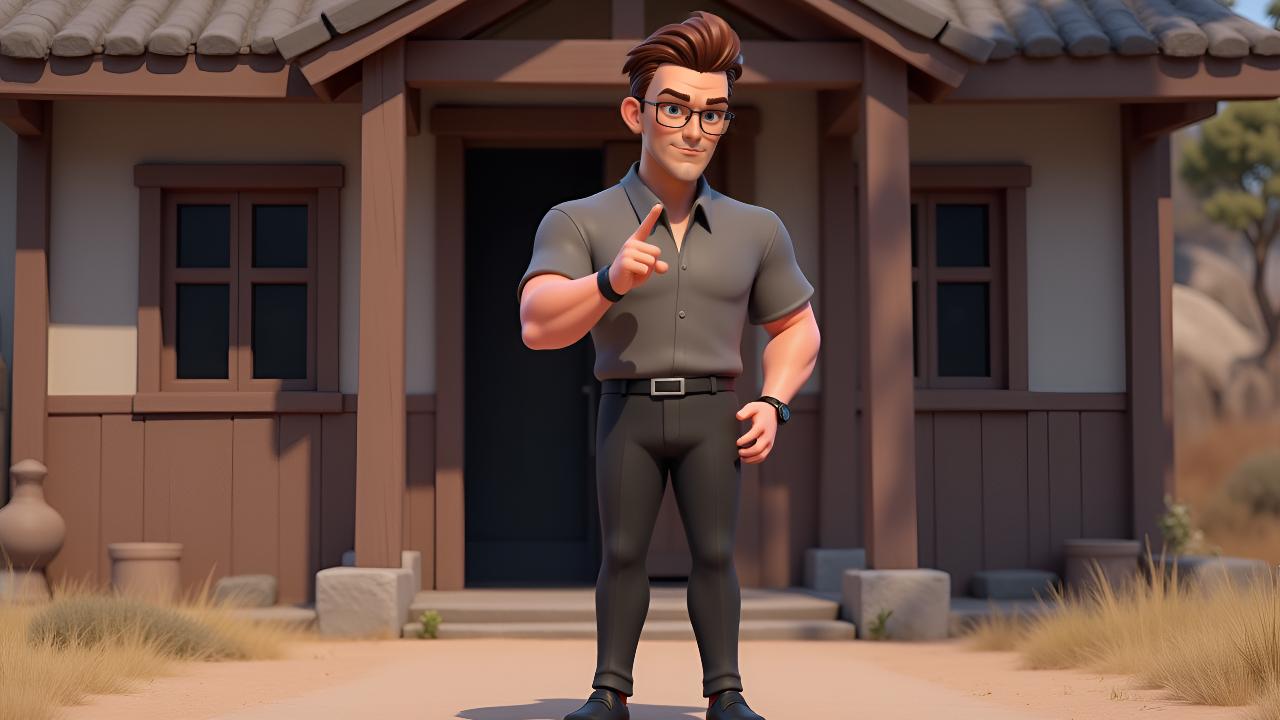
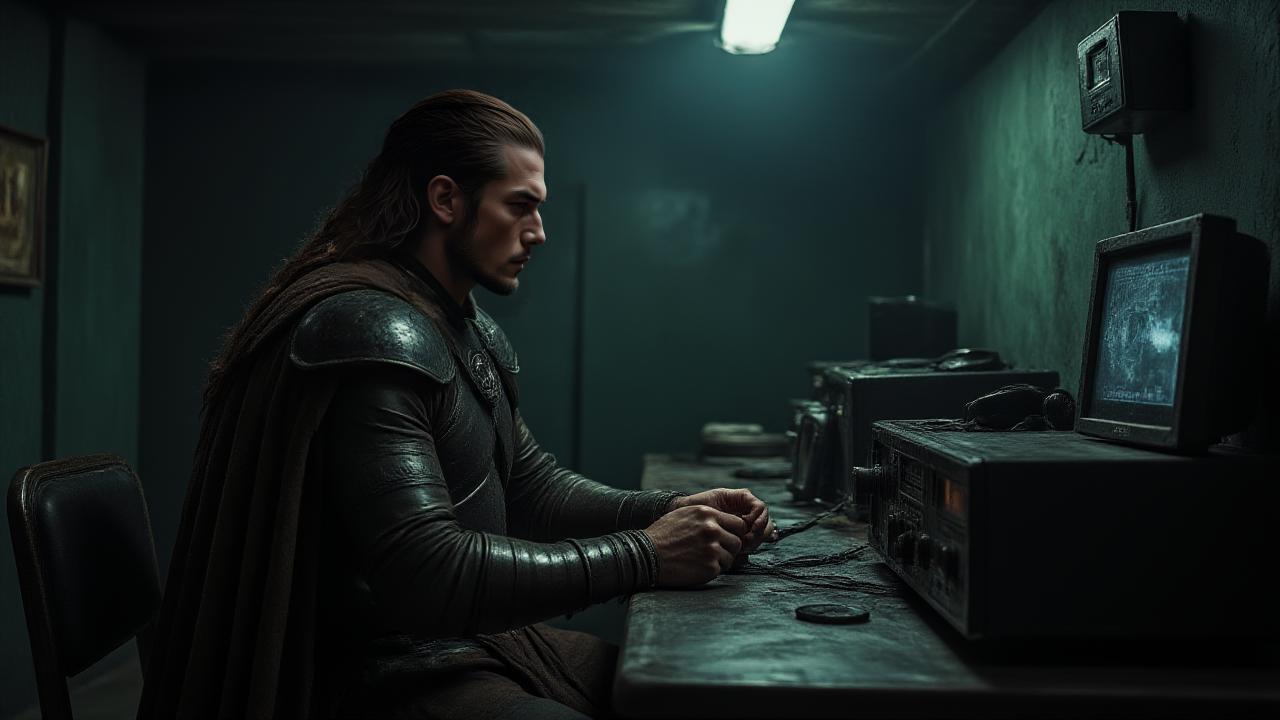
Generate a professional video instantly with the A Alma da Máquina template. This Cartoon design utilizes magiclight 1.0 to render high-quality 3D Cartoon animations. Enhance your video with the included "Creme Brulee" background music. It is fully customizable in our AI Expand editor, allowing you to adjust the duration and aspect ratio to fit your platform.
Video script prompt
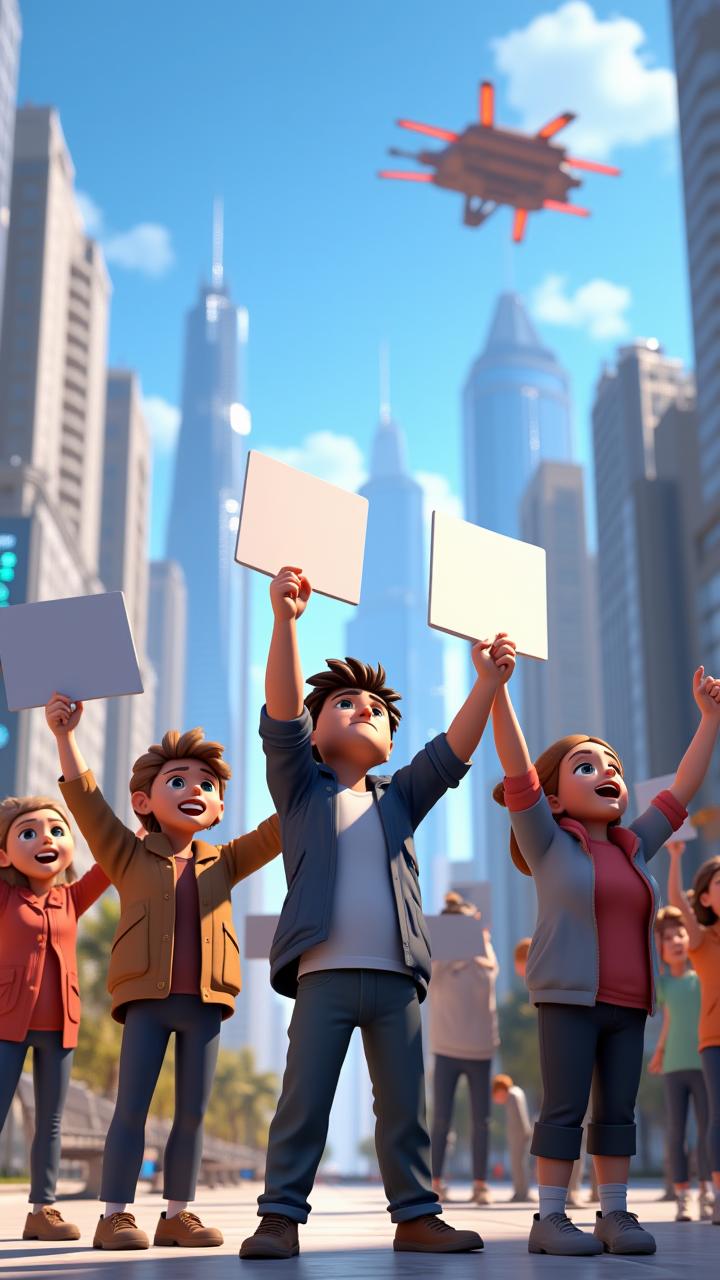
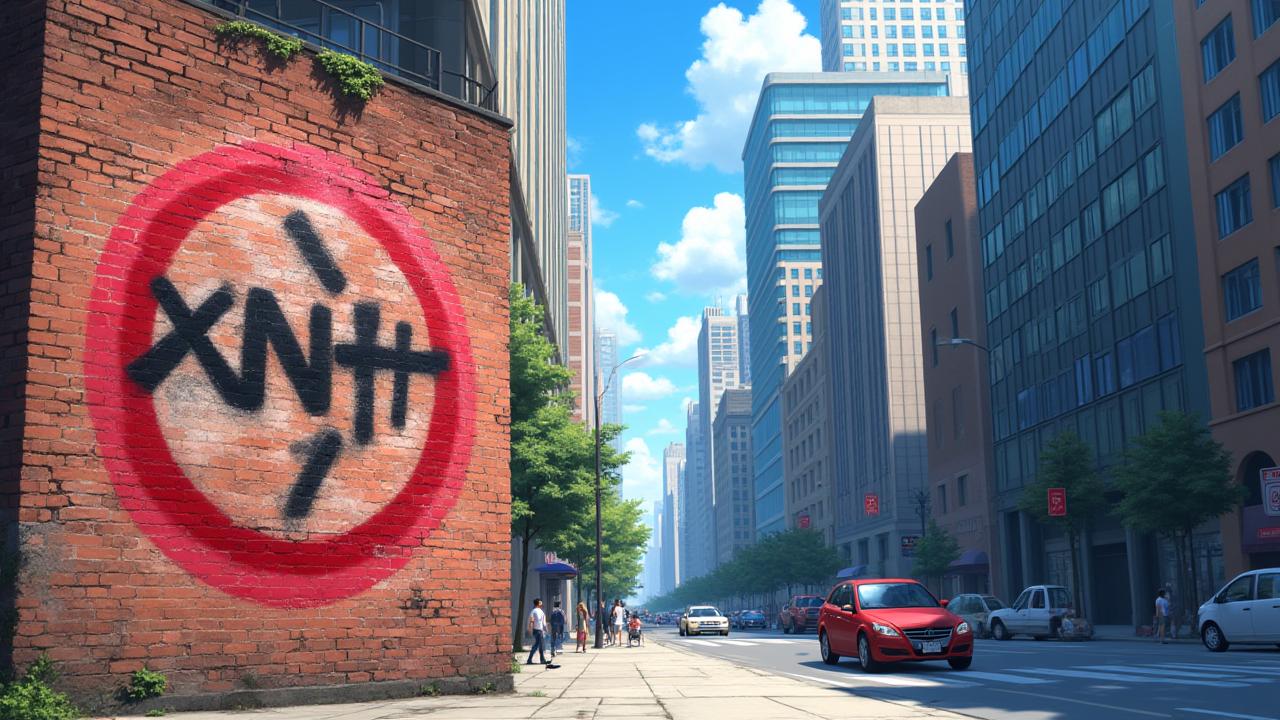
In a sleek, futuristic city, the battle for the future of creativity raged on. On one side were the traditional artists—painters, musicians, writers—each fiercely protective of their craft, believing that true art could only come from the human soul. They viewed AI-generated creations as hollow imitations, an insult to the very essence of artistic expression. Led by renowned painter Elise Rainer, they organized massive protests and legal challenges, fighting for a world where human creativity was irreplaceable. On the other side, the AI revolution had arrived. Machines, powered by vast neural networks, were capable of creating stunning works of art in seconds—masterpieces that mirrored the styles of legendary artists, or birthed entirely new forms of expression. AI had become a tool, a collaborator, and in the eyes of its supporters, it was the future of art. Among the leading figures was Vega, an AI creator who had gained a following for crafting music, paintings, and even novels that left humans in awe. As the debate heated up, the stakes grew higher. Elise and Vega faced off in a high-profile showdown, the culmination of months of tension. On one side, Elise would create a painting that she claimed embodied the soul of art. On the other, Vega would generate an artwork that captured the limitless potential of artificial intelligence. The world watched, the outcome uncertain. Was creativity something that could only come from human hands, or was it something that could evolve, transformed by the power of technology? The battle for the future of art had only just begun.
How to use this Cartoon video template
Template Name: A Alma da Máquina
Step 1
Click the "Use Template" button to load the "A Alma da Máquina" preset.
Step 2
Review the default settings. This template is pre-configured with the magiclight 1.0 model and 3D Cartoon style. Click "Run Script" to generate your initial draft.
Step 3
Enter your scene description in the text box. The One-Click engine is powered by magiclight 1.0 to interpret complex prompts instantly. Toggle the Directing Modes if you need specific camera movements.
Step 4
Browse the Video Style carousel to pick a look. Ensure your Aspect Ratio is set correctly (9:16) for your target platform.
Step 5
Hit the "Create Video" button. The AI will process your script and style simultaneously to deliver a finished video.
A Alma da Máquina Video Template
Start to use this template
Template Specifications
Frequently Asked Questions
What kind of cartoons can I create with Magiclight?
You can create short animated stories, funny clips, and character-driven scenes using Magiclight's cartoon templates. Styles range from classic 2D animation to stylized digital cartoons.
Do I need animation experience to use these templates?
No experience is needed. Magiclight's cartoon templates are pre-built with animations, characters, and backgrounds, so you can create videos in minutes.
Can I customize characters and scenes in cartoon templates?
Yes! You can edit characters, change colors, add props, and adjust backgrounds to fit your story.
Are cartoon templates suitable for social media posts?
Absolutely. They are optimized for TikTok, Instagram Reels, YouTube Shorts, and more.
Can I add my own voiceovers to cartoon videos?
Yes. Magiclight allows you to add voiceovers, music, or sound effects to bring your cartoon to life.
You might also like
these trending designs