About the 川を渡るということ
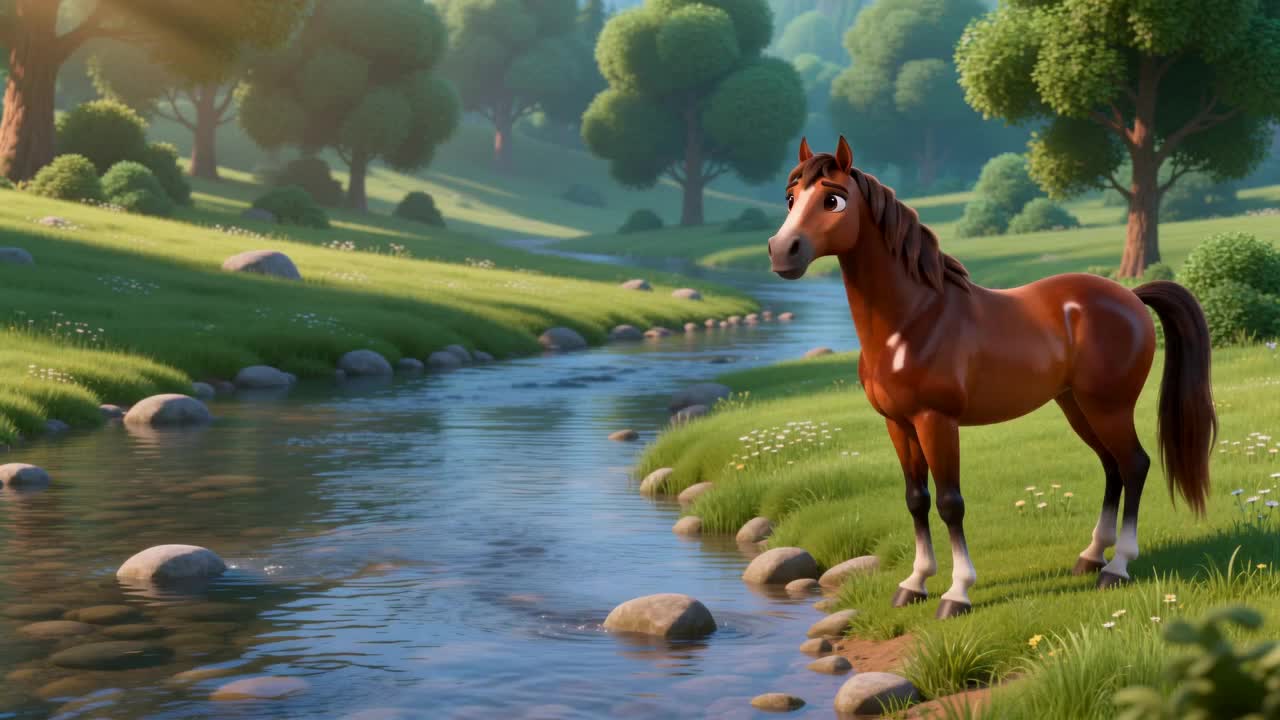
小さな馬が川を渡って新鮮な草を食べに行きたいと思っています。穏やかな水面と輝く石に誘われ、一歩踏み出しますが、水がひづめに達します。岸で軽やかに跳ねる鹿を見て、馬はためらいます。「安全に渡れるかな?」鹿の言葉に勇気づけられ、馬はゆっくりと石の上を進みます。果たして、馬は無事に川を渡り切れるのでしょうか?
Video script prompt
The little horse wanted to reach the other side of the river to find fresh grass. The water looked calm, and the stones shone under the sunlight. It stepped carefully into the river, but the water reached its hooves. It stopped and watched the deer hopping lightly on the shore. The horse hesitated and asked, "Can I cross safely?" The deer nodded and said, "Take it slow and steady." The horse took a deep breath and stepped onto the stones. It moved carefully, water splashing around, sunlight sparkling on the surface. Finally, the horse reached the other side. The deer followed, and they grazed together happily. The river glimmered in the sun, and the forest felt warm and bright.
How to use this Cartoon video template
Template Name: 川を渡るということ
Step 1
Click the "Use Template" button to load the "川を渡るということ" preset.
Step 2
Review the default settings. This template is pre-configured with the seedance2_0fast model and 3D Cartoon 3.0 style. Click "Run Script" to generate your initial draft.
Step 3
Enter your scene description in the text box. The One-Click engine is powered by seedance2_0fast to interpret complex prompts instantly. Toggle the Directing Modes if you need specific camera movements.
Step 4
Browse the Video Style carousel to pick a look. Ensure your Aspect Ratio is set correctly (16:9) for your target platform.
Step 5
Hit the "Create Video" button. The AI will process your script and style simultaneously to deliver a finished video.
川を渡るということ Video Template
Start to use this template
Template Specifications
Frequently Asked Questions
What kind of cartoons can I create with Magiclight?
You can create short animated stories, funny clips, and character-driven scenes using Magiclight's cartoon templates. Styles range from classic 2D animation to stylized digital cartoons.
Do I need animation experience to use these templates?
No experience is needed. Magiclight's cartoon templates are pre-built with animations, characters, and backgrounds, so you can create videos in minutes.
Can I customize characters and scenes in cartoon templates?
Yes! You can edit characters, change colors, add props, and adjust backgrounds to fit your story.
Are cartoon templates suitable for social media posts?
Absolutely. They are optimized for TikTok, Instagram Reels, YouTube Shorts, and more.
Can I add my own voiceovers to cartoon videos?
Yes. Magiclight allows you to add voiceovers, music, or sound effects to bring your cartoon to life.
You might also like
these trending designs