About the 森の影
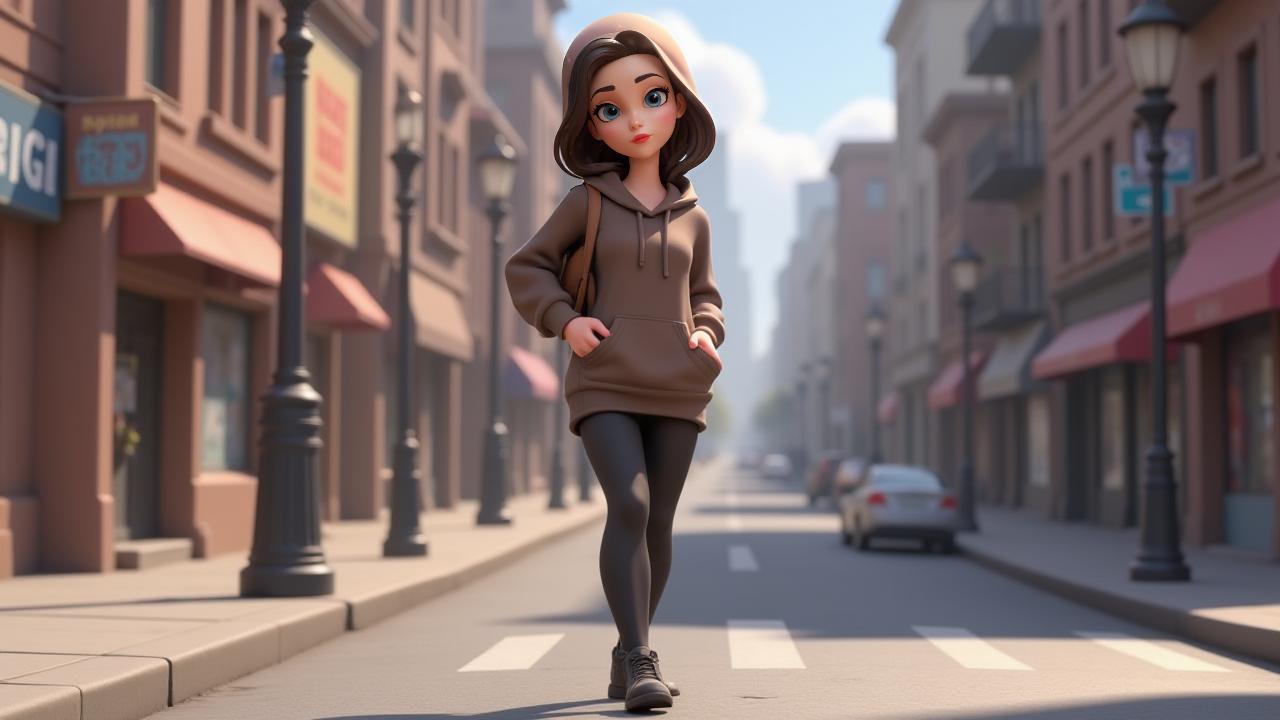
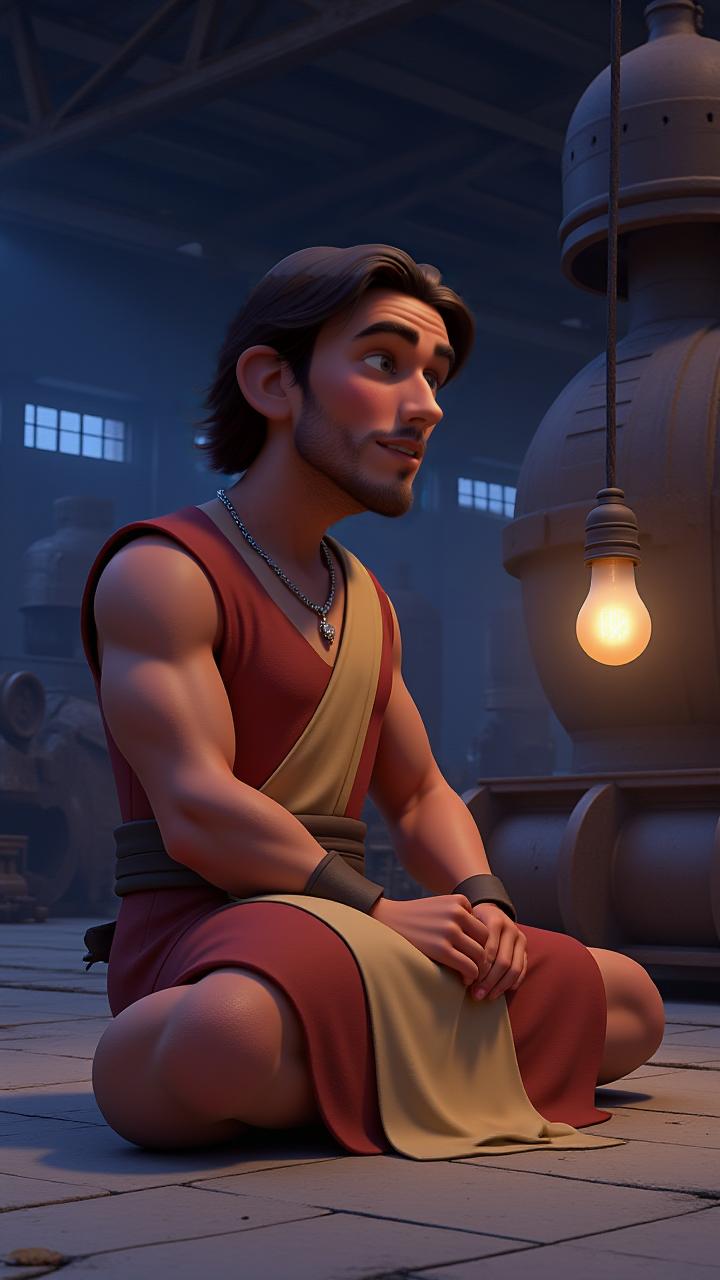
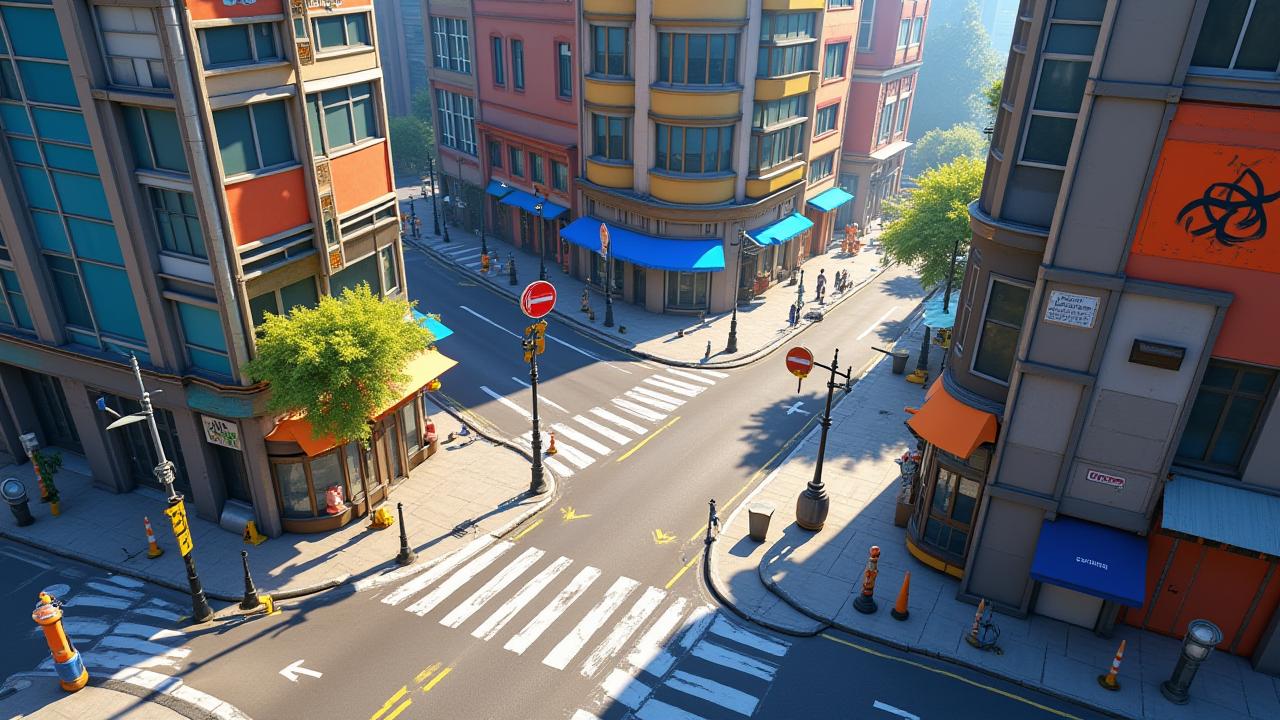
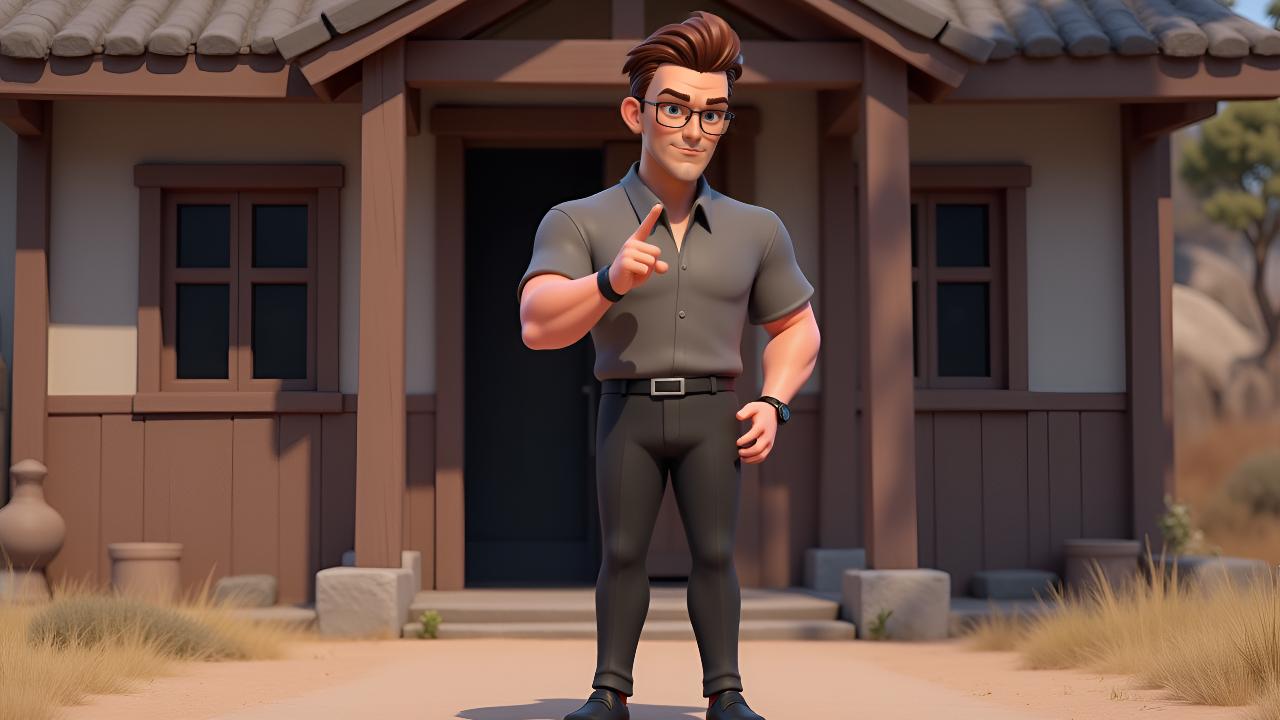
Generate a professional video instantly with the 森の影 template. This Cartoon design utilizes magiclight 1.0 to render high-quality 3D Cartoon animations. Enhance your video with the included "None" background music. It is fully customizable in our AI Expand editor, allowing you to adjust the duration and aspect ratio to fit your platform.
Video script prompt
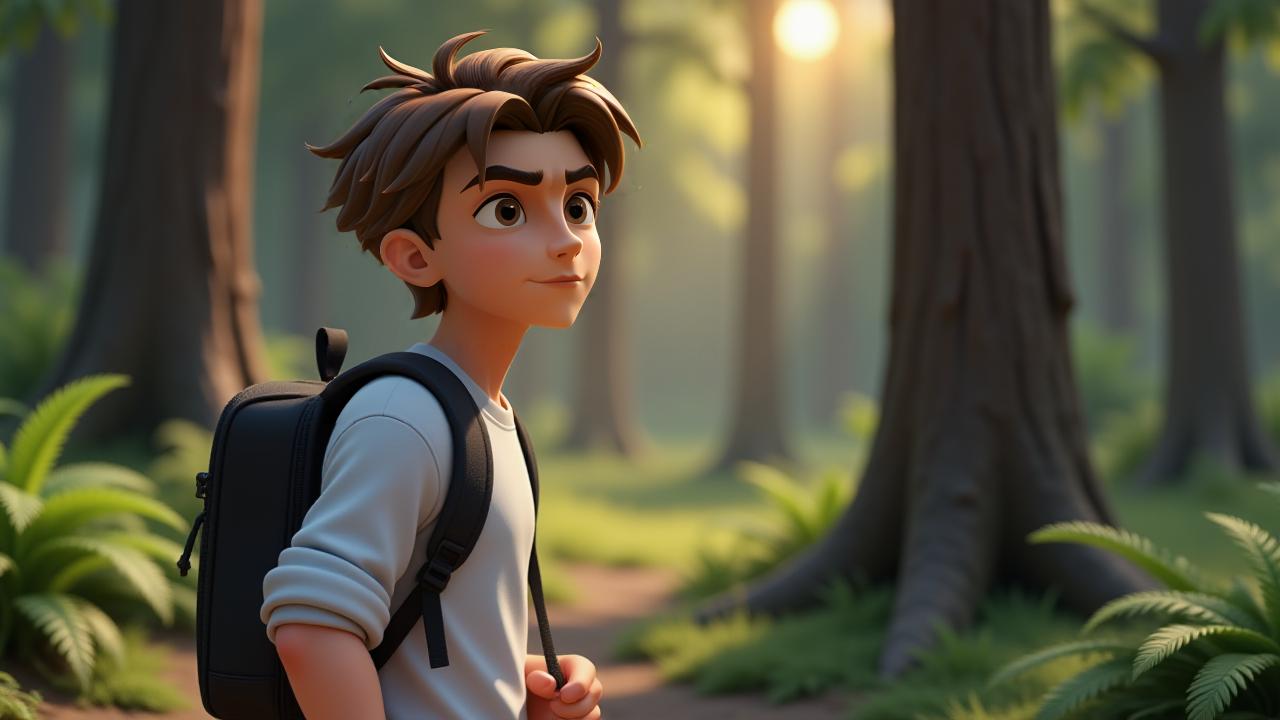
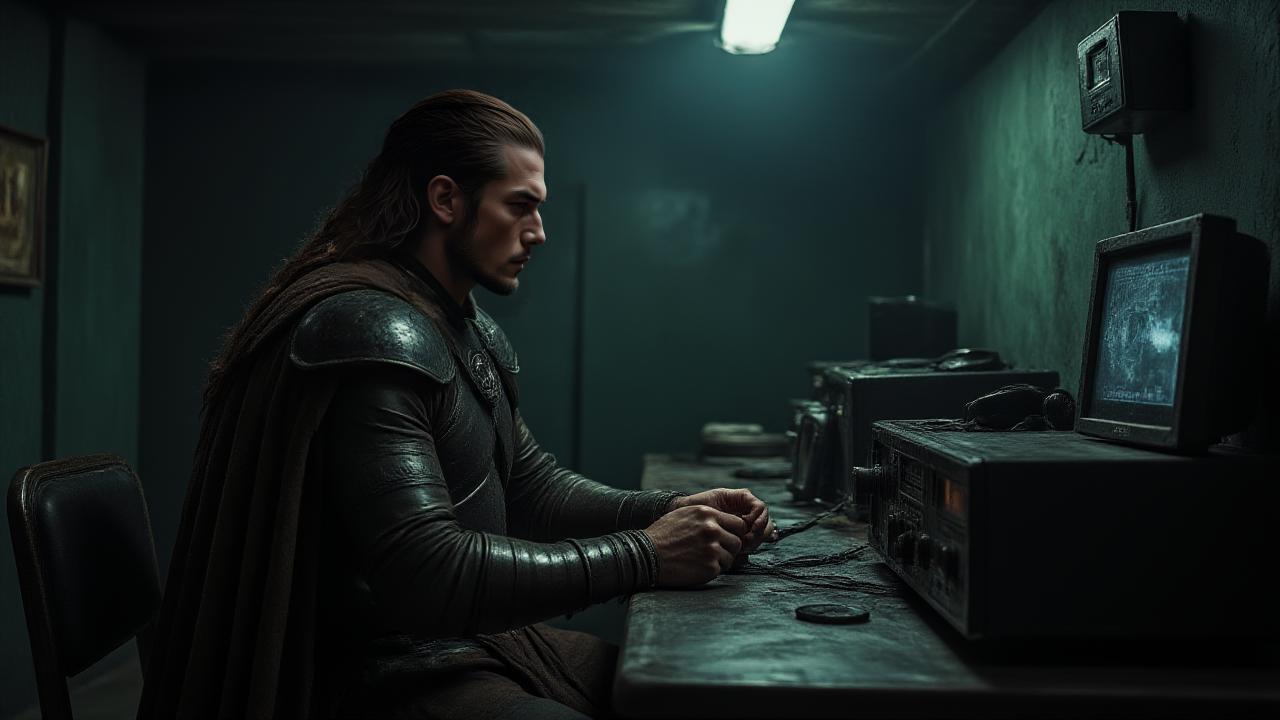
As the hours ticked by, Marcus could feel the weight of the evening creeping in. The sun had long since set, and he was still miles away from the trailhead, his phone dead, and his gear scattered after an unexpected fall. The dense forest around him seemed to close in, the shadows lengthening as the air grew colder. He had been hiking for days, but now, trapped under a canopy of trees with no way to signal for help, panic started to take root. He tried to retrace his steps, but the woods seemed unfamiliar, as though they were shifting around him. The rustling of leaves behind him caught his attention, making his heart race. At first, he thought it was the wind, but then it came again—a deliberate step, followed by another. His breath hitched as he spun around, only to see nothing but darkness. The distant howl of an animal sent a shiver down his spine, but it wasn’t the animal that made his skin crawl—it was the feeling that someone was watching him. Each time he turned, the sense of being followed grew stronger, until he could no longer ignore it. He stumbled upon an old campsite, the fire pit still warm. Someone had been there recently. Panic surged through him, and his mind raced through every possibility—was it a hunter? A fellow lost traveler? Or something far worse? As the night deepened, a figure finally emerged from the trees, its presence both familiar and unsettling. The hiker wasn’t alone after all. And whatever—or whoever—was out there knew far more than Marcus could ever imagine.
How to use this Cartoon video template
Template Name: 森の影
Step 1
Click the "Use Template" button to load the "森の影" preset.
Step 2
Review the default settings. This template is pre-configured with the magiclight 1.0 model and 3D Cartoon style. Click "Run Script" to generate your initial draft.
Step 3
Enter your scene description in the text box. The One-Click engine is powered by magiclight 1.0 to interpret complex prompts instantly. Toggle the Directing Modes if you need specific camera movements.
Step 4
Browse the Video Style carousel to pick a look. Ensure your Aspect Ratio is set correctly (16:9) for your target platform.
Step 5
Hit the "Create Video" button. The AI will process your script and style simultaneously to deliver a finished video.
森の影 Video Template
Start to use this template
Template Specifications
Frequently Asked Questions
What kind of cartoons can I create with Magiclight?
You can create short animated stories, funny clips, and character-driven scenes using Magiclight's cartoon templates. Styles range from classic 2D animation to stylized digital cartoons.
Do I need animation experience to use these templates?
No experience is needed. Magiclight's cartoon templates are pre-built with animations, characters, and backgrounds, so you can create videos in minutes.
Can I customize characters and scenes in cartoon templates?
Yes! You can edit characters, change colors, add props, and adjust backgrounds to fit your story.
Are cartoon templates suitable for social media posts?
Absolutely. They are optimized for TikTok, Instagram Reels, YouTube Shorts, and more.
Can I add my own voiceovers to cartoon videos?
Yes. Magiclight allows you to add voiceovers, music, or sound effects to bring your cartoon to life.
You might also like
these trending designs